


 Log In

Free gifts available with your purchase
Vivid Harmonic Saturator
Dist TUBE-CULTURE is an enhanced software version of a modern distortion classic, bringing authentic valve-powered warmth and harmonic character to your DAW production. Crank the heat in your mixes with studio-grade saturation and crunch in a few clicks.
Tube distortion mastered
Saturate your mix bus with responsive analog heat; scorch your instruments and stems with destructive distortion; enjoy the unmistakable character of tube-driven studio hardware in your DAW like never before. This is Dist TUBE-CULTURE.
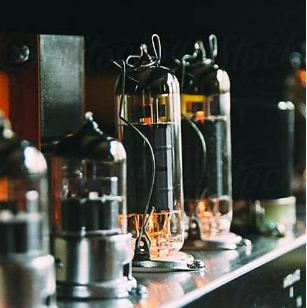
Channeling tube character
Nothing saturates, colors, distorts, or breathes harmonic life into a sound quite like heated vacuum valves. Dist TUBE-CULTURE meticulously emulates this behavior for the most authentic virtual valve sound you could wish for.
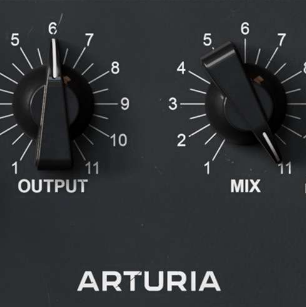
Choose your temperature
Enjoy warm mix-glueing saturation, white-hot fuzz, and everything in between. Dist TUBE-CULTURE will respond to your projects with whatever heat you need.
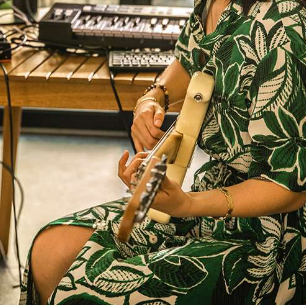
For any sound
Enrich your guitar tracks, fatten your topline vocals, crush your drum transients, or roast your mix bus to serving temperature. This faithful emulation might just be the finishing touch that your production is looking for.
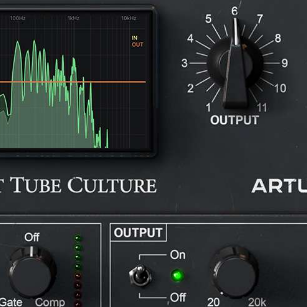
Tastefully enhanced
Overcome the limitations of studio hardware and go beyond analog circuitry with modernized features like gain compensation, post-drive EQ and expanded stereo processing. Old distortion, new tricks.
The sound of heat
Many of music’s most legendary guitar riffs, iconic vocal lines, and soul-stirring mixes simply wouldn’t have been possible without the humble vacuum tube.
These decades-old components are temperamental in their behavior, fragile in their operation, and limited in their lifespan. Yet their ability to produce a beautifully even harmonic response gives any valve-processed sound a rich, warm, smooth character that’s hard to match.
Couple this with their unique ability to dynamically distort incoming sounds with varying levels of grit and aggression, and you’ve got a formula that remains irresistible to musicians, producers, and audio trailblazers to this day.
Whether it's a vocal line in need of some extra color, a drum bus that needs some crunch, or your guitar & synth tracks begging for some edgy crunch, Dist TUBE-CULTURE puts this sought-after sonic attitude in your hands. Experience the stunning sound of a modern studio classic reimagined in virtual form.
Authentic studio immersion
Emulating the sound, circuitry behavior, and straightforward layout of its hardware predecessor, Dist TUBE-CULTURE makes you feel like you’re working with a genuine bit of studio hardware.
But Dist TUBE-CULTURE doesn’t stop at authenticity; Arturia has retrofitted this distortion workhorse with a selection of useful and creative features designed to work seamlessly with your workflow.
A modern crunch classic
In an age of digital precision and demanding hi-def audio, sometimes you just want good old fashioned analog fatness.
In the late '90s, as the music production world was becoming ever more focused on the flexibility of working with computers and the DAW was beginning to dominate, some manufacturers sought to buck the trend.
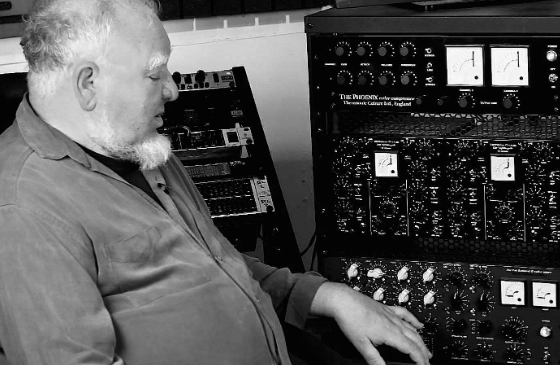
Enter UK-based Thermionic Culture, a small company committed to the belief that valve-driven gear couldn't be beaten on sound. In 1998, they released The Culture Vulture, an all-valve stereo distortion rack unit, designed to counter the increasingly sterile world of digital music production.
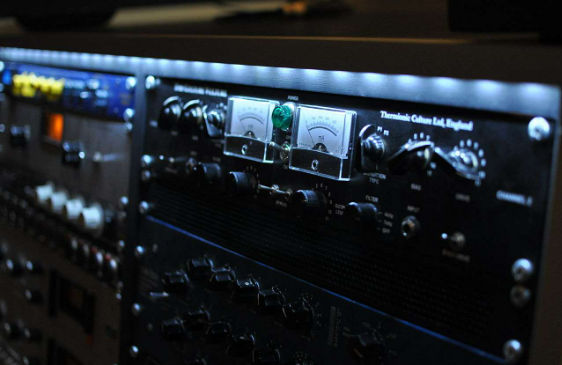
Offering up a proverbial rainbow of saturation, coloration, and distortion applications, this unassuming piece of handwired gear ultimately became one of the world’s most coveted bits of studio hardware, used by everyone from Deadmau5 to Queens of the Stone Age’s Josh Homme. Now you too can explore this modern classic, faithfully emulated and tastefully enhanced.
DAW ready
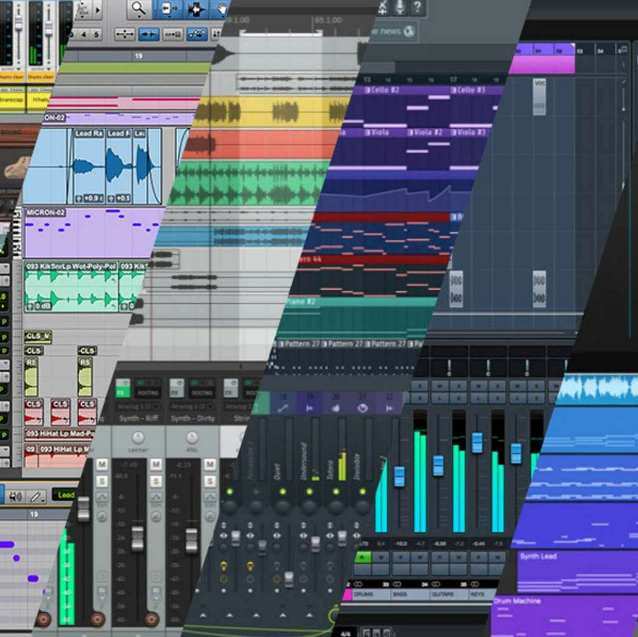
However you use these plugins; for the amazing tone of their reverb, for the gritty preamps, or for their incredible sound design abilities, you'll be safe in the knowledge that they are fully compatible with your setup. These plugins work with all major DAWs, and on both Windows and MacOS.

ASC
Arturia Software Center lets you download, organize, and update all of your Arturia software titles in one place, as well as manage all of your licenses across multiple devices. Keep it simple.
Resizable GUI
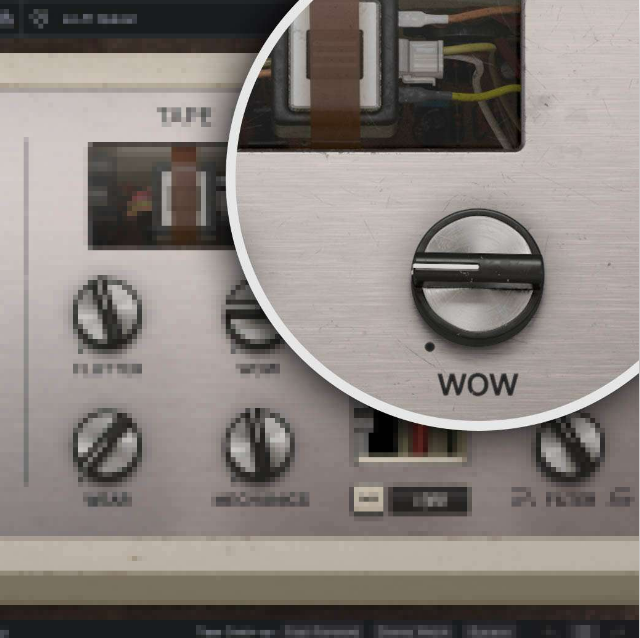
Whether you want the full visual immersion of Arturia's classic effects emulations, or to save precious screen real estate, the interfaces for all of your Arturia plugins can be resized to a scale that suits you.

Real-time control
Every parameter in every FX Collection plugin can be mapped to your favorite MIDI controller for instant, hands-on control of your mix. Sweep a filter, crank a preamp, or warp your modulation on the fly.

In-App Tutorials
Every plugin in FX Collection comes with built-in tutorials, guiding you step-by-step through the crucial parameters, adjustments, and mixing hacks to get the most out of your sound. The tutorial panel also explains the controls you’re using in real-time - so you’ll never miss a tweak.
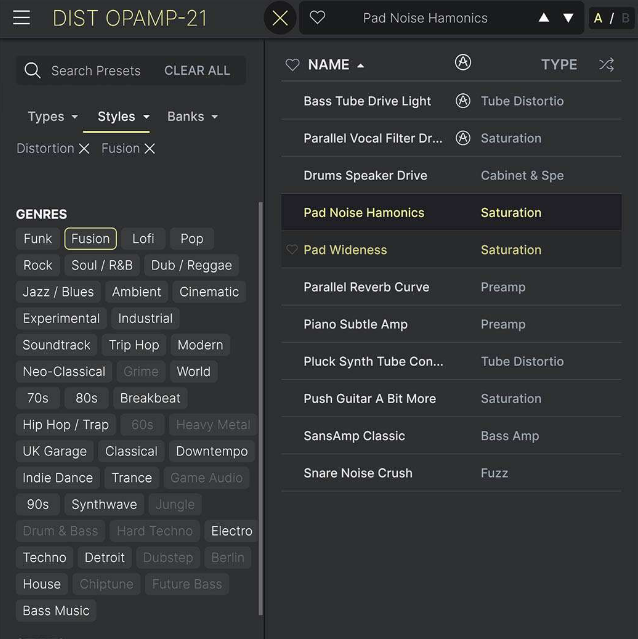
Preset browser
FX Collection’s streamlined preset browser lets you filter, organize, and save your favorite presets for instant recall. Search by instrument type, genre, production technique, and much more - so you can quickly find the tweak you need and save valuable creative time!

TAE® Powered
The exclusive analog modeling technology that makes Arturia's emulations indistinguishable from the originals.
By accurately mimicking the characteristics of analog oscillators, filters, and soft clipping, Arturia can provide astonishing component-accurate detail and authentic analog charm in equal measure.
Features
- Stereo distortion and saturation effect with emulated vacuum tube character
- 4 modes of tube configuration: Triode 1, Pentode 1, Pentode 2, Pentode 3
- Drive and Bias controls for customizing your distortion character
- 2-mode Presence switch
- Analog ammeter (switches to digital when Advanced controls are in use)
- Stereo mode selector: L-R, Mid, Side
- Added Dry/Wet control for parallel processing
- Dynamics control to add Gate/Compression to incoming signal
- Input & output filters module with Tilt EQ
- 2 Oversampling modes for supreme audio quality or lower CPU usage
- A/B comparison
- NKS-ready
System Requirements
- Works in Standalone, VST, AAX, Audio Unit, NKS (64-bit DAWs only).
Mac
- Mac OS 10.13+
- 4 GB RAM
- 4 cores CPU, 3.4 GHz (4.0 GHz Turbo-boost) or Apple Silicon CPU
- 1GB free hard disk space
- OpenGL 2.0 compatible GPU
Windows
- Win 10+ (64bit)
- 4 GB RAM
- 4 cores CPU, 3.4 GHz (4.0 GHz Turbo-boost)
- 1GB free hard disk space
- OpenGL 2.0 compatible GPU
- ARM processors not supported on Windows
Required configuration
- VST, AAX, Audio Unit, NKS (64-bit DAWs only)
Protection
All Arturia software is protected by the Arturia Software Center. An elegant and simple solution to help you install, activate, and update your Arturia software.


