Log In

Free gifts available with your purchase
Note: This product is the HD version for AAX DSP users. The Native version is also available.
The NR800 is a real-time noise reduction processor, useful for music production, post-production, and live sound.
The NR800 operates with no internal latency and does not contaminate the original source material with artefacts such as those found by noise reduction plug-ins that utilize transform-based processing.
The NR800 operates on mostly broadband frequencies, but can also be focused on a narrow portion of the frequency spectrum using noise reduction focus points. A set of input filters and be configured with slopes up to 36 dB/Oct, and can be set at frequencies independent of noise reduction focus points.
Several noise reduction modes (NR Mode) are available to provide a range of smooth to aggressive noise reduction amounts. A Range control can be used to scale the overall noise reduction from 100% to 0% (off). A ‘x2’ mode will also double the noise reduction amounts in all bands, when less finely tuned adjustment is needed, or when noise problems are severe. The Response time controls how fast the noise reduction recovers from a ‘noise event’. An NR Bias selector allows different noise reduction amounts to be activated when ‘snapping’ the noise reduction gain and thresholds to the input signal.
Each of the 8 bands in the NR800 has a noise reduction amount fader and noise detection threshold marker, and the usual McDSP linking control capabilities from a master (M) and linked (L) control button paradigm. Each band may also be individually bypassed or soloed to audition incoming noise amounts.
Features
- Optimization for Apple Silicon and Latest Intel Processors
- Two activations per license / subscription
- High definition updated user interfaces
- Zero Latency Algorithms
- Double Precision Processing
- HPF and LPF pre-filtering
- Eight bands of focusable noise reduction
- Noise reductions modes and noise reduction bias
- Snap Gain and Snap Threshold for fast setup
- Overall noise reduction range and response control
- McDSP Emmy Award-winning engineering
System Requirements
Mac
- macOS 10.13 or higher (64-bit only) (macOS 12 Monterey compatible)
- McDSP plugins run natively on Intel and M1 Apple Silicon processors
- McDSP HD plugins support AAX DSP plugin format, AAX Native, AU, and VST3 plugin formats
- McDSP plugins support Mac OS 10.13.x (High Sierra), 10.14.x (Mojave), 10.15.x (Catalina), 11.x (Big Sur), 12.x (Monterey), and Windows 10
- Mac OS version 10.12.x (Sierra) may work but is not officially supported. Earlier Mac OS versions are not officially supported
Windows
- Windows 7, 8 & 10 (64-bit only)
HD v7 Software Support
- AAX DSP
- AAX Native
- Audio Units (AU)
- VST3
Compatible DAW's
- McDSP HD and Native plugins are compatible with Pro Tools, Logic Pro, Cubase, Nuendo, Ableton Live, LUNA, Reaper, Sonar, Studio One, and other DAWs that support AAX, AU, and/or VST3 plugin formats
- As of v7.0, VST is no longer supported. VST versions of v6 McDSP plugins will no longer be updated and will be uninstalled
- McDSP HD plugins also support the VENUE S6L systems. McDSP VENUE plugins are packaged in a VENUE specific installer available on the McDSP website.
Activation:
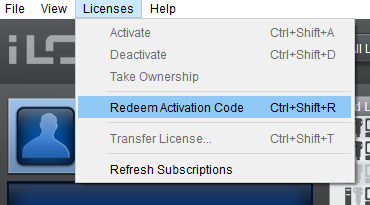
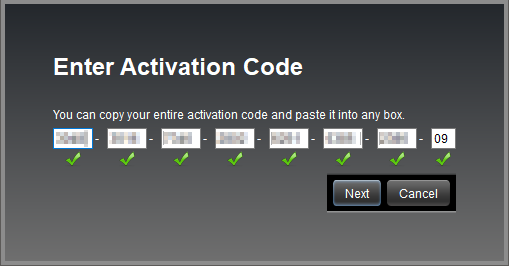
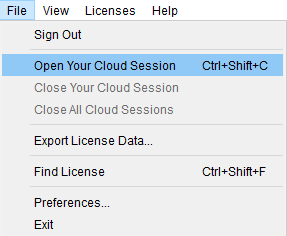
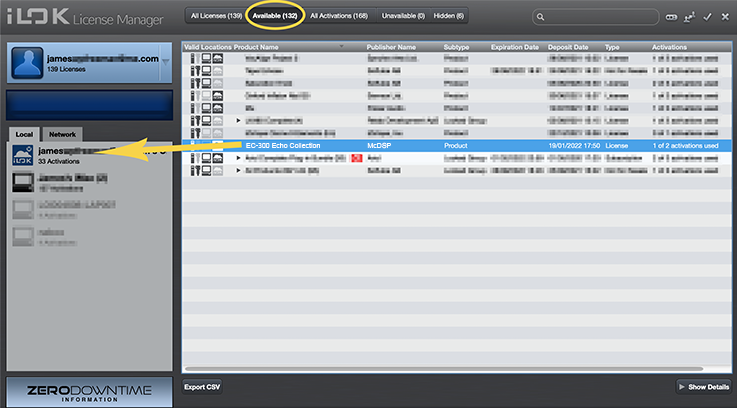
- McDSP plugins require an iLok2 or iLok3 USB Smart Key, or an iLok License Manager account and iLok Cloud for activation.
Important note: McDSP plugins require an iLok2 or iLok3 USB Smart Key, or a FREE iLok License Manager account and iLok Cloud session for authorisation. Each McDSP v7 plugin contains two activations per authorisation.