Log In

Free gifts available with your purchase
Note: This product is the Native version. The HD version for AAX DSP users is also available.
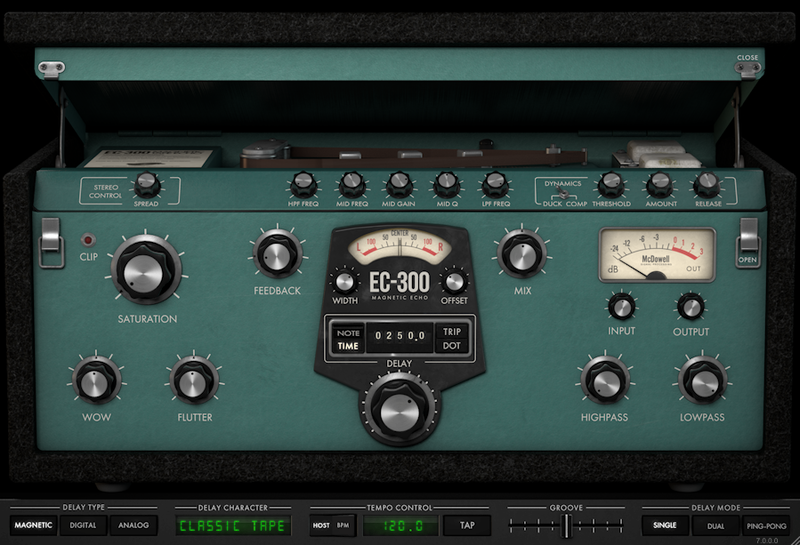
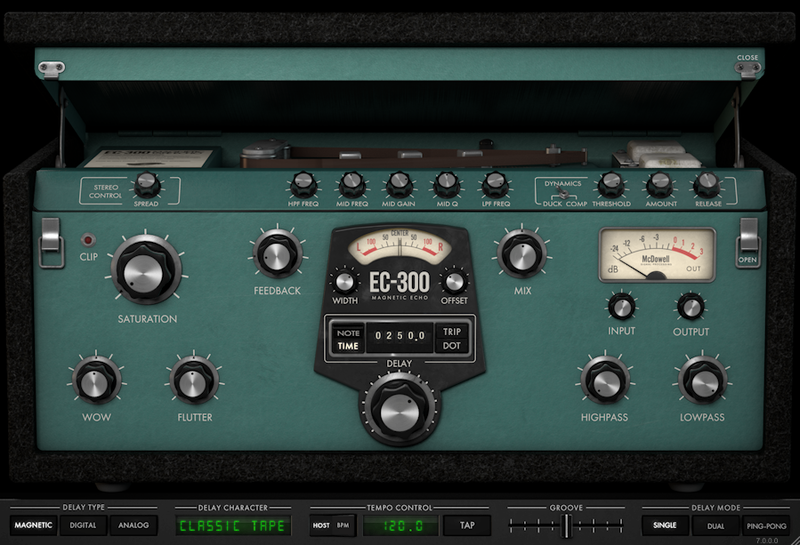
The EC-300 Echo Collection brings the sounds of dozens of echo and chorus effects into a single plug-in. The three delay types – Magnetic, Digital, and Analog – come with a generous collection of user controls, plenty of character modes, highly stylized visual feedback, and McDSP’s nearly two decades of gear modeling experience.
Each EC-300 delay type comes with additional character modes to create new and unique sounds. Other delay features include adjustable saturation, wow and flutter, delay output ducking, in-loop filtering and EQ, and level control at the input and output stages. The EC-300 can operate in single, dual, and ping-pong modes, and delay time can be synced to session playback or to a tapped tempo.
Features
- Optimization for Apple Silicon and Latest Intel Processors
- Two activations per license / subscription
- High definition updated user interfaces
- New presets
- Zero Latency Algorithms
- Double Precision Processing
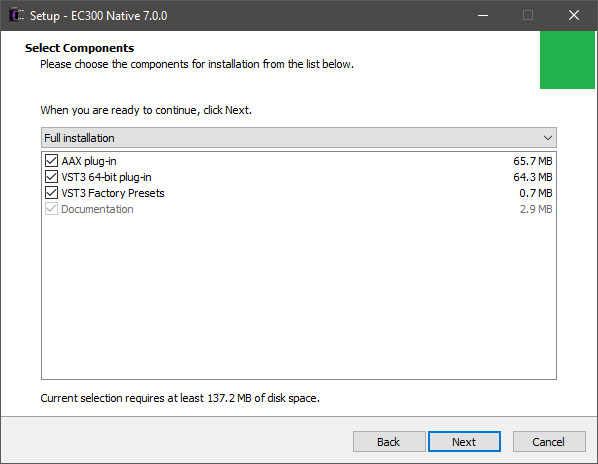
- Three delay types – Magnetic, Digital, and Analog
- Wide variety of character modes per delay tape
- Saturation, Wow, Flutter, Ducking, and other delay features
- Single, dual, and ping-pong delay operation
- Tap tempo and session sync
- Over 75 SIMs (Synthetic Impulse Models) included
- Mono, stereo, and mono-to-stereo versions
System Requirements
Mac
- macOS 10.13 or higher (64-bit only) (macOS 12 Monterey compatible)
- McDSP plugins run natively on Intel and M1 Apple Silicon processors
- McDSP HD plugins support AAX DSP plugin format, AAX Native, AU, and VST3 plugin formats
- McDSP plugins support Mac OS 10.13.x (High Sierra), 10.14.x (Mojave), 10.15.x (Catalina), 11.x (Big Sur), 12.x (Monterey), and Windows 10
- Mac OS version 10.12.x (Sierra) may work but is not officially supported. Earlier Mac OS versions are not officially supported
Windows
- Windows 7, 8 & 10 (64-bit only)
HD v7 Software Support
- AAX DSP
- AAX Native
- Audio Units (AU)
- VST3
Compatible DAW's
- McDSP HD and Native plugins are compatible with Pro Tools, Logic Pro, Cubase, Nuendo, Ableton Live, LUNA, Reaper, Sonar, Studio One, and other DAWs that support AAX, AU, and/or VST3 plugin formats
- As of v7.0, VST is no longer supported. VST versions of v6 McDSP plugins will no longer be updated and will be uninstalled
- McDSP HD plugins also support the VENUE S6L systems. McDSP VENUE plugins are packaged in a VENUE specific installer available on the McDSP website.
Activation:
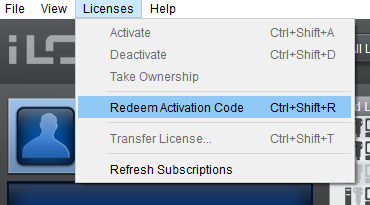
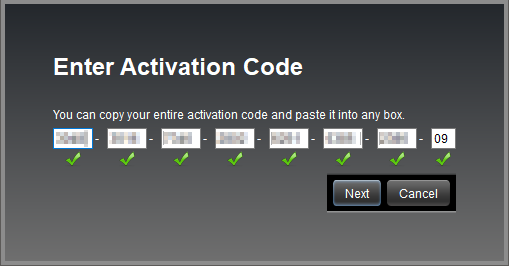
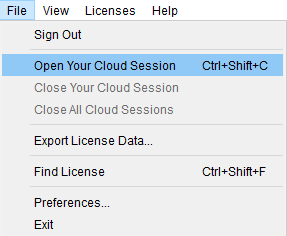
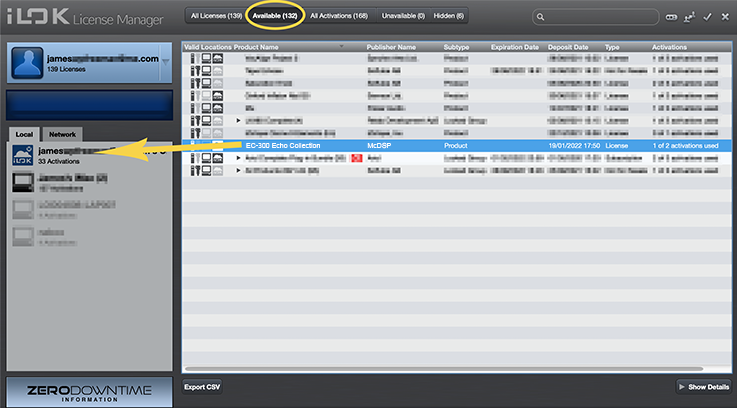
- McDSP plugins require an iLok2 or iLok3 USB Smart Key, or an iLok License Manager account and iLok Cloud for activation.
Important note: McDSP plugins require an iLok2 or iLok3 USB Smart Key, or a FREE iLok License Manager account and iLok Cloud session for authorisation. Each McDSP v7 plugin contains two activations per authorisation.
Logic Pro Expert
Logic Pro X tutorials, tips and tricks for Apple's Logic Pro 9 and Logic Pro X music production software.
“I had a ball playing with it and found it to be not only versatile, but full of personality that gave an interesting vibe to the tracks I used it on.”
Electronic Musician
Electronic Musician covers all aspects of music production—performance, recording, and technology, from studio to stage.
“Whether you’re using it for music production, sound design or post, the EC-300 is all you can ask for in a delay plug-in."
Pro Tools Expert
The number one independent Pro Tools user site in the world.
“I love the fact that you don’t have to have specific delays. You can get really down and dirty with interesting modulation effects.”
The EC-300 is more than just another delay. It’s a modular suite that gives you all three major delay flavors—tape echo, digital delay, and analog delay. It’s easy to use, fully featured, and great sounding. Each of the effects—Magnetic, Digital, and Analog—has its own look and control set, an...
Read MoreMcDSP’s tasty echo presents a mouth-watering trio of vintage delay styles, with a side order of freakiness. McDSP’s EC300 Delay covers a lot of ground. Not only does it emulate the three main types of hardware delay unit, referred to here as Magnetic, Analog and Digital, but it also adds v...
Read More