Log In

Free gifts available with your purchase
Please Note: This is an upgrade for users who already own Talkie Box 2. The full version of Talkie Box 3 is available.
Radio SFX Designer Reimagined
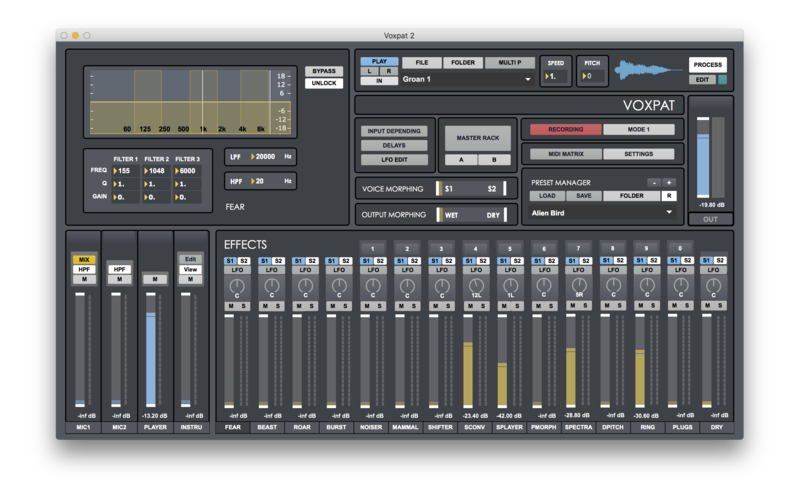
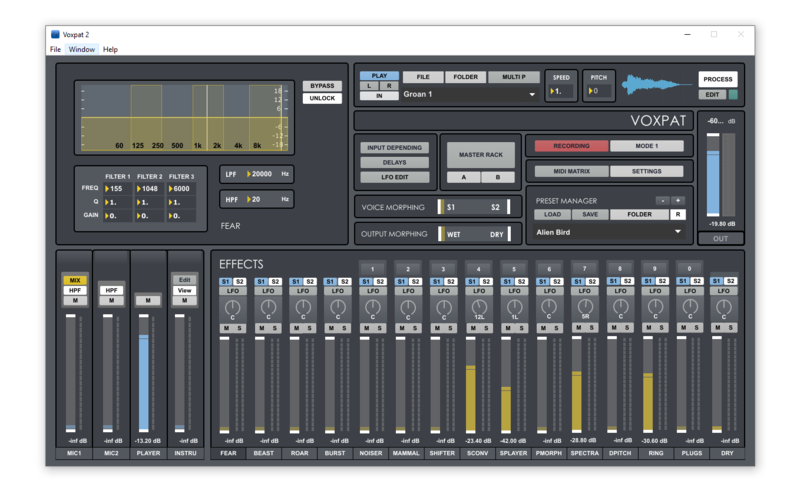
Talkie Box is a standalone software developed for audio post-production purposes. It allows processing in real-time your voice to emulate realistic walkie-talkie, radio or telephone voice effects.
It is an all-in-one solution to creating realistic radio, walkie talkie and telephone SFX. Design your own background noise and voice effects with this user-friendly tool for sound designers.
Walkie Talkie Section
Includes distortion, High Pass & Low Pass, Bandstop and Resonance Filters.
Radio Section
Limit your frequency bandwidth. Resonance & Bandpass filters.
Noise Engine
Design your own radio background noise and interferences sounds. Up to 6 different noise signals. Control FM Gen parameters via XY Pad. HPF & LPF.
Voice Lab
Add noise and interference sounds to your input signal. Input signal is convolved through 6 different noise sound signals.
Fine-Tuning AFC
Automatic Frequency Control emulation to tune the virtual resonant circuit to the frequency of the incoming radio signal.
Master Rack
Process master output through 4 VST/AU plugins, 3-Band parametric EQ, LPF/HPF & Sample Rate/Bit Depth Distortion.
Multitrack Recording
Record input source, Radio/Telephone/Noise engine/Voice Lab outputs and master output simultaneously on separate tracks.
Sampler
Includes 6 pre-recorded radio sounds. Load your own sounds. Pitch Shifting.
Features
- Real-time audio processing
- Microphone input
- Built-in audio player input
- Walkie talkie, radio and telephone realistic emulation
- Sampler. up to 6 pre-recorded radio sounds
- Telephone dial sounds generator
- Morse code tone generator
- Background noise designer
- Morse code sound generator
- Process wav, aiff and mp3 files
- Fine-tuning emulation (afc)
- Master rack
- Bitter. sampling rate distortion
- Multichannel recording
- Presets manager
- Input & output routing to daw or audio editor
- Midi. control talkie box via your midi device
System Requirements
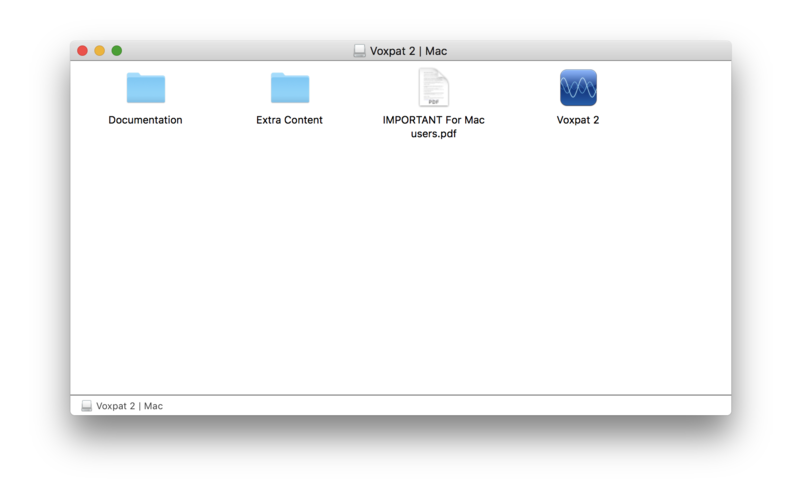
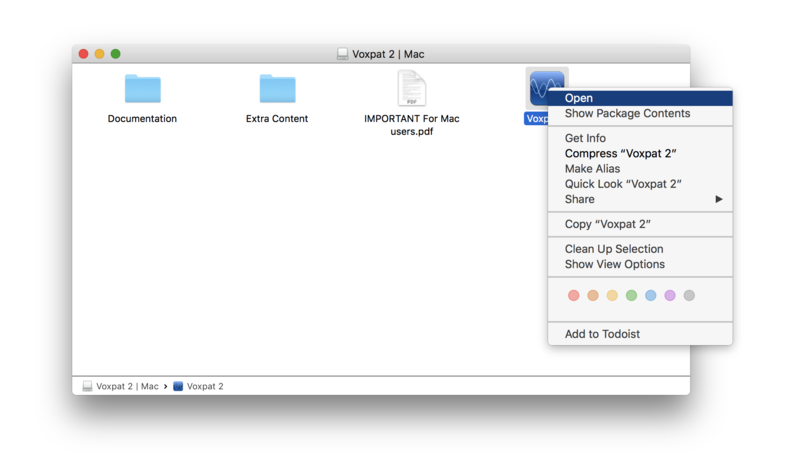
Mac
- Mac OSX 10.11.6 or later
- 4GB RAM recommended
- Apple M1 processor OS 11 or later
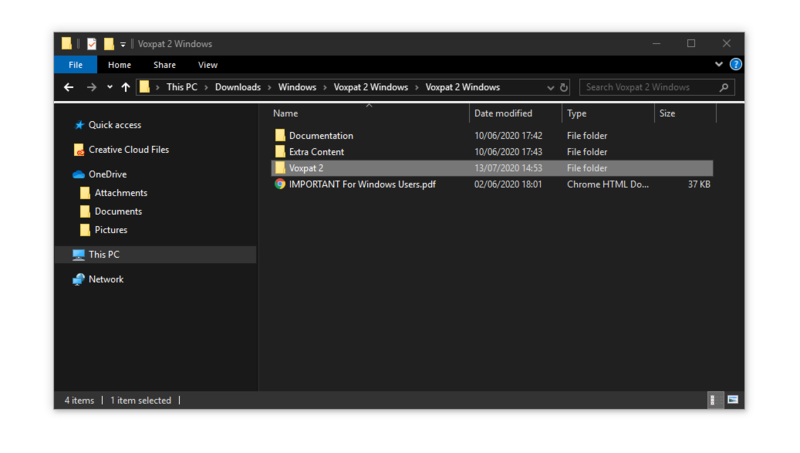
Windows
- Windows 8 or later
- 4GB RAM recommended