


 Log In
Free gifts available with your purchase
Product information
Oracle is your new go-to for adding dreamy textural backgrounds and melodic pad guitar elements. Running on the Kontakt 5 Engine, it can add depth and space to any production, with an interface designed for creativity and to achieve professional quality results right out of the box.
Oracle is designed primarily as a background ambient instrument, but these demos show that it can also be used as a centrepiece for a track
Features
- Over 408 24-bit High-Quality Samples.
- 3 Pickup Positions, Bridge, Middle and Neck.
- 4 Amp/Cab Combos.
- Built-in Delay, Reverb, Filter, Movement and Trash FX.
- Built-in LFO/Stutter effect, time-synced to DAW.
- Fully Automatable Interface.
- 5-Octave Key Range
- 4.24GB Of Samples (Compressed to 1.38GB .NCW)
System Requirements
- Full Version of Kontakt 5.8 or later is required
- Third-Party Amp Simulation Software.
- 4 GB of RAM (8 GB Recommended)
- Stable internet connection (for download).
- 1.38 GB Hard Disk Space
Please Note: Please ensure you have the FULL version of Kontakt as this product will not work within the FREE Kontakt Player.

Installation Instructions
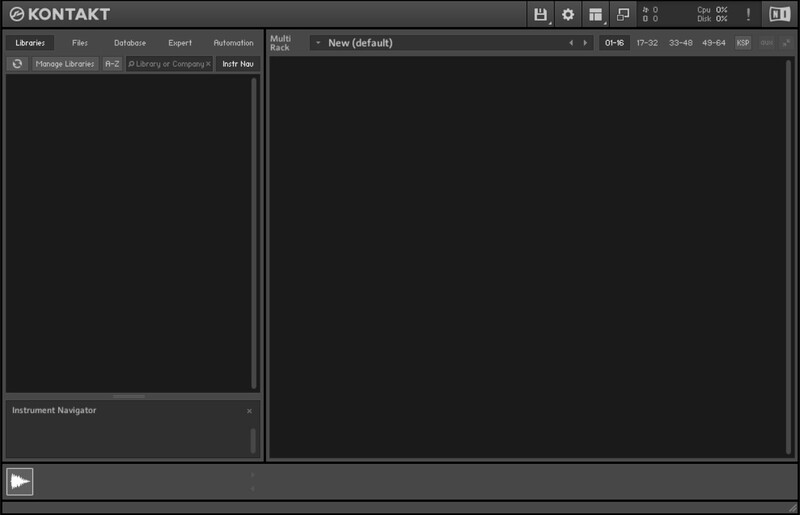
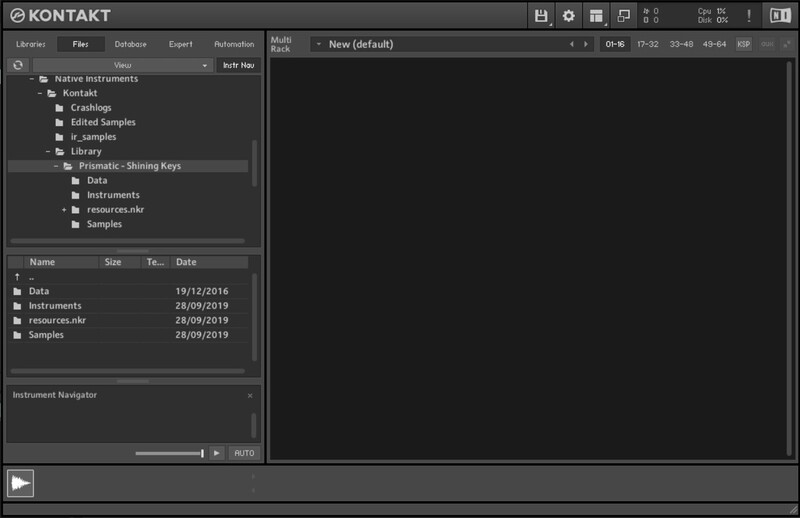
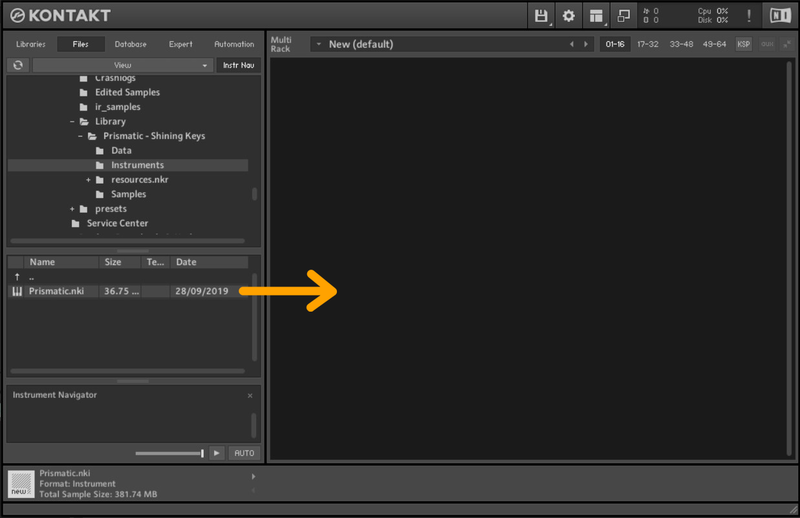
Customer Reviews
(1)
Bundle & Save
Designer Bundle
$140.00


