Log In
Free gifts available with your purchase
Bloom is a gorgeous synthetic instrument modelled to sound somewhere in between a soft piano and glockenspiel. Running on the Kontakt 5 Engine allows for extremely creative and beautiful melodies at a very respectable pace.
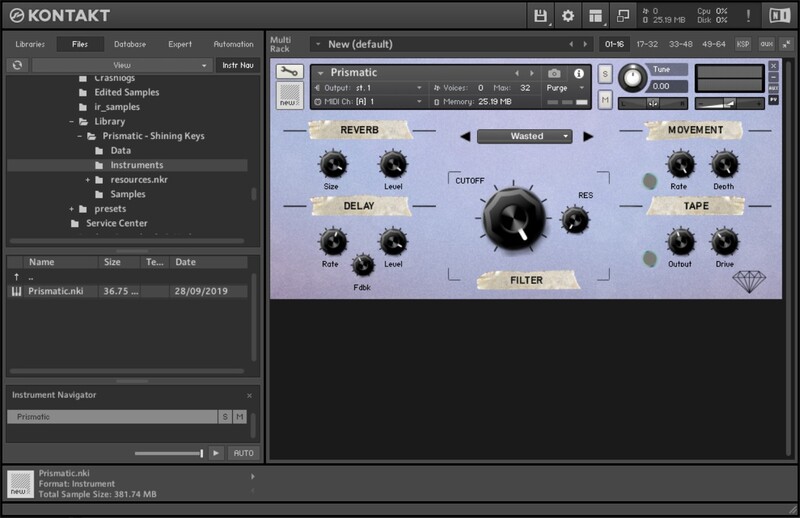
The instrument is designed to be as intuitive and fast as possible and includes a built-in Arpeggiator script to quickly change chord progressions into dancing melodies, as well as multiple FX controls and velocity-sensitive samples.
Bloom also comes with a more aggressive counterpart, Flourish, enabling even more sonic versatility in a single instrument package.
Features
- Over 240 24-Bit High-Quality Samples.
- 2 Instruments, Bloom and Flourish.
- Built-in Delay, Reverb, and Arpeggiator
- Multi-Velocity Samples
- 245 MB of Samples
System Requirements
- Full Version of Kontakt 5.8 or later is required
- Third-Party Amp Simulation Software.
- 4 GB of RAM (8 GB Recommended)
- Stable internet connection (for download).
- 245 MB Hard Disk Space
Please Note: Please ensure you have the FULL version of Kontakt as this product will not work within the FREE Kontakt Player.