


 Log In
Free gifts available with your purchase
Product information
Blackout Volume 2 is the second product in the Blackout Series. It is an easy-to-use, lightweight loop-based pulse engine for Kontakt. It features 36 new loops, a brand new updated interface and the same effects and pitch manipulation as the previous version.
This instrument is not meant to be overly fancy or boast a massive library of multi-velocity sounds, it is designed to provide extremely quick pulse-based rhythms within a very small, compact and efficient interface.
Features
- 36 Tempo-Synced Pulse Loops
- Built-in FX
- Fully Automatable Interface.
- Key-Switch Pitch-Shifting
- Speed Adjustment Controls
System Requirements
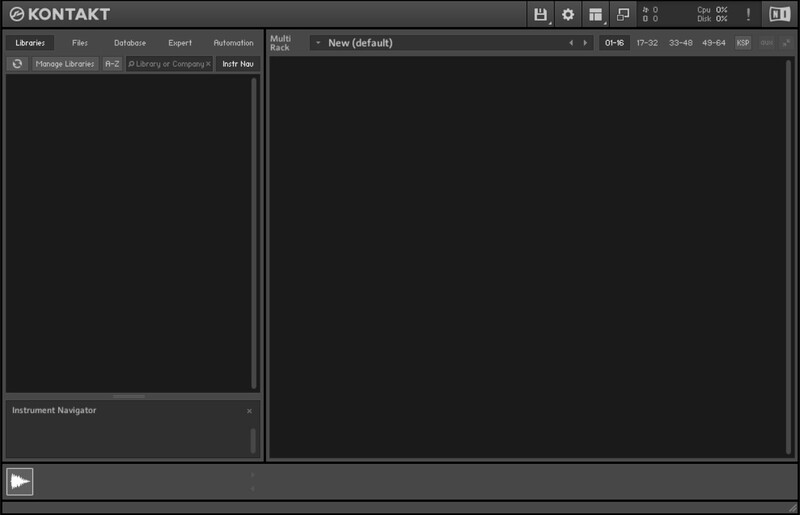
- Full Version of Kontakt 5.8 or later is required
- Third-Party Amp Simulation Software.
- 4 GB of RAM (8 GB Recommended)
- Stable internet connection (for download).
- 30 MB HDD Space
Please Note: Please ensure you have the FULL version of Kontakt as this product will not work within the FREE Kontakt Player.

Installation Instructions
Bundle & Save
Designer Bundle
$140.00


