


 Log In
Free gifts available with your purchase
Product information

Aetheric is a powerful ambient pad library full of gorgeous pads and natural recorded ambiences designed to spark creativity and set a mood within seconds. It contains 10 generators, each split into 3 oscillators with individual volume controls to sculpt the sound as you see fit.
Attack and Release controls allow you to transition from a standard polyphonic synth lead into a long, swelling pad - whatever the mood or setting, Aetheric can provide.
Features
- 3-Octave Pitch Span
- Professionally produced and processed samples.
- 10 Patches with 3 individual oscillator controls each.
- Dedicated ambient oscillator with real recordings of Rain, Street Noise and assorted tape hiss.
- Built-in Reverb, Delay, Filter, Morph, Stutter and Attack+Release controls.
- Pitch-Bend and automatable interface.
- Included Snapshot Presets
System Requirements
- Full Version of Kontakt 5.8 or later is required
- Third-Party Amp Simulation Software.
- 4 GB of RAM (8 GB Recommended)
- Stable internet connection (for download).
- 3.24 GB HDD Space (compressed from 4.42 GB)
Please Note: Please ensure you have the FULL version of Kontakt as this product will not work within the FREE Kontakt Player.

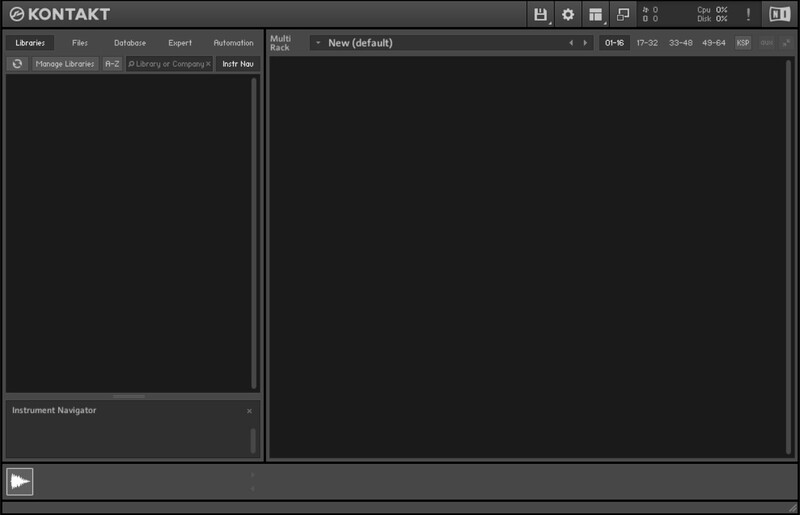
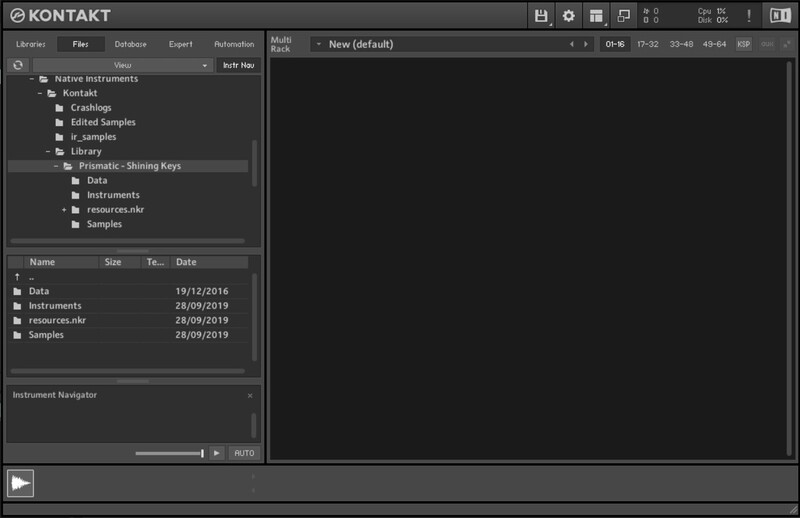
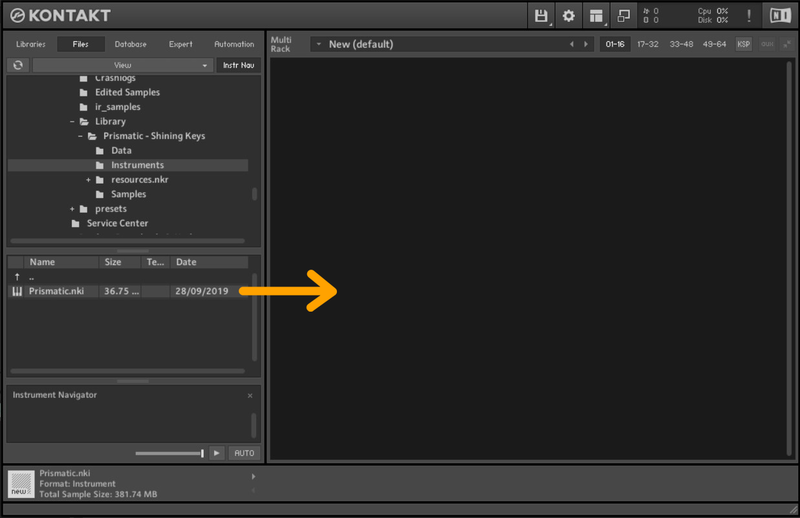
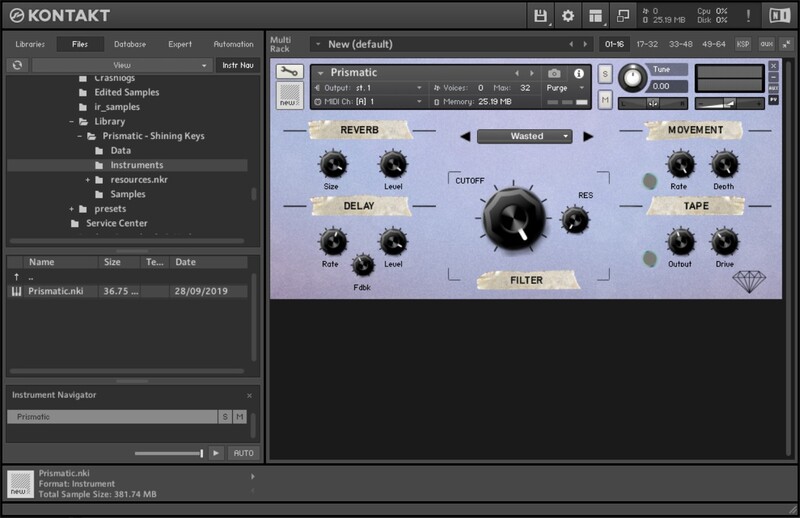
Installation Instructions
Bundle & Save
Designer Bundle
$140.00


