Log In

Free gifts available with your purchase
Energy Panner 2 listens to the intensity of your sound and turns it into motion. This panner controlled by loudness allows you to add fantastic life to your tracks without the need of automation lanes. Works in plain stereo just as naturally as in 3D audio.
Dynamic Panner, controlled by loudness
Most panning tools ask you to draw every movement by hand — automate a path, adjust a curve, repeat for every sound that needs to move.
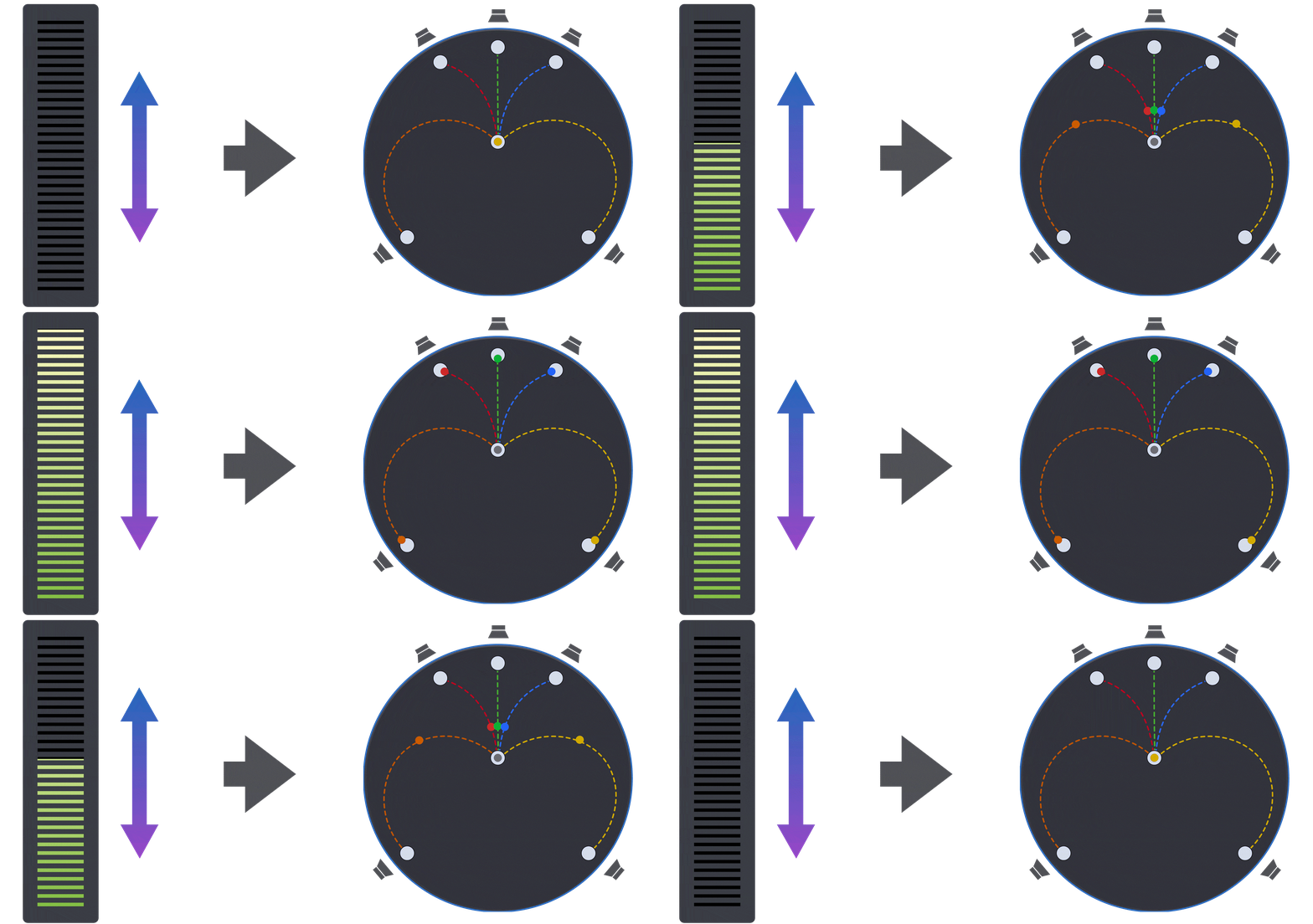
With Energy Panner, you get a panner that reacts to the sound intensity, giving you much more organic results, with less work. Every feature exists to do that automatically, driven by the actual volume of your audio. It's panning that responds to your sound instead of asking you to program it. Great in plain stereo, wonderful in 3D audio.
What's new
Independent Paths
- Create an independent path for every input channel — each with its own start and end point.
Multiple Views
- Watch your sound's movement in real time, with the familiar Circular view, our typical Polygon view, and a Room view. Choose the one you like the most.
Built-in Mixer
- Balance the volume of each output channel without leaving the plugin — the same mixing workflow Beat Panner users already know.
Virtual Center
- Clear the center channel, for dialogue or a lead instrument, and distribute its content to the left and right speakers instead.
Custom Formats
- Do you need a custom speaker format? No problem. Define exactly how is your setup: channel count, azimuth, elevation, and LFE placement.
Multichannel Support
- With expanded input/output support, Energy Panner 2 now fits into more sessions and setups than ever.
Features
Panning Driven by Loudness
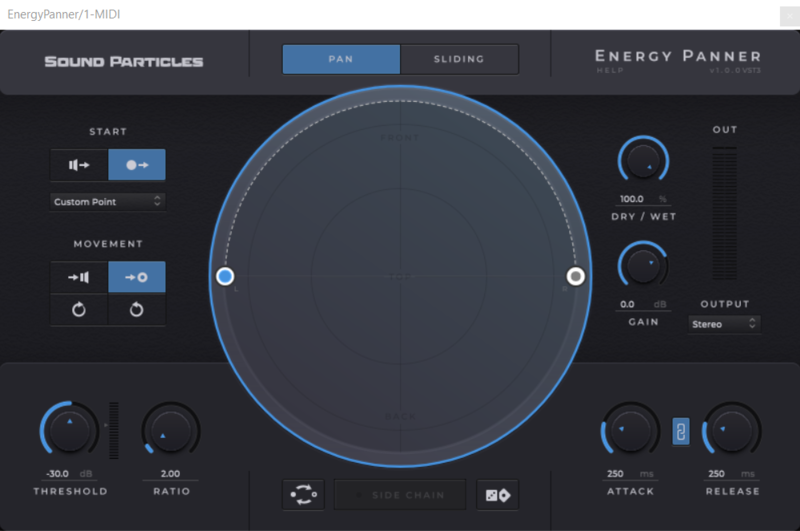
- The core of Energy Panner: the louder a sound gets, the more it moves. No automation lanes — the movement comes from the audio itself.
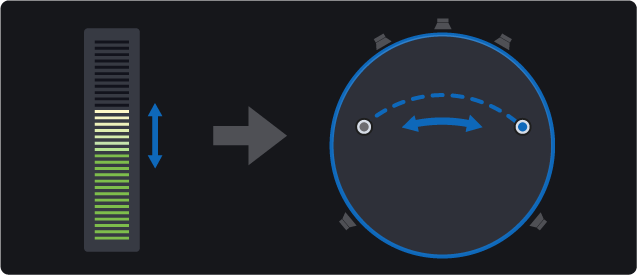
Panning Modes
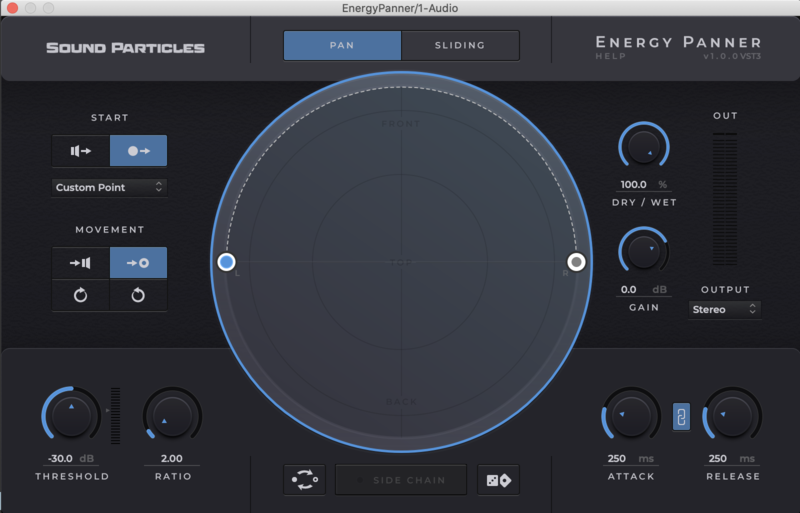
- Choose Pan Mode for movements that goes back and forward, or Sliding Mode for movement that continues moving forward.
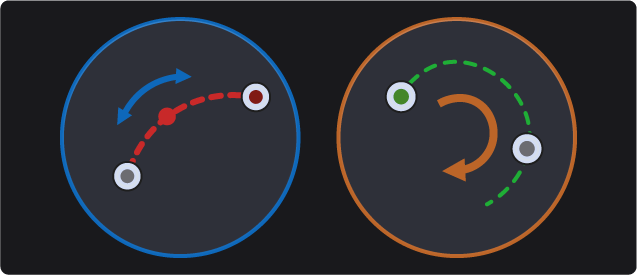
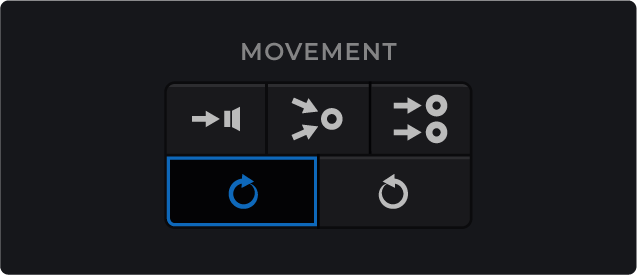
Movement Direction
- How should each channel move — return to its original position, collapse into a single point, follow a path you've set, or simply rotate?
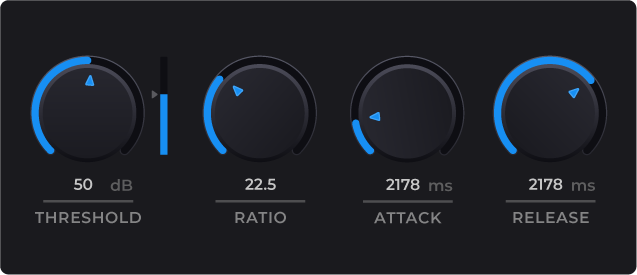
Absolute Control
- Threshold, ratio, attack, and release — fine-tune exactly when and how fast the movement responds, compressor-style.
Sidechain Input
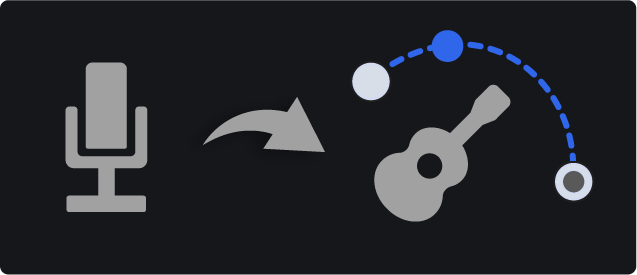
- Trigger the panning movement from any external signal in your mix, not just the track's own audio. For instance, use the lead voice to control the panning of a guitar.
Unlimited Presets Generator
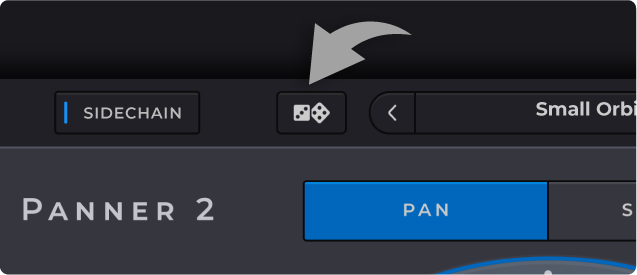
- Out of ideas? One click generates a new random set of movement parameters to explore.