Log In

Free gifts available with your purchase
Blue Cat's Miaow Wah is an augmented virtual Wah pedal plug-in, capable of simulating a wide range of Wah pedals, auto filters, modulation effects and more.
The plug-in includes a wide variety of predefined Wah models from all eras. They can all be controlled manually with an expression pedal, or can be triggered automatically in the "auto" (envelope follower) or LFO modes to your taste.
It is easy to create your own Wah pedal from factory presets with the built-in Tone Maps browser or the Wah editor.
With the ability to define custom filters with multiple control options, Miaow Wah extends the concept of a Wah pedal to flangy tones, univibes, phasing effects, filtered tremolos and more.
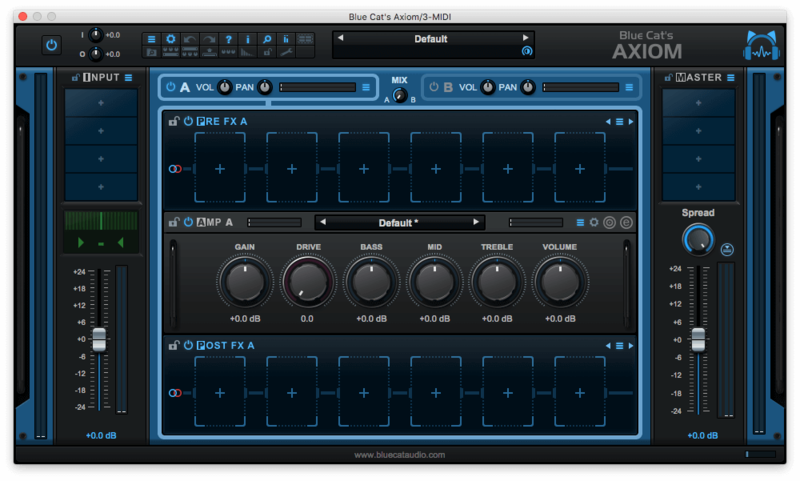
This plug-in is also available as a built-in effect inside Blue Cat's Axiom, the multi effects processor for guitar and bass.
Typical applications: Virtual Wah Pedal Simulation, Modulation Effects, UniVibe, Tremolo.
Features
- Augmented Wah pedal simulator.
- Use one of the 29 predefined classic Wah models or build your own.
- Control the filter with an expression pedal, the signal envelope (auto) or an LFO.
- Built-in Wah editor to create custom filters.
- Capable of flangy tones, univibes, phasing effects, filtered tremolos and more.
- Find new tones easily with the Tone Maps explorer.
- Sync the LFO with the host application.
- Includes more than 200 presets with many types of effects.
Blue Cat Audio Standards:
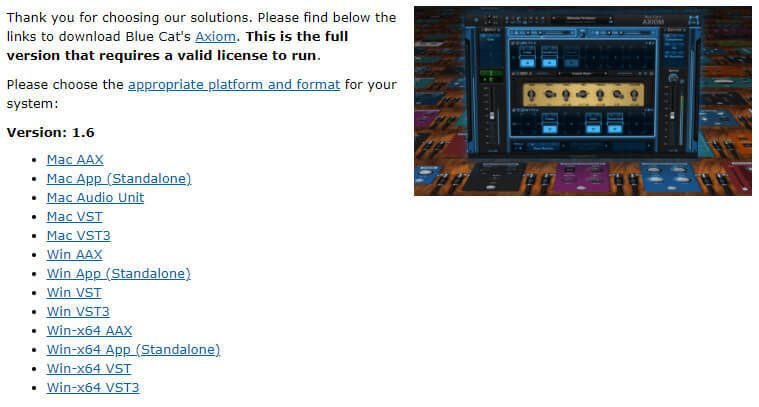
- Available in most plug-in formats for Mac and Windows.
- Full MIDI control and automation support, MIDI Learn.
- No CPU load on idle: processing shuts down when fed with silence (optimal CPU usage).
- Customizable user interface with transparency & zoom.
- Smooth Bypass: noiseless plug-in activation / deactivation.
- Undo/Redo.
- Full featured integrated presets manager.
- Copy/paste the state of the plug-in between instances.
- Any sample rate supported.
System Requirements
Mac
- An Intel processor.
- Mac OS 10.5 or newer.
- Any VST / Audio Unit / AAX compatible application (32/64-bit) .
Windows
- Microsoft Windows Vista, Windows 7, 8 or 10.
- Any VST / AAX compatible host software (32 or 64 bit).