


 Log In

Free gifts available with your purchase
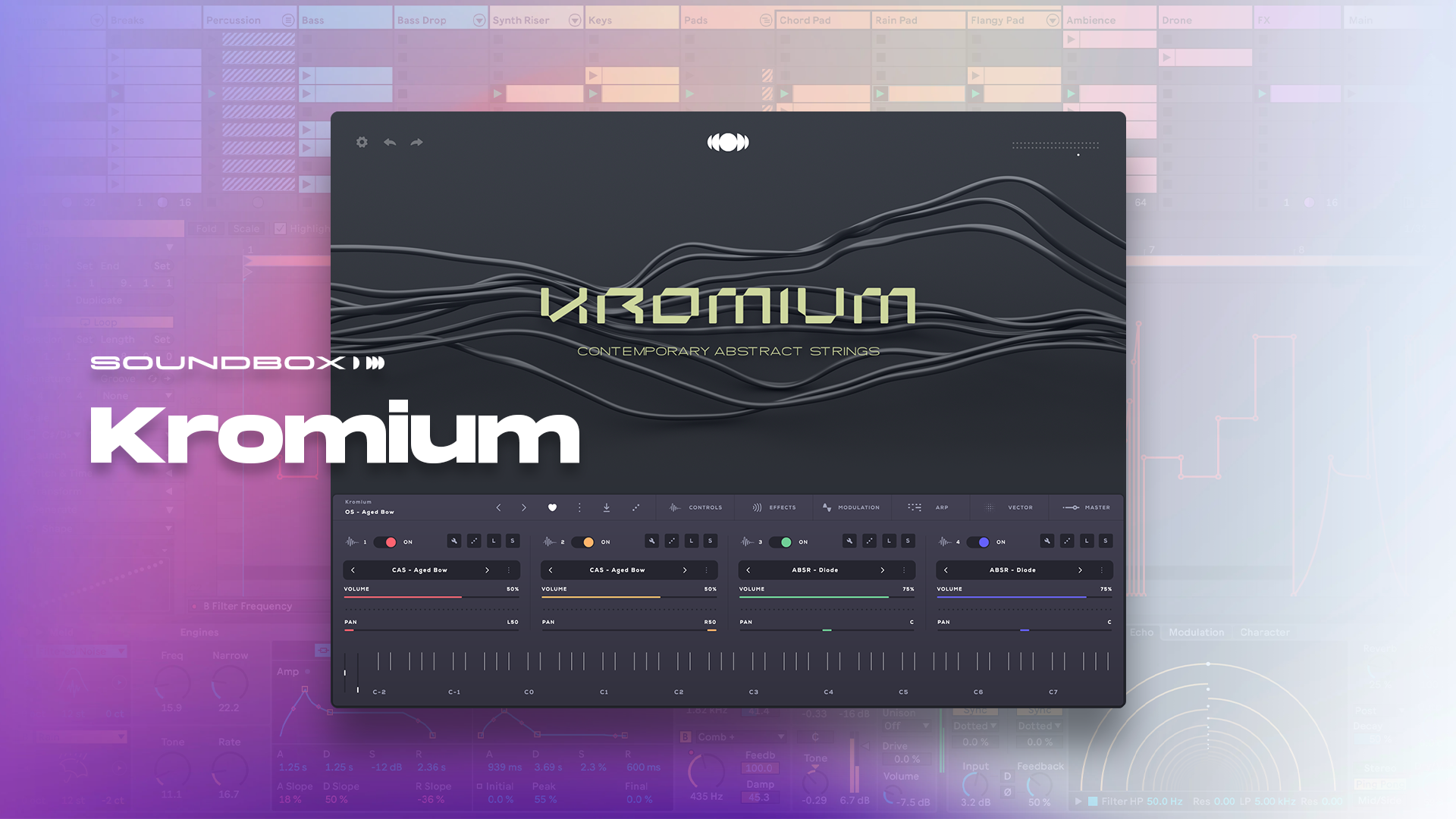
Kromium is a virtual instrument that encapsulates the raw, emotional intensity of stringed instruments pushed beyond their traditional boundaries.
This collection features an array of organic, abstract strings, where tortured cellos and violins take center stage, delivering sounds that are as haunting as they are captivating.
In this library, strings are not merely played—they are manipulated, twisted, and contorted to produce an array of unconventional textures. Bowed strings are stretched to their breaking point, producing eerie, elongated tones that swell with tension. Plucked strings resonate with a hollow, almost percussive quality, while scrapes, squeaks, and whispers from the bow create a soundscape that is both dissonant and rich with harmonic complexity.
Kromium is perfect for composers and sound designers seeking to add a layer of depth, discomfort, and raw emotion to their work, whether for film scores, experimental music, or soundscapes that demand an atmosphere of unsettling beauty.
About Soundbox
A Powerful Virtual Instrument Platform
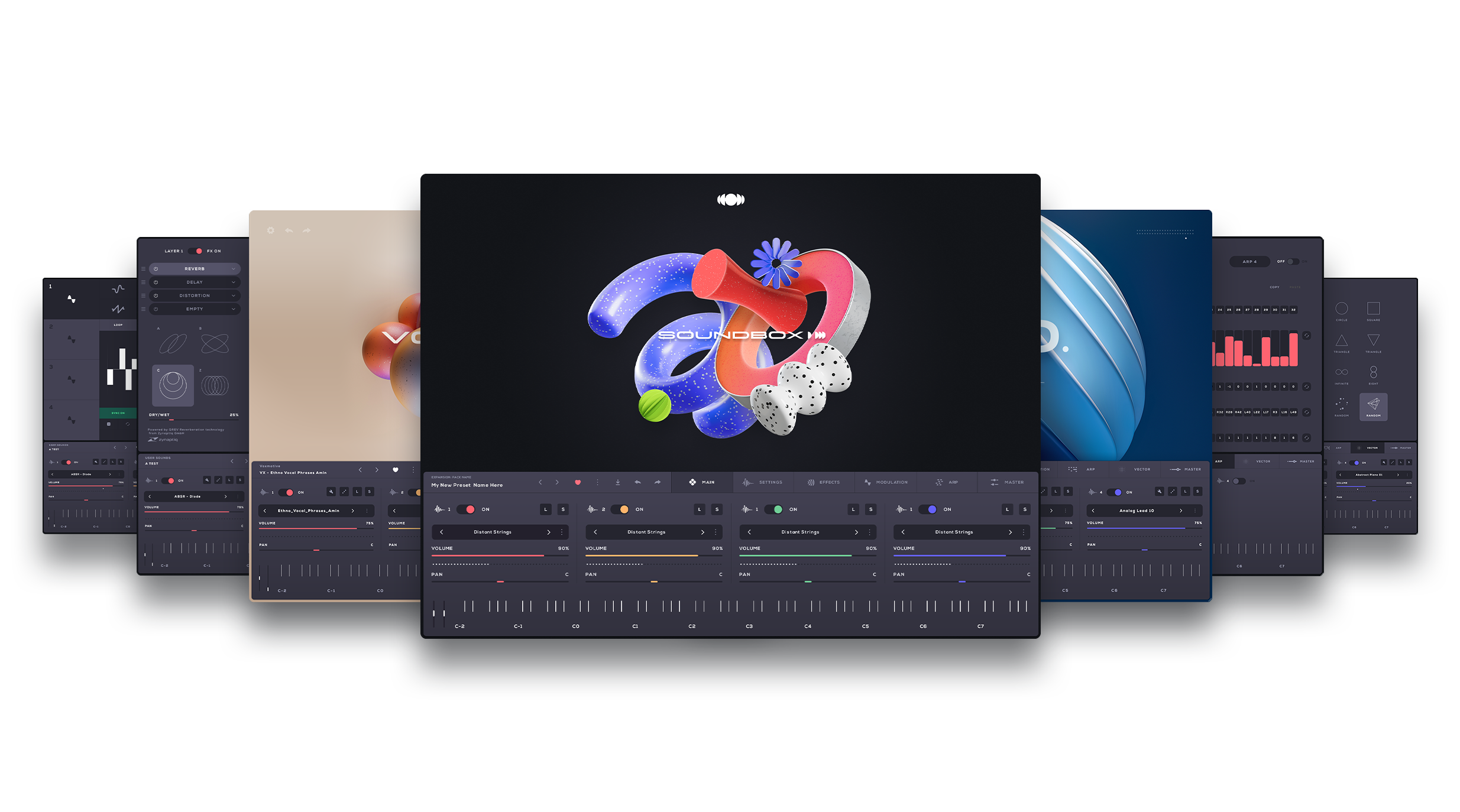
Soundbox is a new MPE sampler, crafted to introduce cutting-edge virtual instruments with enhanced power and capability. It comes with a plethora of features and is entirely customizable allowing you to create your own bespoke virtual instruments from scratch. A powerful combination of features make Soundbox the do-it-all sampler instrument that helps create anything you can imagine. Users can easily create their own bespoke Instruments, with their preferred effects signal chains, their own artwork and color combinations and share them across devices or with other users with one click export/import. No code or programming skills are needed
Effortless Navigation & Advanced Mapping Editor
Soundbox features flawless sound browsing, with genre and style tags, ensuring rapid access to your sounds categorized by their musical characteristics. It also includes a comprehensive audio and mapping editor, equipped with multiple velocity layers, a versatile group section, and a host of powerful features. It’s never been easier to build custom Instruments in one device.
With MPE support, modular effects, a Vector engine and powerful modulation engines, Soundbox is designed to be highly extensible, reconfigurable, and fully customizable. Soundbox allows you to create your own custom virtual instruments with extensive customization options that you can export and share them with other Soundbox users.
Soundbox comes free with any library
Soundbox is designed with simplicity and transparency in mind. There are no subscriptions or hidden paywalls. You only pay for the libraries you like and want to use. This means you have complete control over your purchases, ensuring you only invest in the content that suits your creative needs. Audiomodern's goal is to provide a straightforward and user-friendly experience, allowing you to focus on making music without any unexpected costs.
Features
- 1.75 GB
- 27 Unlocked Presets
- Unlimited Mix 'n' Match Combinations
- Fully customizable and reconfigurable Soundbox Engine
- MPE Ready
System Requirements
This instrument runs in the free Audiomodern Soundbox engine
MacOS
- VST/VST3/AU/AUv3/AAX
Windows
- VST/VST3/AAX
Reviews Summary
While it aims to provide a helpful overview, it may not capture every perspective or detail. We encourage you to read individual reviews to make an informed decision.
Customers highly praise this product, describing it as an excellent and exciting expansion for the AudioModern Soundbox series.


