Log In
Free gifts available with your purchase
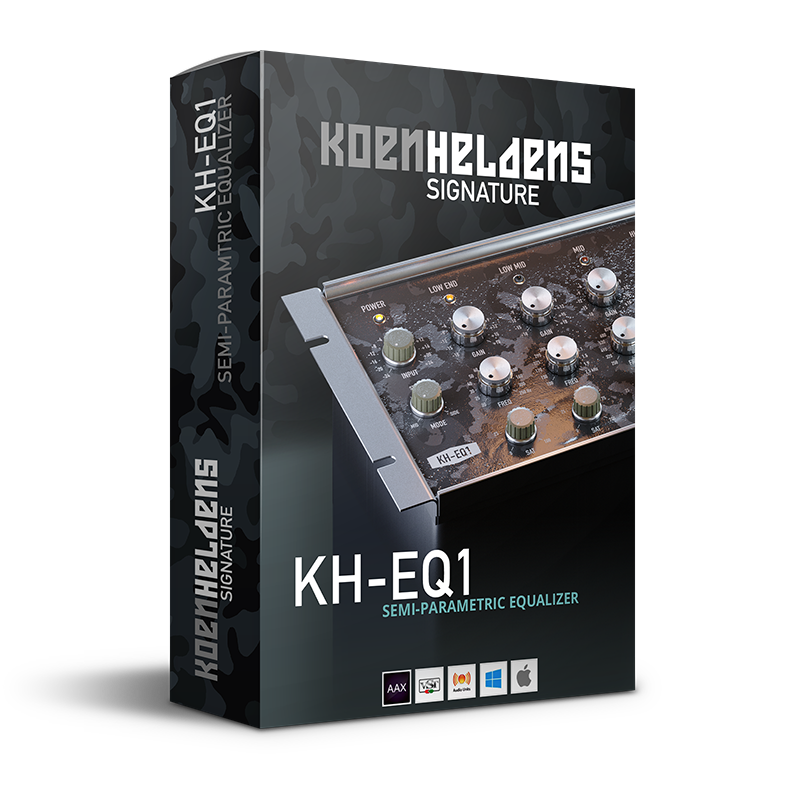
Semi-Parametric Equalizer
The KH-EQ1 is a semi-parametric 5-band EQ like no other. It features rich-sounding frequency band controls that allow you to add color to each band while encouraging creative sound shaping with its highly musical functionality.
The KH-EQ1 - the second part of the Koen Heldens signature series - is a professional studio EQ with a twist, which features harmonic per-band saturation and Black Rooster Audio's innovative, stepless Mid<->Stereo<->Side router.
Each license includes custom presets created by Koen himself, giving you the professional studio experience you’ve been waiting for.
It is the perfect addition to any producer’s arsenal, and it’s the ideal tool for adding richness and creativity to your productions!
The History of the EQ
The equalizer, or EQ, is one of the most used yet most misunderstood audio processes out there. It is a vital tool that any producer should have in their toolkit. Simply put, it is used to adjust the response of one or more frequencies in an audio signal, which can help shape or make any element of your mix less or more prominent.
The EQ was initially used for telecommunication purposes and dates back to acoustic telegraphy. It was later used in radio and broadcast and continued to evolve until it became a staple in every studio.
Daniel N. Flickinger designed the first parametric equalizer in 1971. His invention achieved filtering circuits that were previously impossible, and his patent introduced circuit topology that continues to be relevant today. These legendary hardware EQs turned into digital EQ plug-ins with countless customization options and styles as time went on.
While some EQs work more accurately than others, this essential tool allows users to surgically remove or boost any frequency they desire, without compromising the timbre of each element, or by changing it completely. While advanced equalization can take years to perfect, it is a total game-changer when performed correctly - with enough practice, it allows for complete control over any sound. In addition to working on individual elements, it can also be used in mastering when used on the master track of a final mix.
Features
SSE2 Optimized Code
DSP operations are pipelined using the SSE2 instruction set. This ensures a high-performance operation despite its very complex computations.
HighDPI Retina Support
The user interfaces support high pixel density on both Windows and Mac OS systems, giving you the most enjoyable user experience on high DPI displays. Please refer to your DAW manual to learn whether it is HighDPI compatible if you're working on Windows.
System Requirements
Mac
- Mac OSX 10.9 or newer (M1/M2 supported)
- Intel Core CPU or Apple SIlicon M1/M2 Processor
- 1GB of RAM
- VST, VST3, AU or AAX compatible host (64bit)
- Display resolution of 1280x1024 pixels or more
PC
- Windows 7 or newer
- SSE2 compatible processor (Intel Core CPU recommended)
- 1GB of RAM
- VST, VST3 or AAX compatible host
- Display resolution of 1280x1024 pixels or more