/ Compressor / VLA-2A Mark II
Black Rooster Audio

VLA-2A Mark II

4.4 (14 Reviews)
$19.00 $59.00

67% off until Dec 07

Black Rooster Audio VLA-2A Mark II
Black Rooster Audio | VLA-2A Mark II | Bass Sample gallery thumbnail
Black Rooster Audio | VLA-2A Mark II | Beat Sample gallery thumbnail
Black Rooster Audio | VLA-2A Mark II | Acoustic Guitar Sample gallery thumbnail
Buy Now
Product information

Vintage Leveling Amplifier

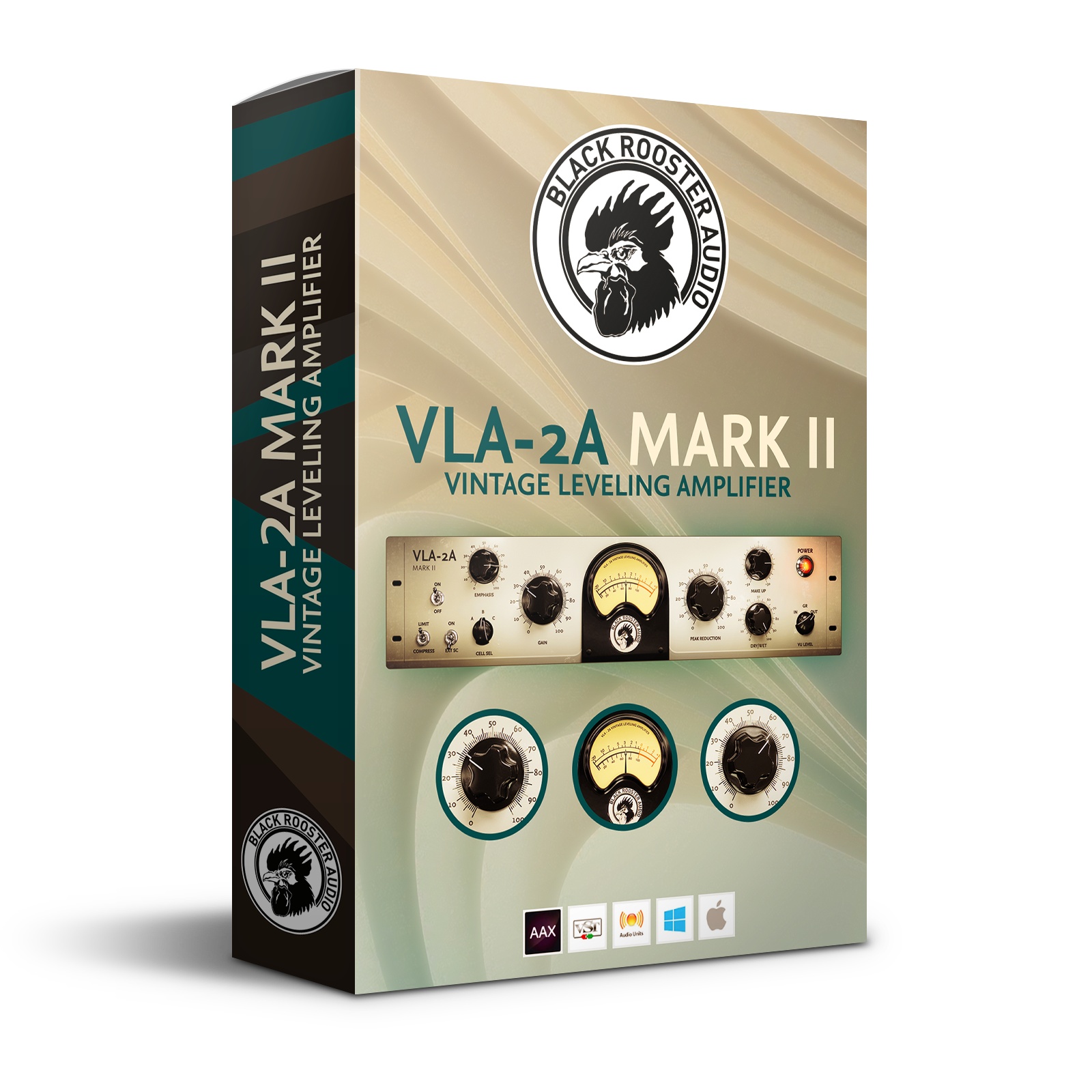
Black Rooster Audio is proud to present the VLA-2A Mark II - the world‘s finest emulation of THE opto electronic compressor of the late 1960s. After many hours of hard work, calculus and matching they finally bring you the VLA-2A Mark II plug-in. They have put all their knowledge, engineering skill and heart into designing the most authentic native emulation of this unit to this date. They love to use the VLA-2A Mark II on drums, but it also performs outstandingly well on bass or vocals and carefully adjusting the compression really helps to make your signals shine and just sit in the mix.

Features

Authentic Circuit Emulation

Their realtime component based circuit simulation approach allows for authentically capturing the sound and feel of the analog unit as close as possible. All the crucial parts, including in- and output transformers, discrete sidechain and audio path networks, filters and of course the T4B cell have been faithfully modelled.

SSE2 Optimized Code

DSP operations are pipelined using the SSE2 instruction set. This ensures high performance operation despite very complex computations.

Auto-Adjusted Oversampling for Maximum Audio Transparency

Aliasing artifacts are efficiently attenuated using a low latency linear phase Dolph-Chebyshev polyphase design. The oversampling rate is auto adjusted to your session's sample rate to save CPU while offering the most transparent sound possible.

Highdpi / Retina Support

The user interfaces support high pixel density on both Windows and Mac OS systems to present you with the most enjoyable user experience on high DPI displays. Please refer to your manual to learn whether your DAW is HighDPI capable if you're working on Windows.

System Requirements

Mac

  • Mac OSX 10.9 or newer (M1/M2 supported)
  • Intel Core CPU or Apple SIlicon M1/M2 Processor
  • 1GB of RAM
  • VST, VST3, AU or AAX compatible host (64bit)
  • Display resolution of 1280x1024 pixels or more
PC

  • Windows 7 or newer
  • SSE2 compatible processor (Intel Core CPU recommended)
  • 1GB of RAM
  • VST, VST3 or AAX compatible host
  • Display resolution of 1280x1024 pixels or more
Installation Instructions

Please Note: VLA-3A is used as an example.

Activation

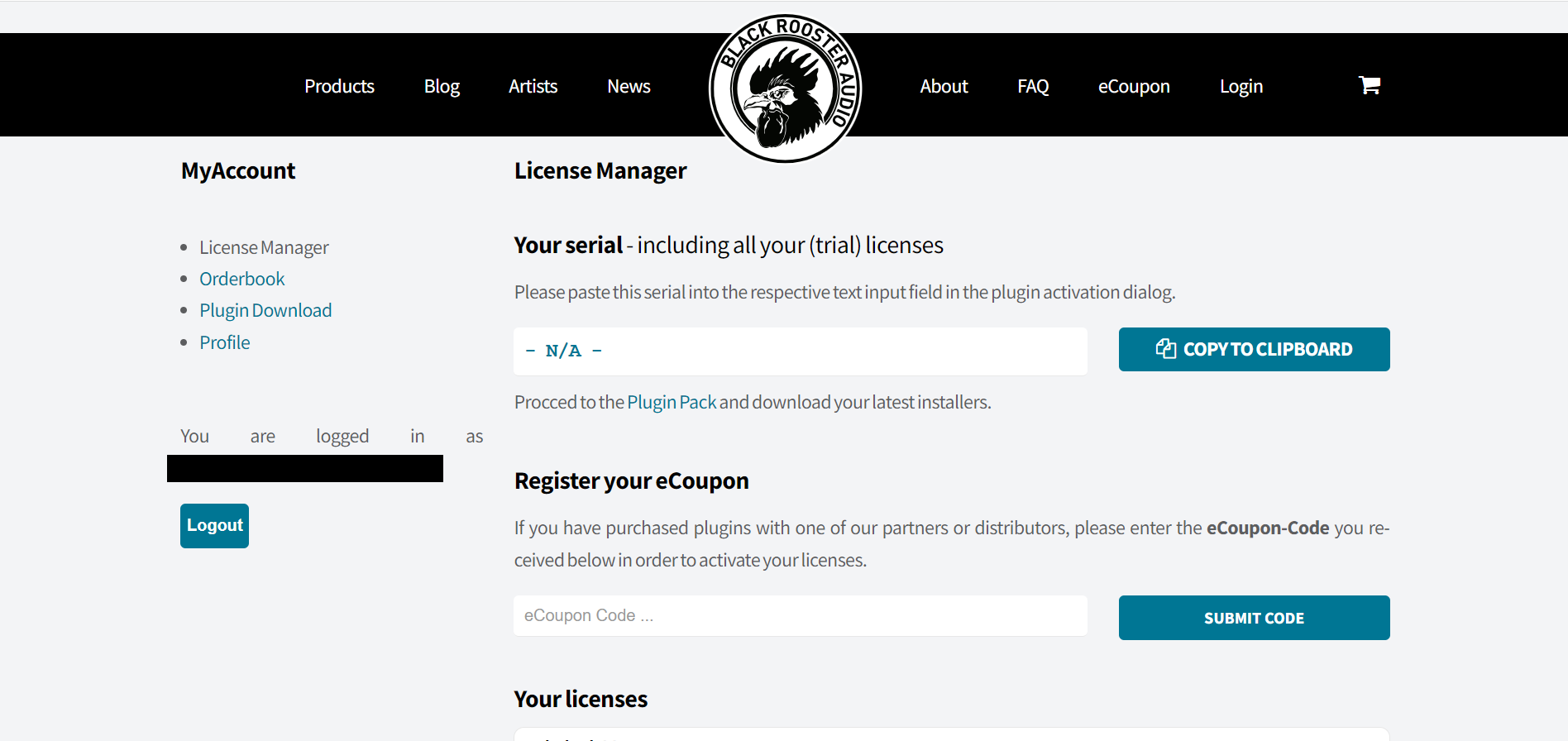
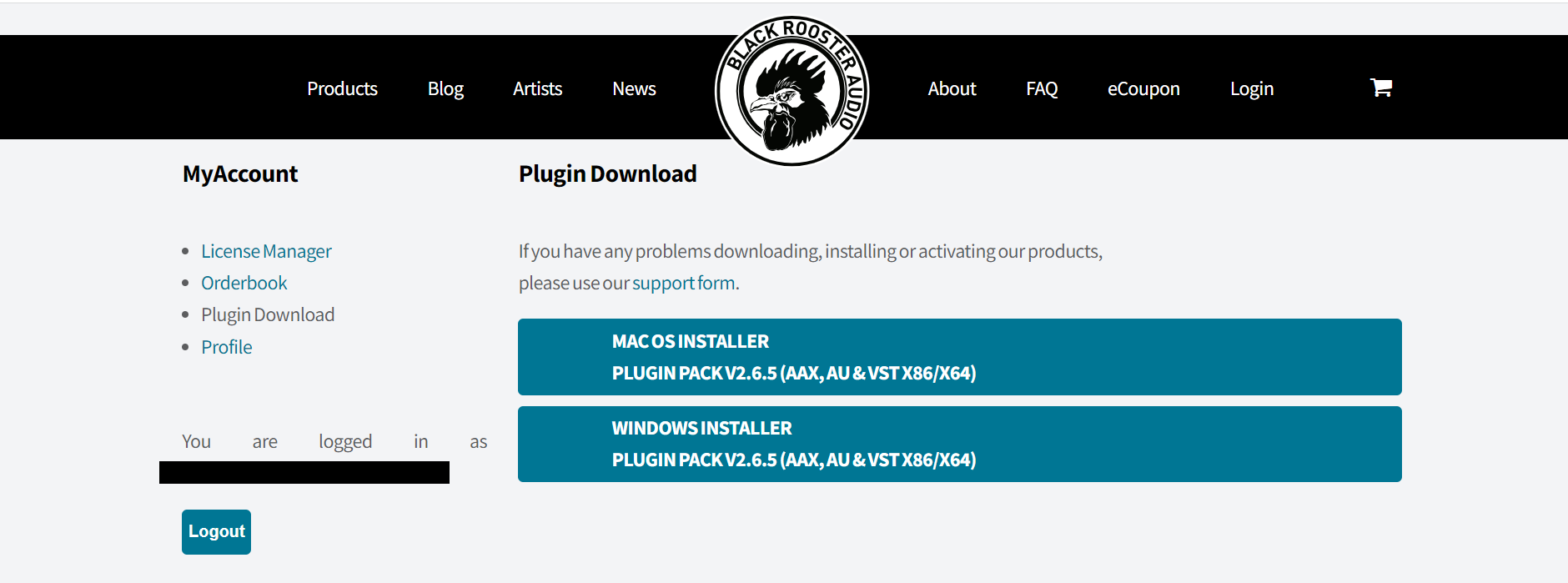
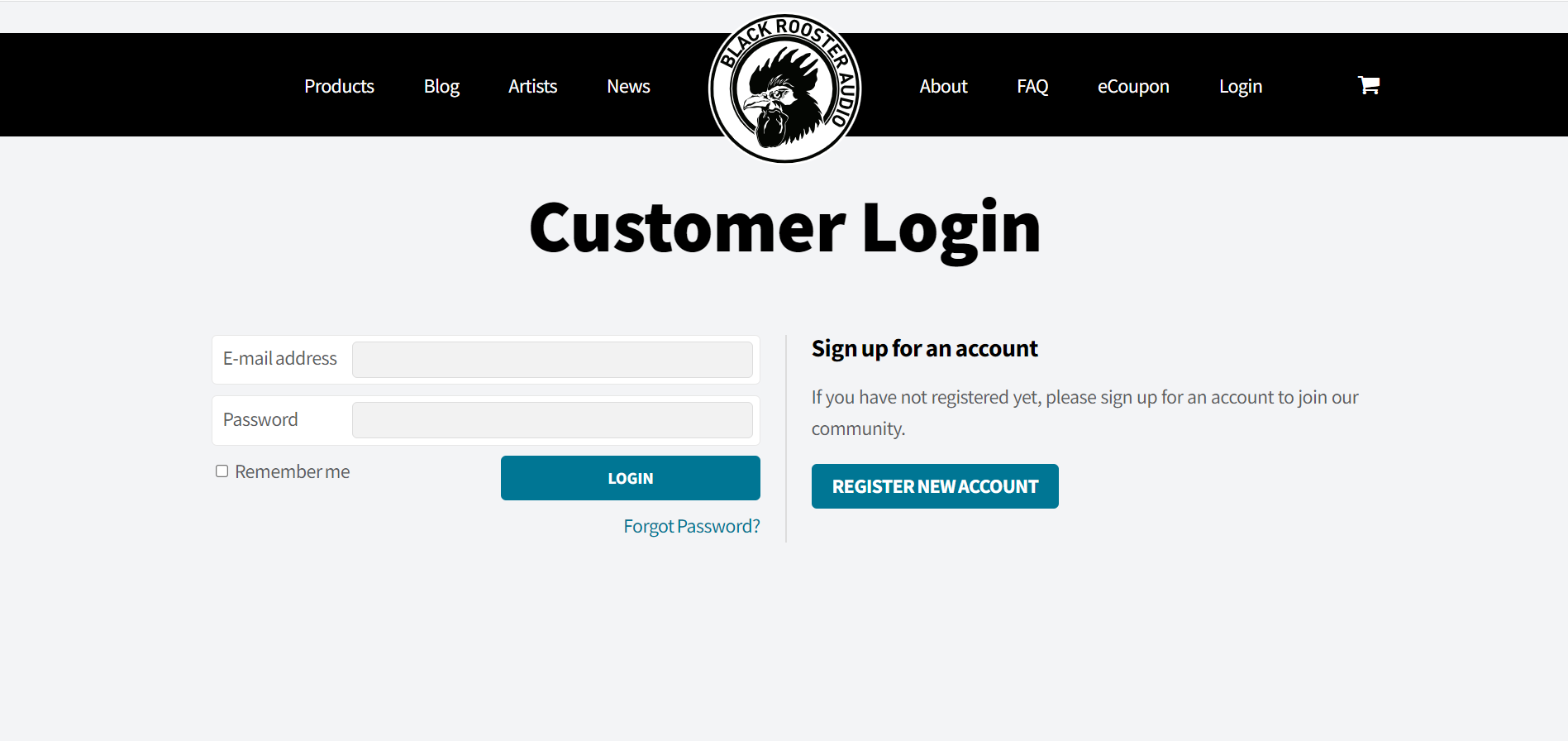
1. Go to https://blackroosteraudio.com/en/myaccount/licensemanager or click 'Download' in your Plugin Boutique User Account.

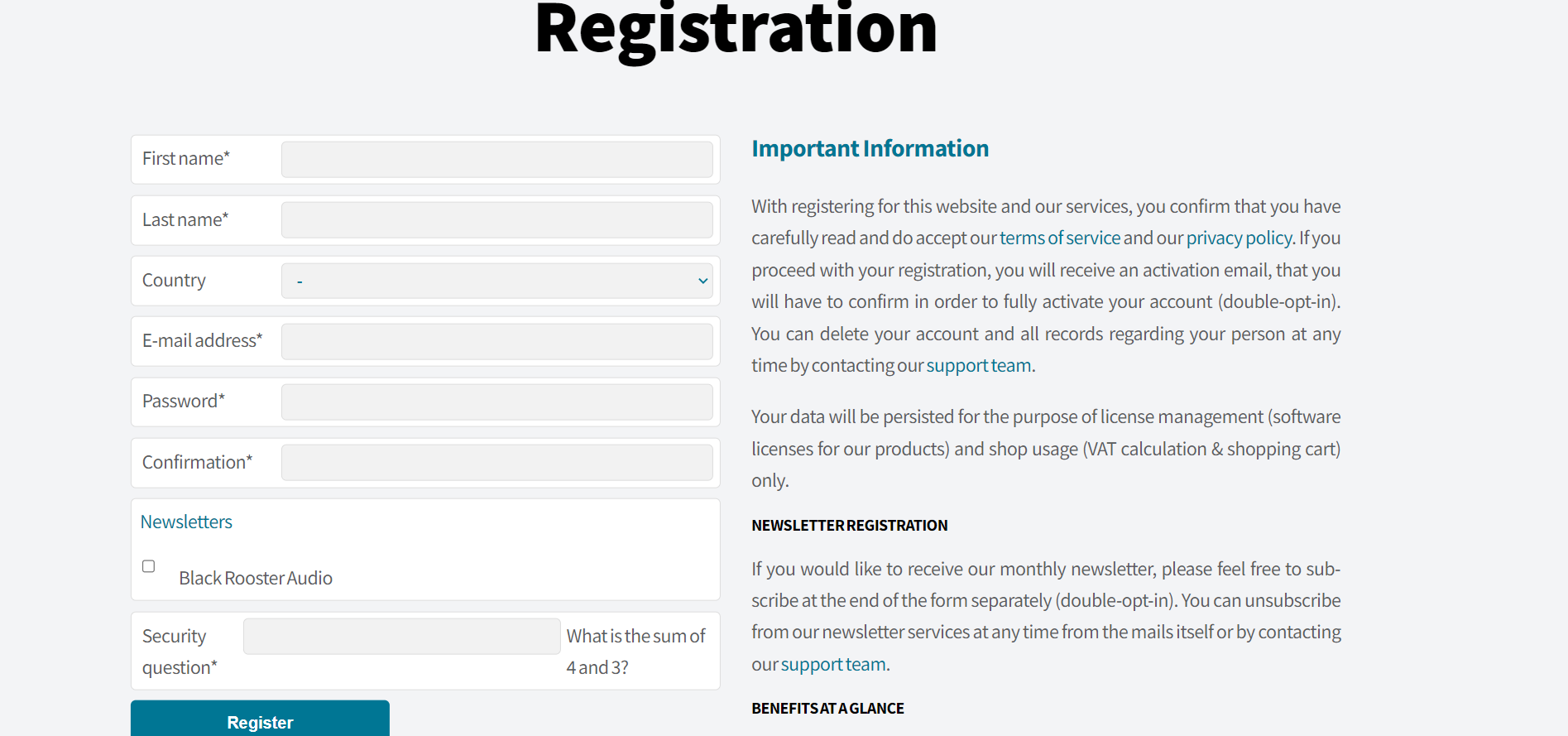
2.  Click 'REGISTER NEW ACCOUNT' > If you already have an account, skip to step 5.

3. Enter the required information > Click 'Register'.

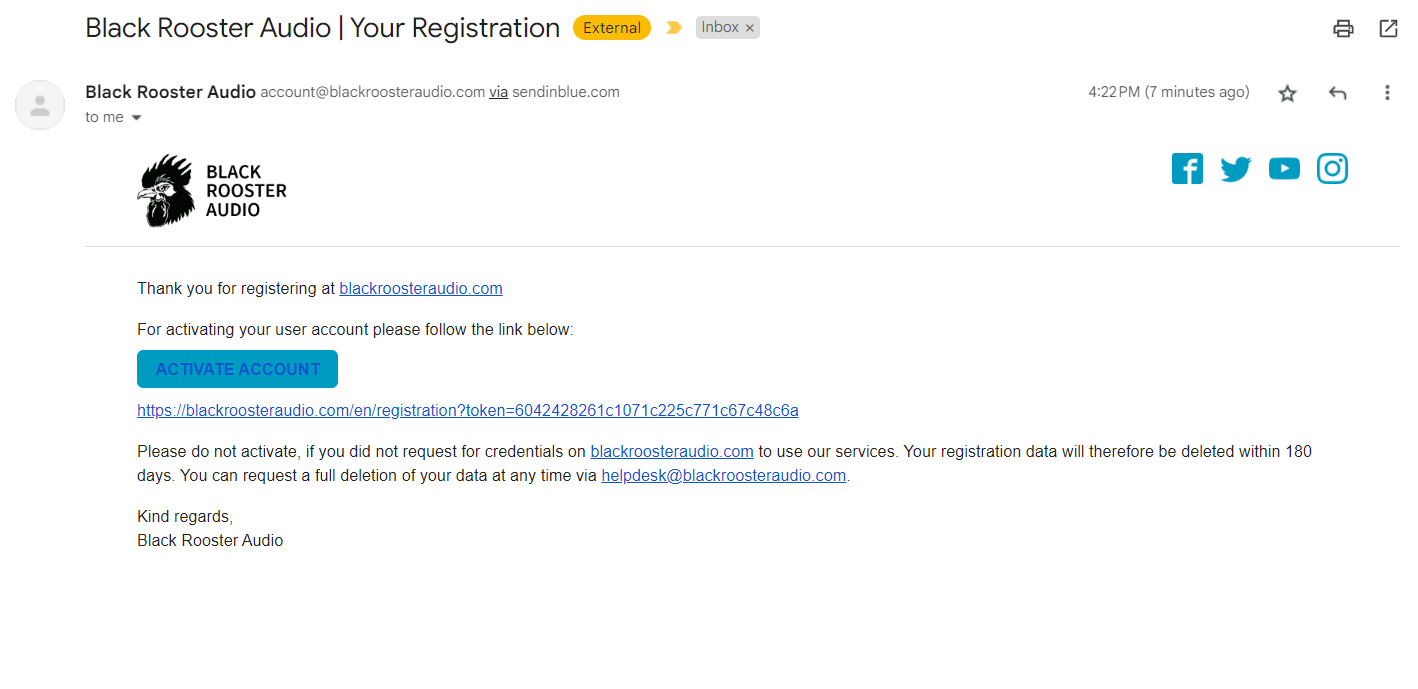
4. Go to your email and locate the email from Black Rooster Audio > Click 'ACTIVATE ACCOUNT'.

5. Login to your account.

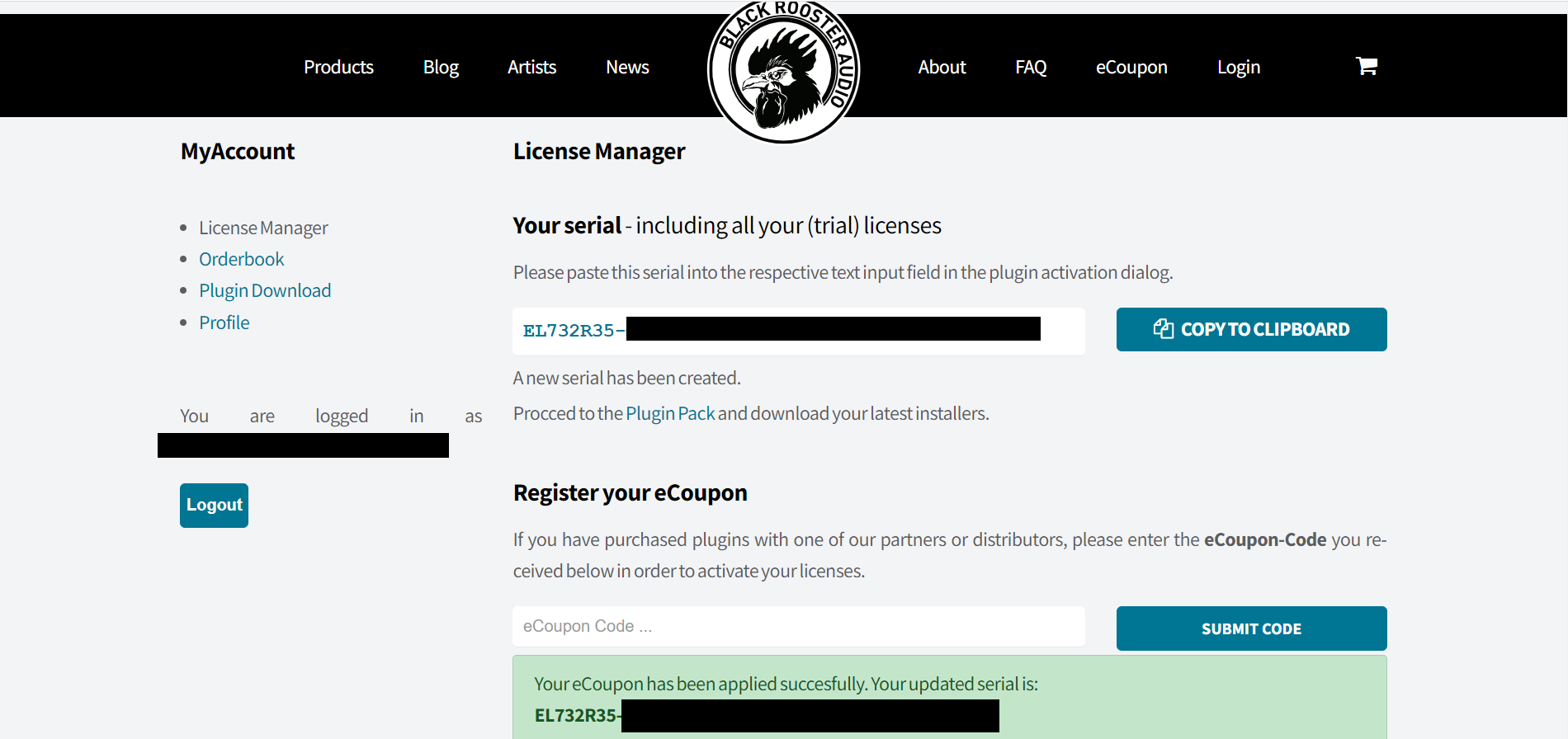
6. Enter the serial number found within your Plugin Boutique User Account in the 'eCoupon Code' section > Click 'SUBMIT CODE'.

7. Please make note of your newly received 'serial number' > Click on 'Plugin Download' under MyAccount.

8. Download the relevant installer.

PC

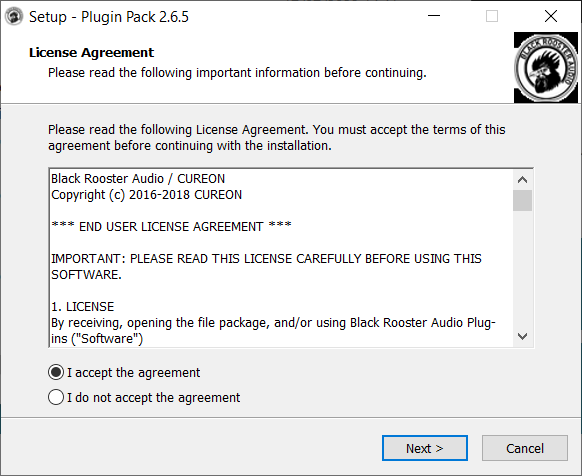
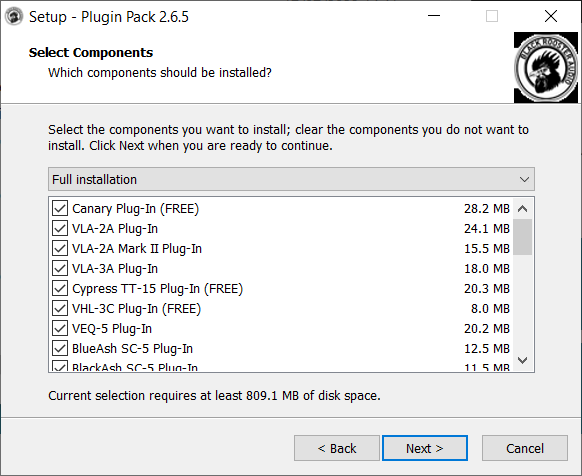
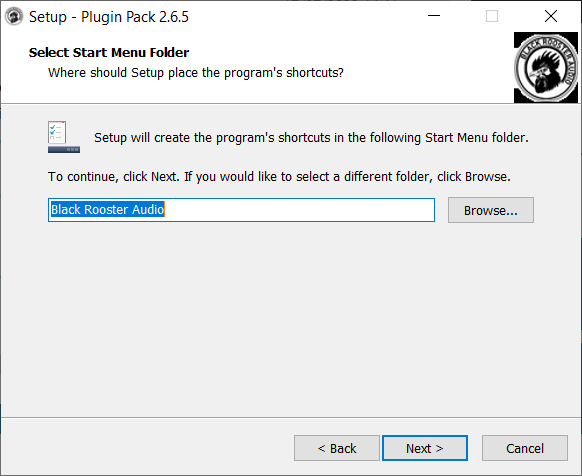
1.  Run the .exe installer.

2. Click 'I accept the agreement' > 'Next >'.

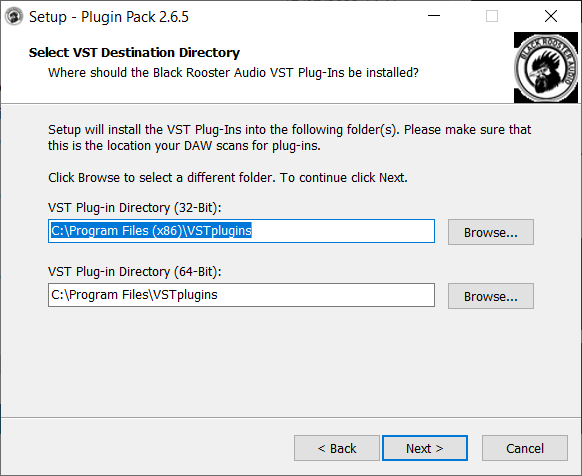
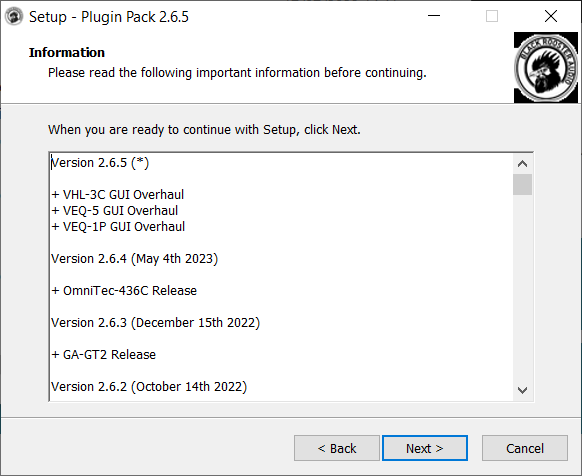
3. Click 'Next >'.

4. Click 'Next >'.

5. Click 'Next >'.

6. Click 'Next >'.

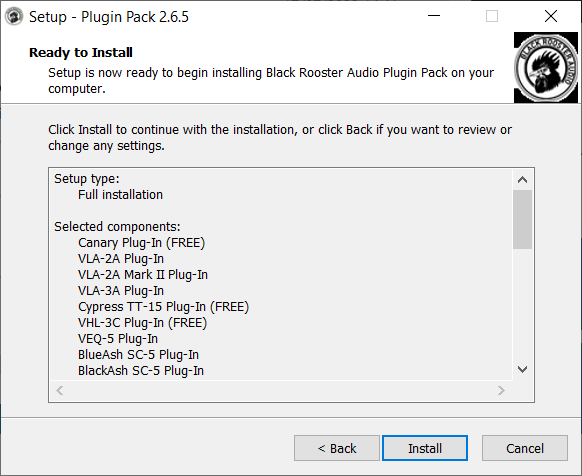
7. Click 'Install'.

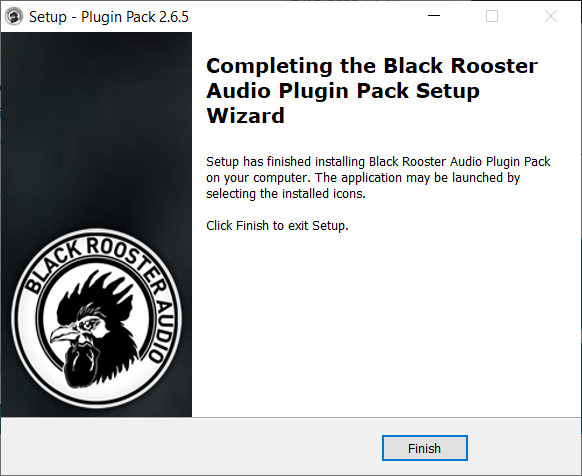
8. Click 'Finish'.

9. Open your DAW and locate VLA-3A.

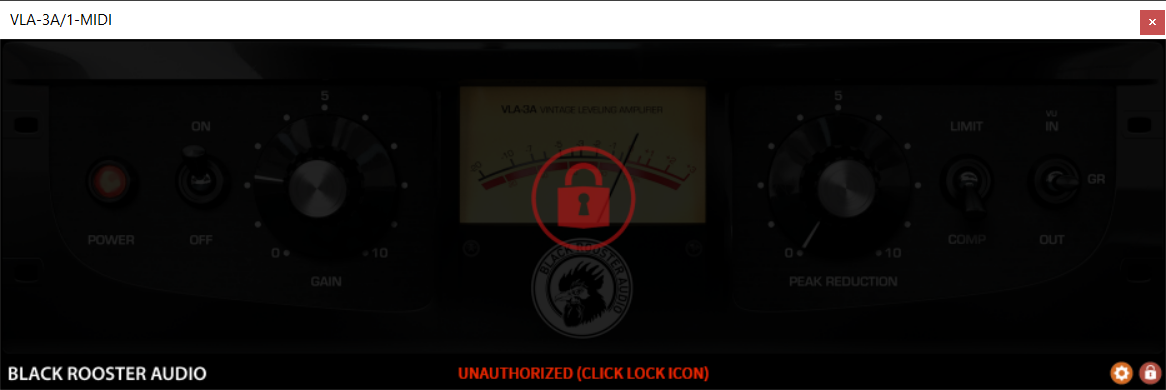
10. Click the lock icon.

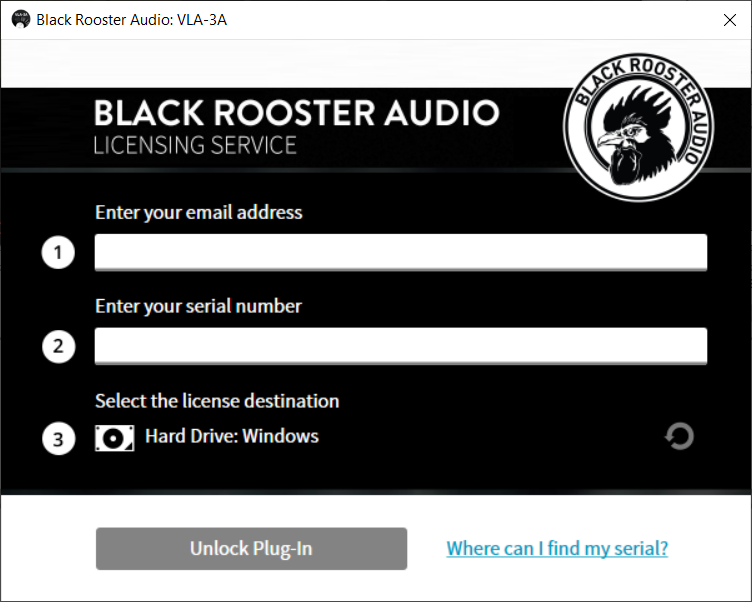
11. Enter your email address and the serial number received previously in your Black Rooster Audio account > Click 'Unlock Plug-In'.

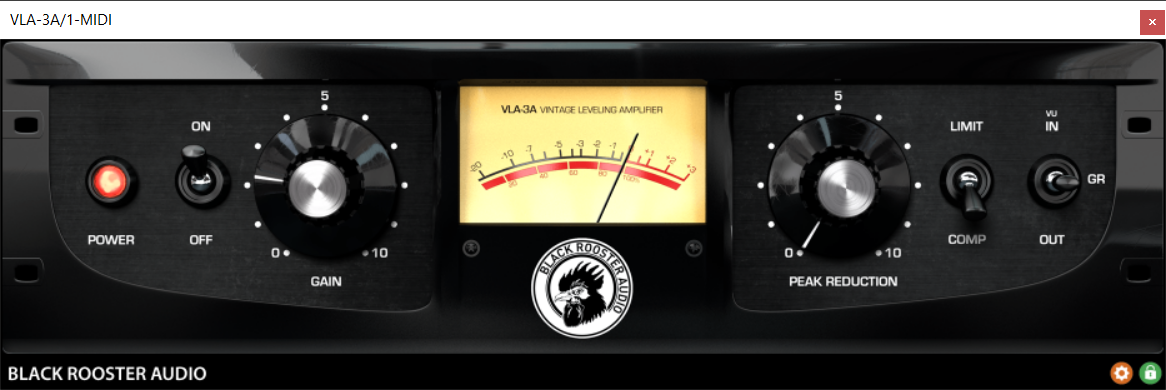
Your software is now activated and ready to use!

Mac

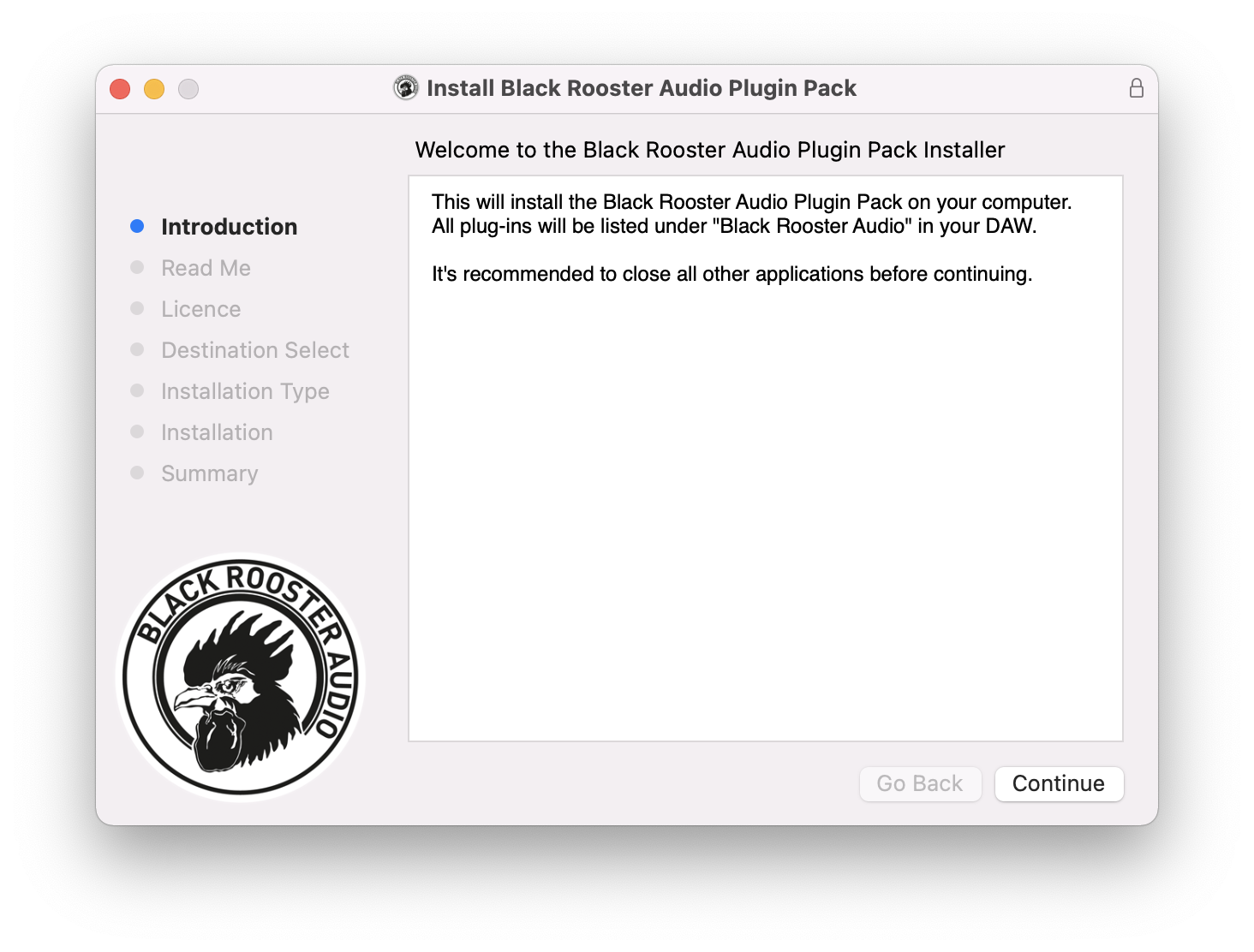
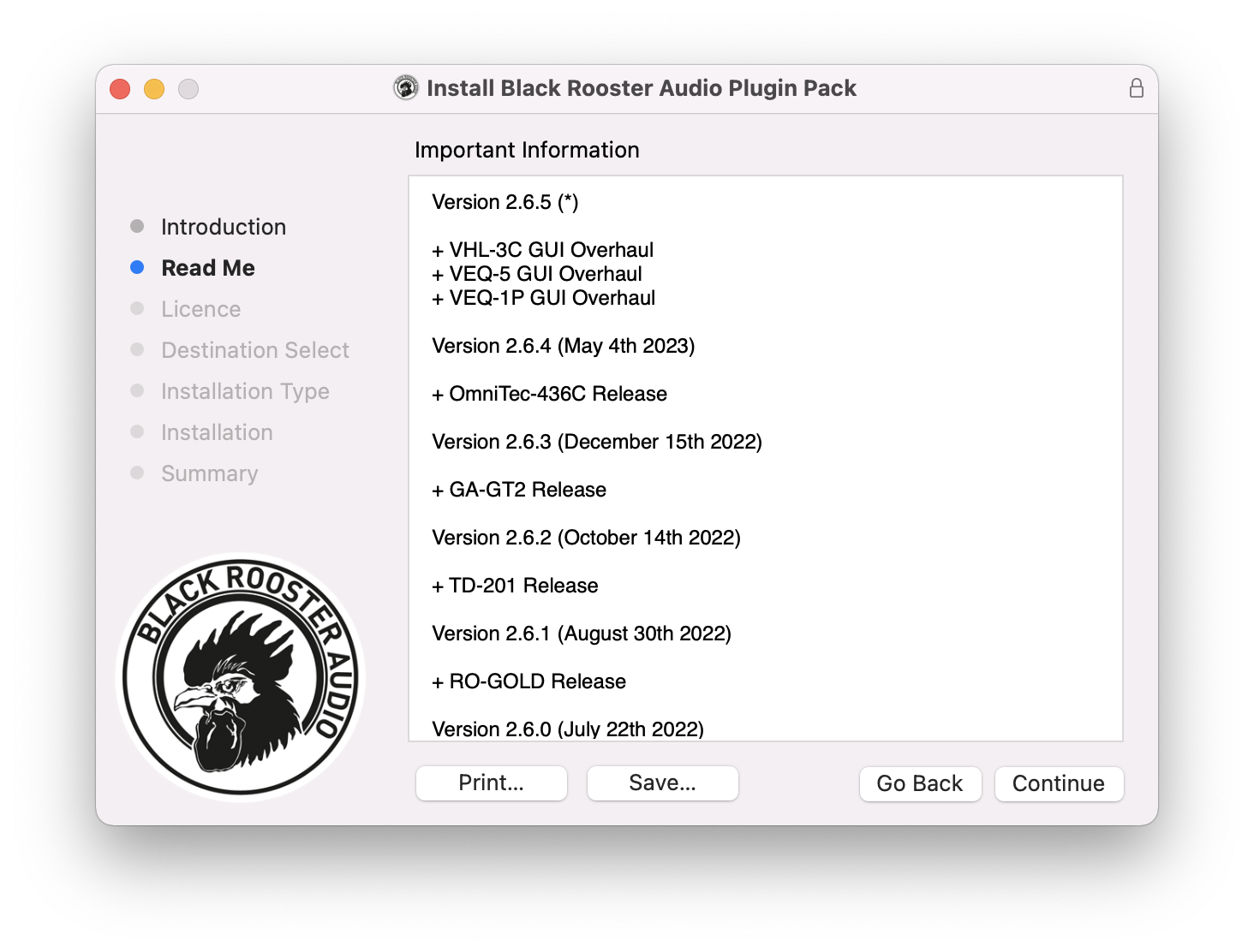
1. Run the .dmg installer.

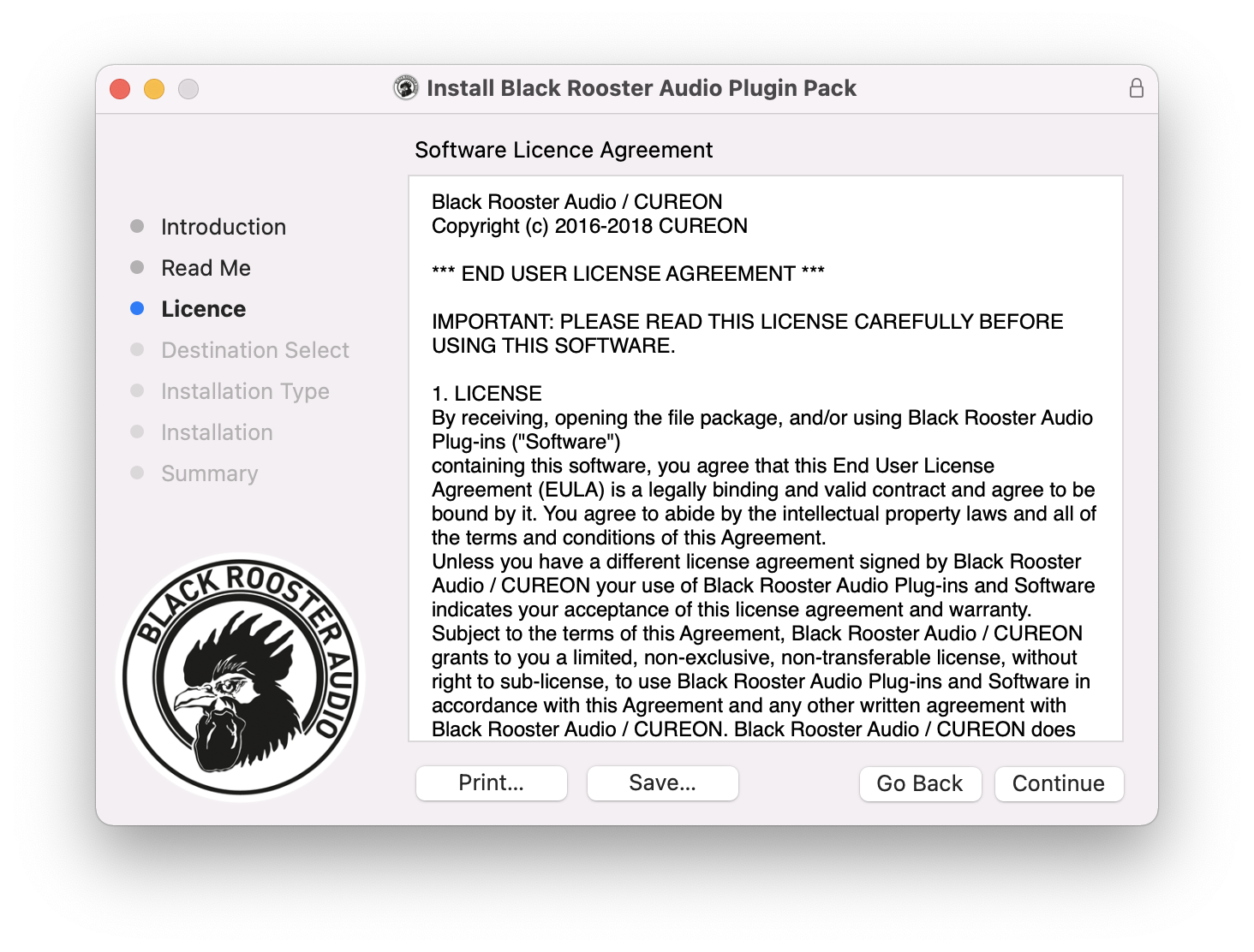
2. Click 'Continue'.

3. Click 'Continue'.

4. Click 'Continue'.

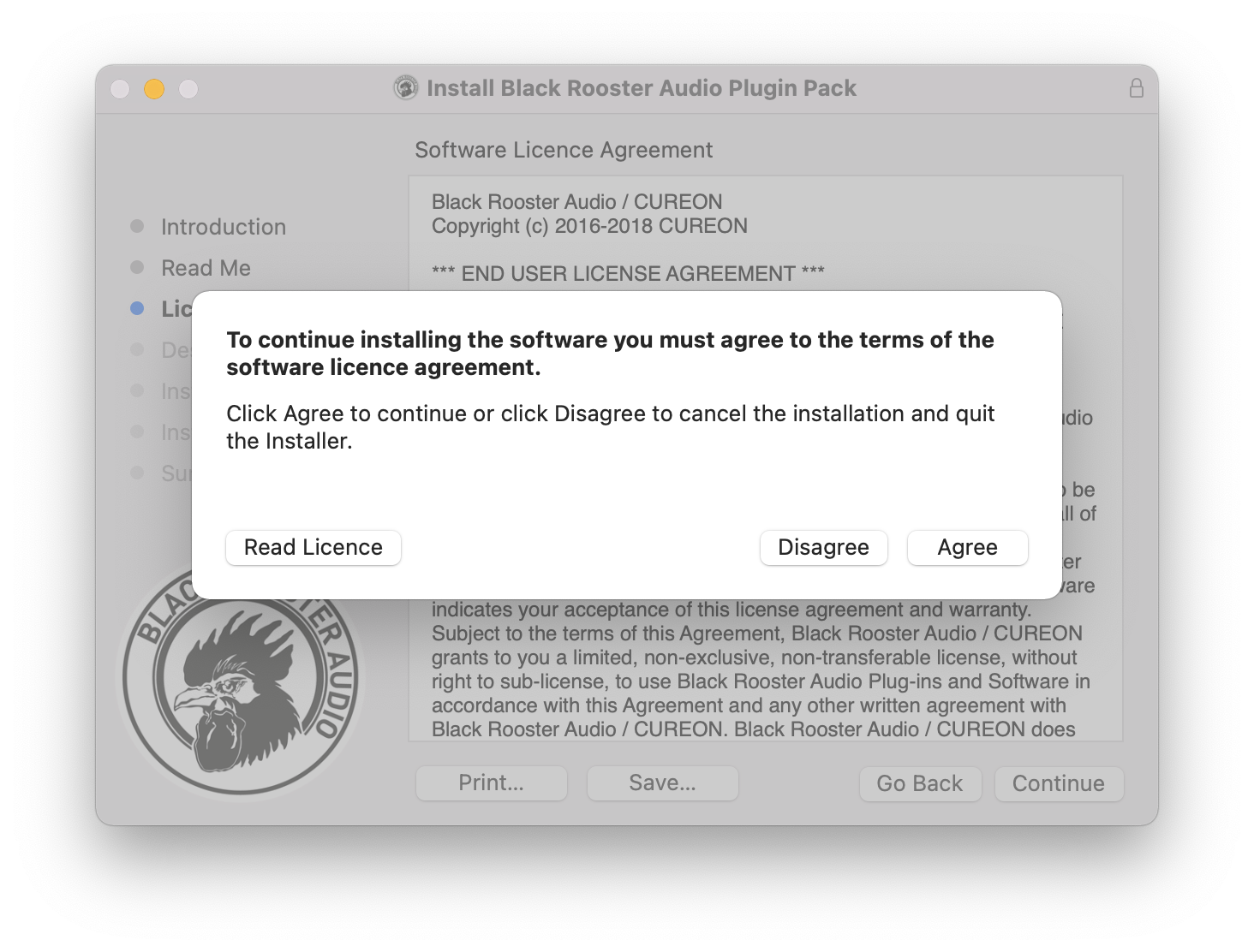
5. Click 'Agree'.

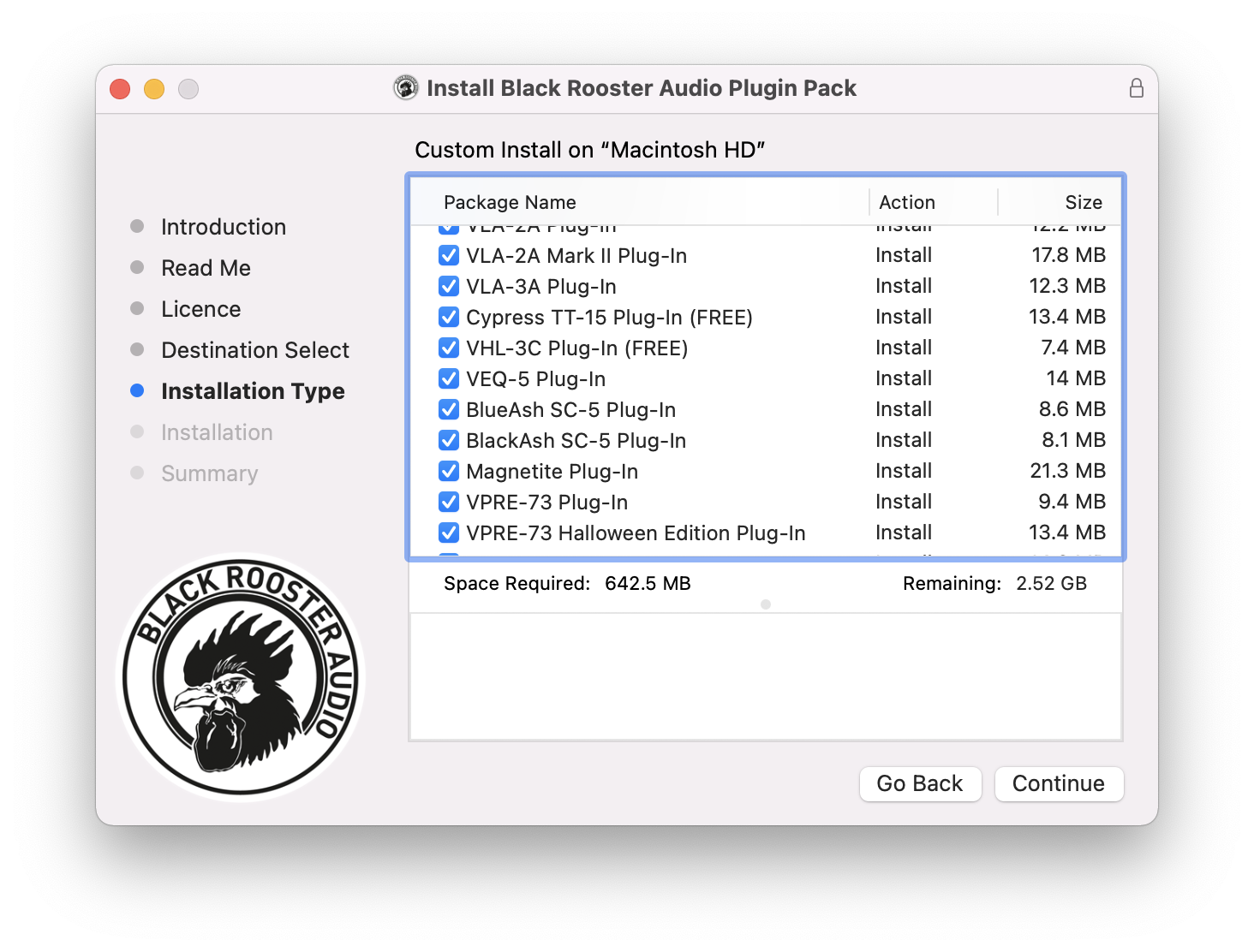
6. Click 'Continue'.

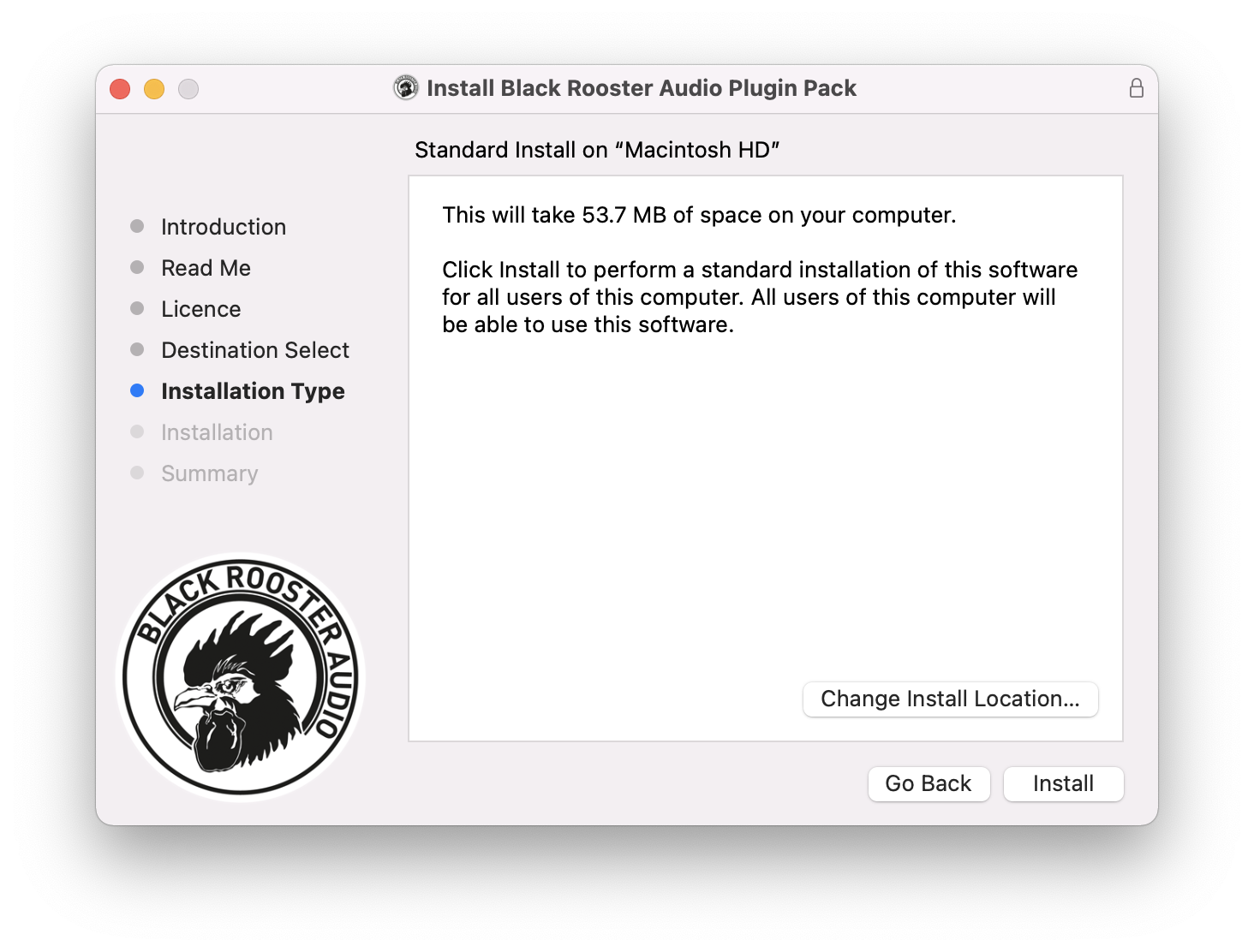
7. Click 'Install'.

8. Open your DAW and locate VLA-3A.

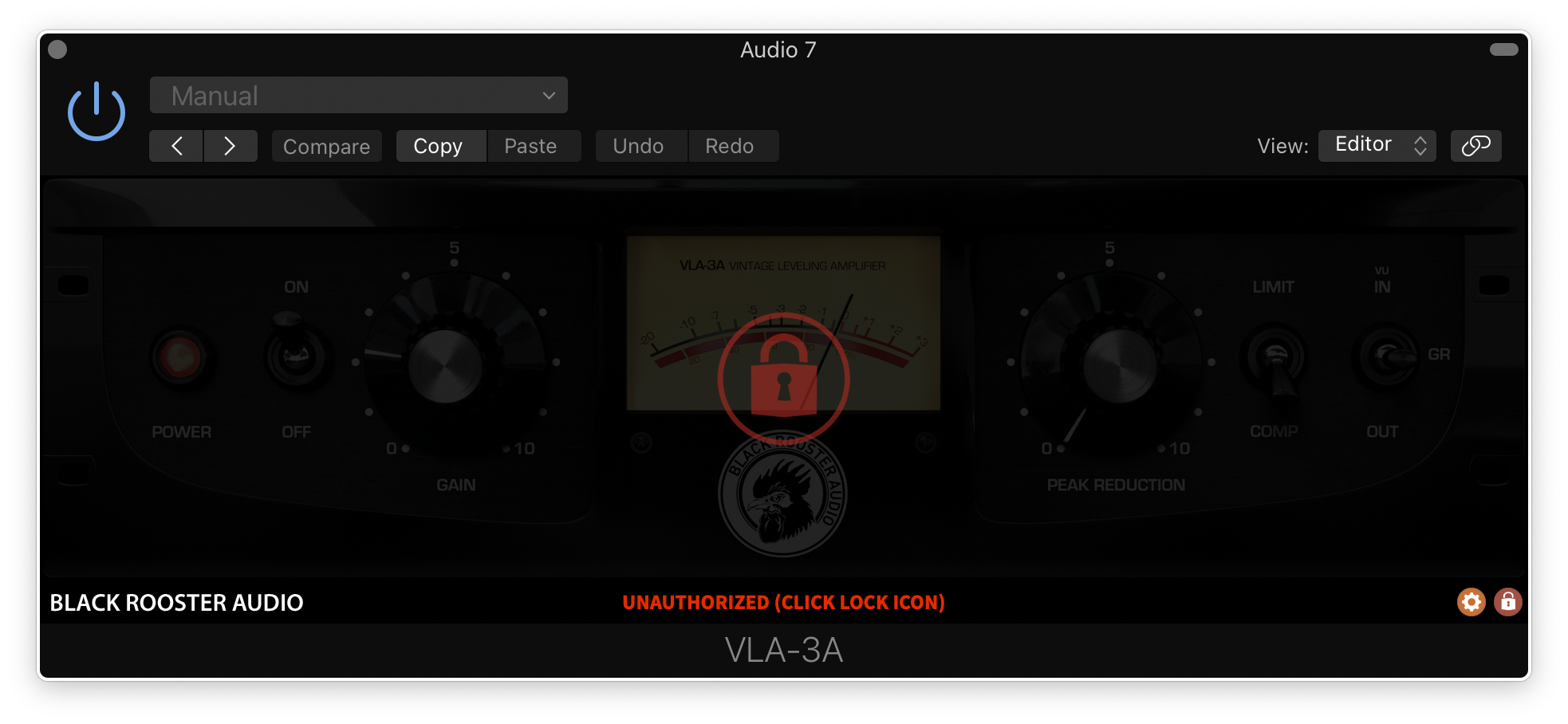
9. Click the lock icon.

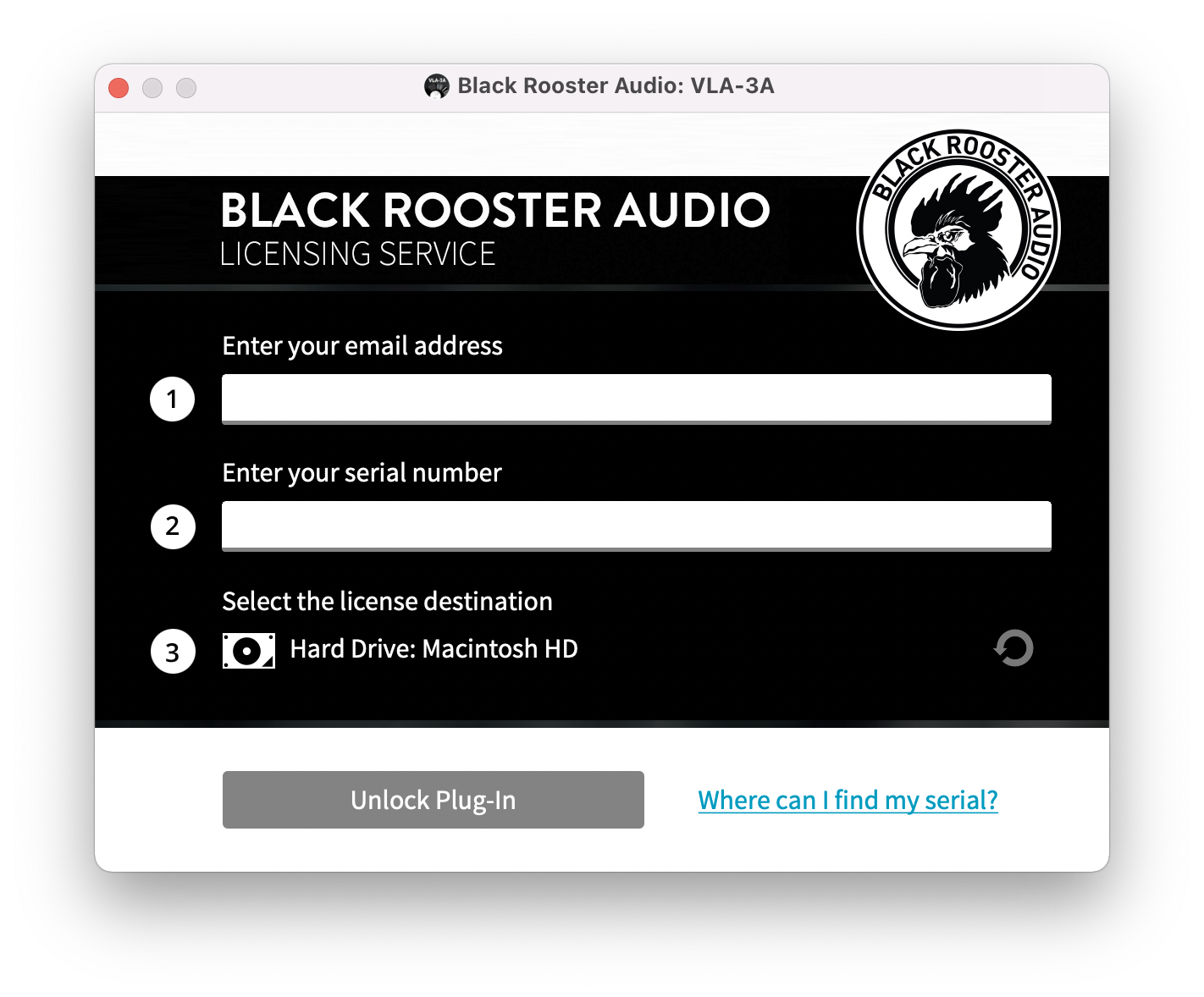
10. Enter your email address and the serial number received previously in your Black Rooster Audio account > Click 'Unlock Plug-In'.

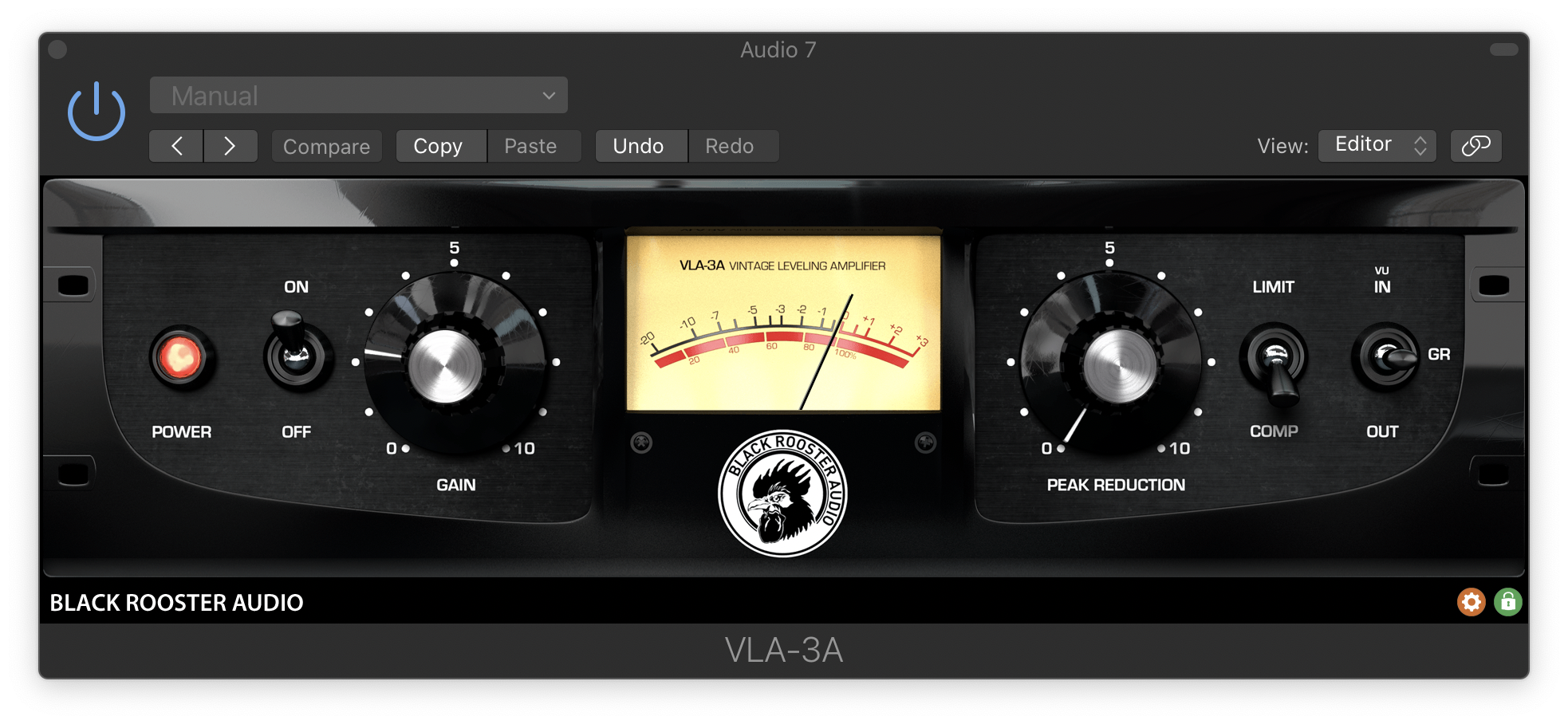
Your software is now activated and ready to use!

Plugin Boutique Rewards

Discover the most rewarding loyalty programme among all plugin retailers.

  • Free Loopmasters Samplepacks
  • Discounts on products and courses
  • Extra Virtual Cash claimed immediately at checkout
Find out more

Follow us:

X (Twitter) Facebook YouTube Instagram
Logo Logo

Plugin Boutique Limited, Part of the Beatport Group LLC.

Copyright © 2011-2025 Plugin Boutique. All rights reserved