Log In

Free gifts available with your purchase
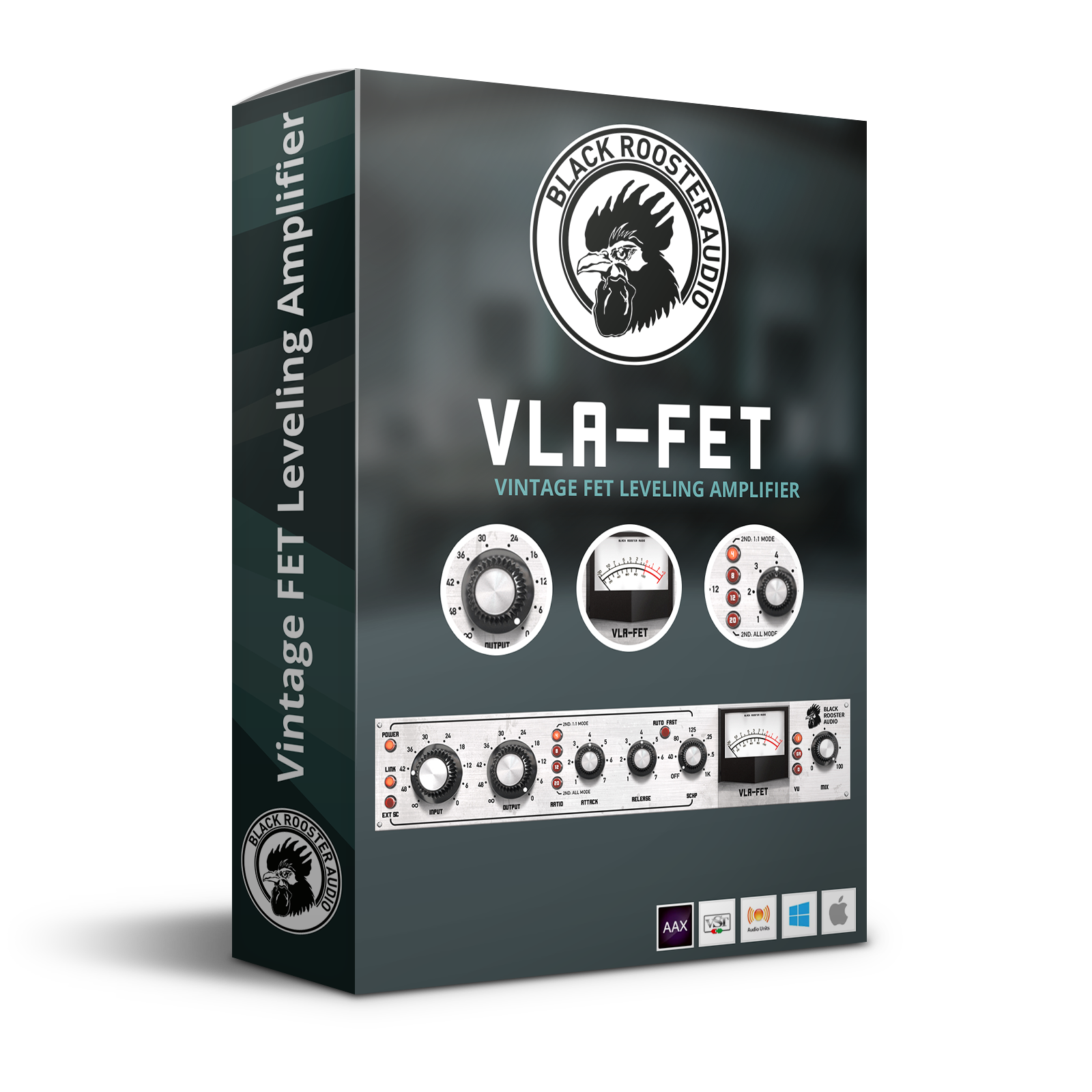
Vintage Fet Leveling Amplifier
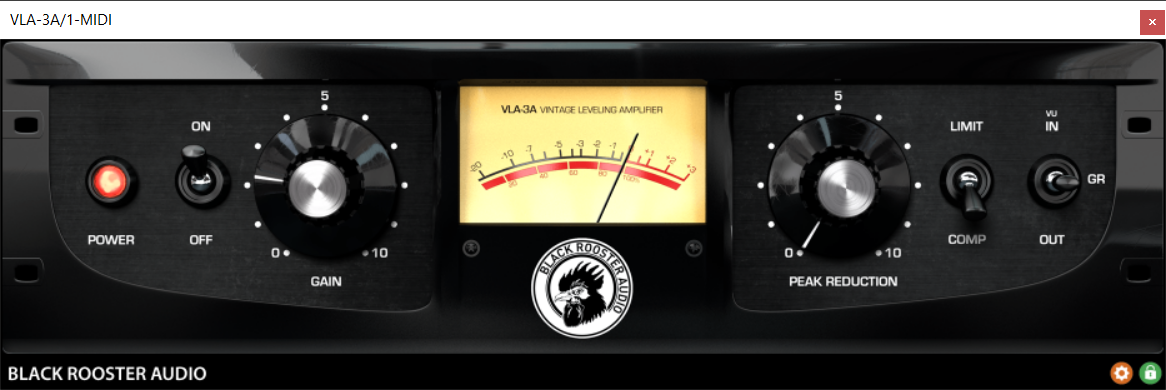
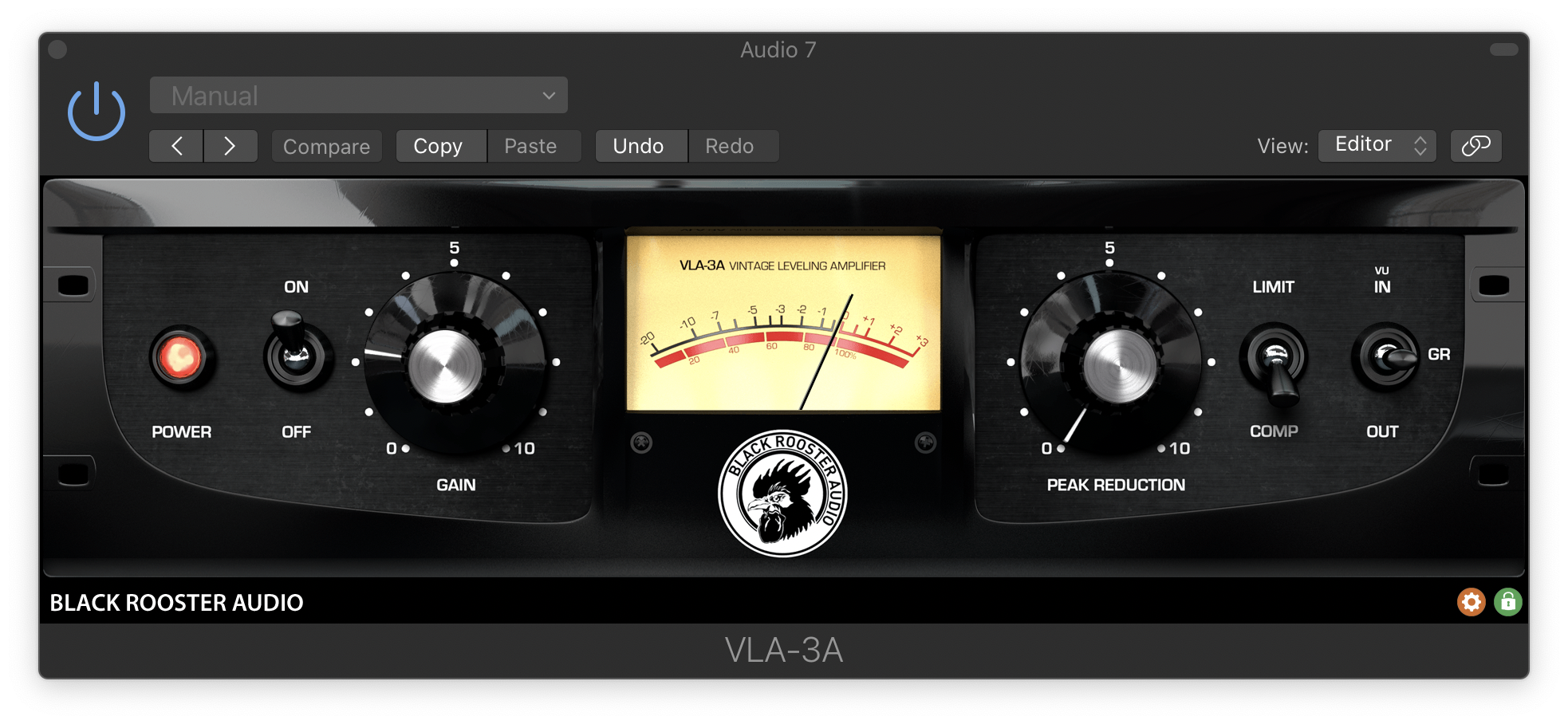
Black Rooster Audio is excited to present the VLA-FET, inspired by one of the most famous and renowned leveling amplifiers in studio history. This plug-in allows for manipulation of the dynamics in the most intuitive but intense manner, thus giving you a creative tool with an outstanding variety of options, never being overly complex in handling. The super-fast attack and release times will shape out your signal more precisely and efficiently, for forceful drums, bass, and vocals.
Besides the classic parameters, we added some modern touch and functionality to the unit, to make you even more flexible. The Emulation is instigated by the classic LN Rev F, with Lundahl transformers and an op-amp input stage similar to the LA-4A, that have been formulated in detail, striving for an authentic vintage sound.
Features
Authentic Circuit Emulation
Black Rooster Audio's real-time component based circuit simulation approach allows for authentically capturing the sound and feel of the analog unit as close as possible. All the crucial parts, including in- and output transformers, an additional sidechain, and audio path networks and filters have been faithfully modeled.
SSE2 Optimized Code
DSP operations are pipelined using the SSE2 instruction set. This ensures high-performance operation despite very complex computations.
Auto-Adjusted Oversampling for Maximum Audio Transparency
Aliasing artifacts are efficiently attenuated using a low latency linear phase Dolph-Chebyshev polyphase design. The oversampling rate is auto-adjusted to your session's sample rate to save CPU while offering the most transparent sound possible.
HighDPI / Retina Support
Their user interfaces support high pixel density on both Windows and Mac OS systems to present you with the most enjoyable user experience on high DPI displays. Please refer to your manual to learn whether your DAW is HighDPI capable if you're working on Windows.
System Requirements
Mac
- Mac OSX 10.9 or newer (M1/M2 supported)
- Intel Core CPU or Apple SIlicon M1/M2 Processor
- 1GB of RAM
- VST, VST3, AU or AAX compatible host (64bit)
- Display resolution of 1280x1024 pixels or more
PC
- Windows 7 or newer
- SSE2 compatible processor (Intel Core CPU recommended)
- 1GB of RAM
- VST, VST3 or AAX compatible host
- Display resolution of 1280x1024 pixels or more