


 Log In

Free gifts available with your purchase

LunchTable – The 1$t Pen Tapping Plugin
LunchTable faithfully reproduces the captivating sounds of pen tapping. Producer Fki 1$t, known for his work with Post Malone, 2 Chainz, Migos and Travis Scott teamed up with BEATSURFING to create LunchTable. Create rhythmic beats with the artful tapping of pens, pencils, coins, and more on various surfaces.
The plugin comes packed with an extensive library of 4,400+ meticulously recorded pen-tapping sounds. Each sound is expressively captured and is velocity-sensitive for a realistic, organic feel.
Discover endless possibilities with LunchTable as you explore the diverse range of pen-tapping sounds. From the crisp and precise strikes of pencils to the resonating beats produced by pens and hands, this plugin has an extensive instrument and preset selection
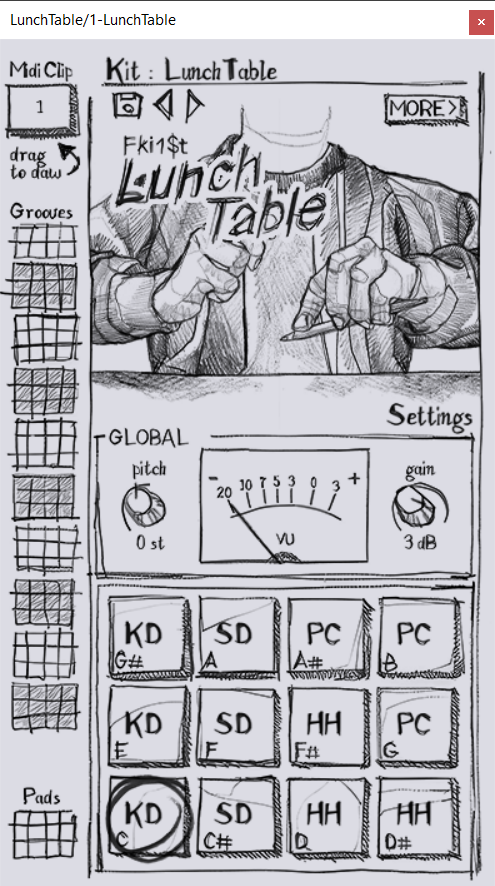
LunchTable allows you to shape and refine your sound to perfection. With a unique independent velocity control for the impact and body. We included close and room mics for customizable reverb and added an EQ for sound refinement.
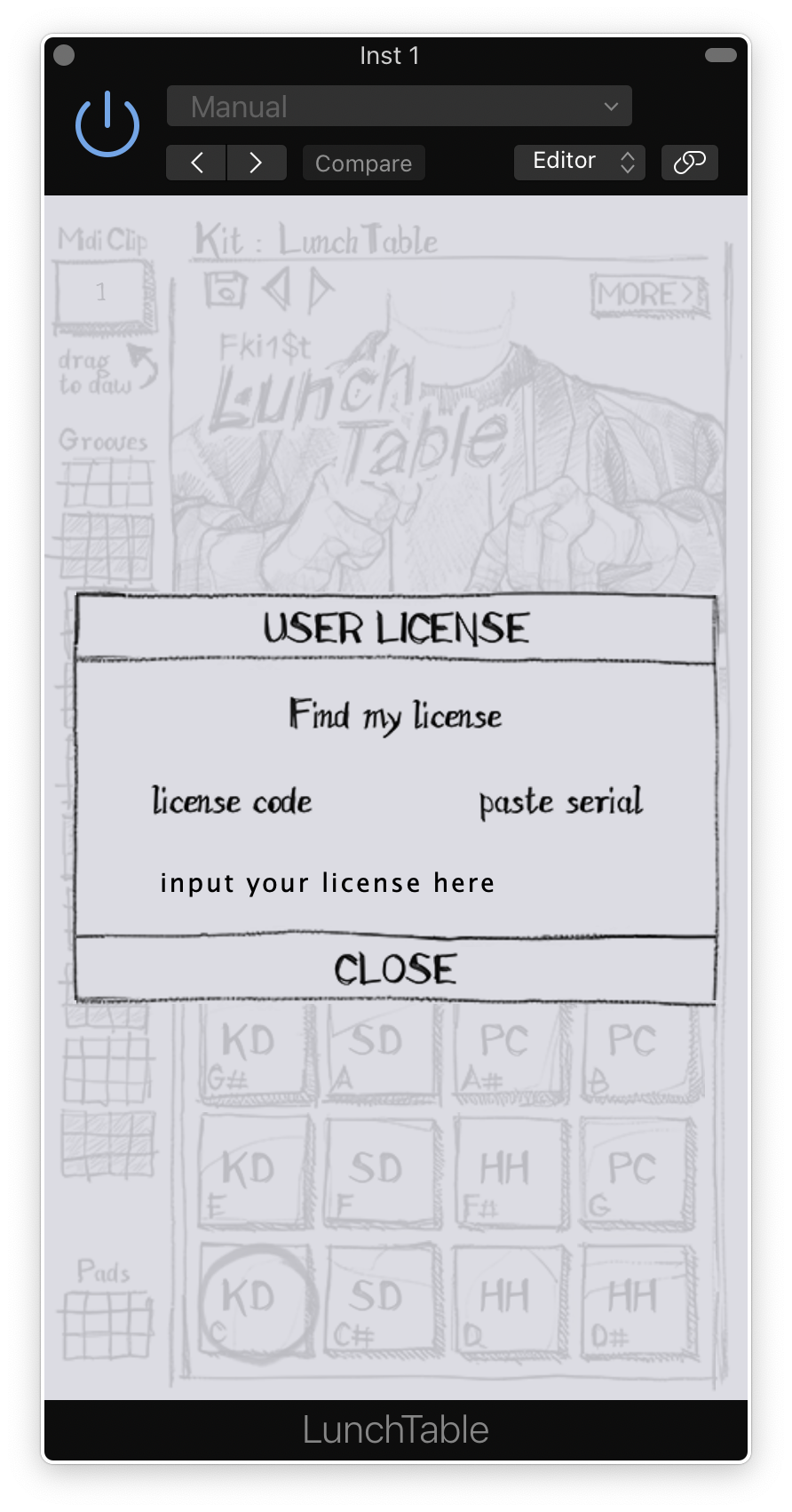
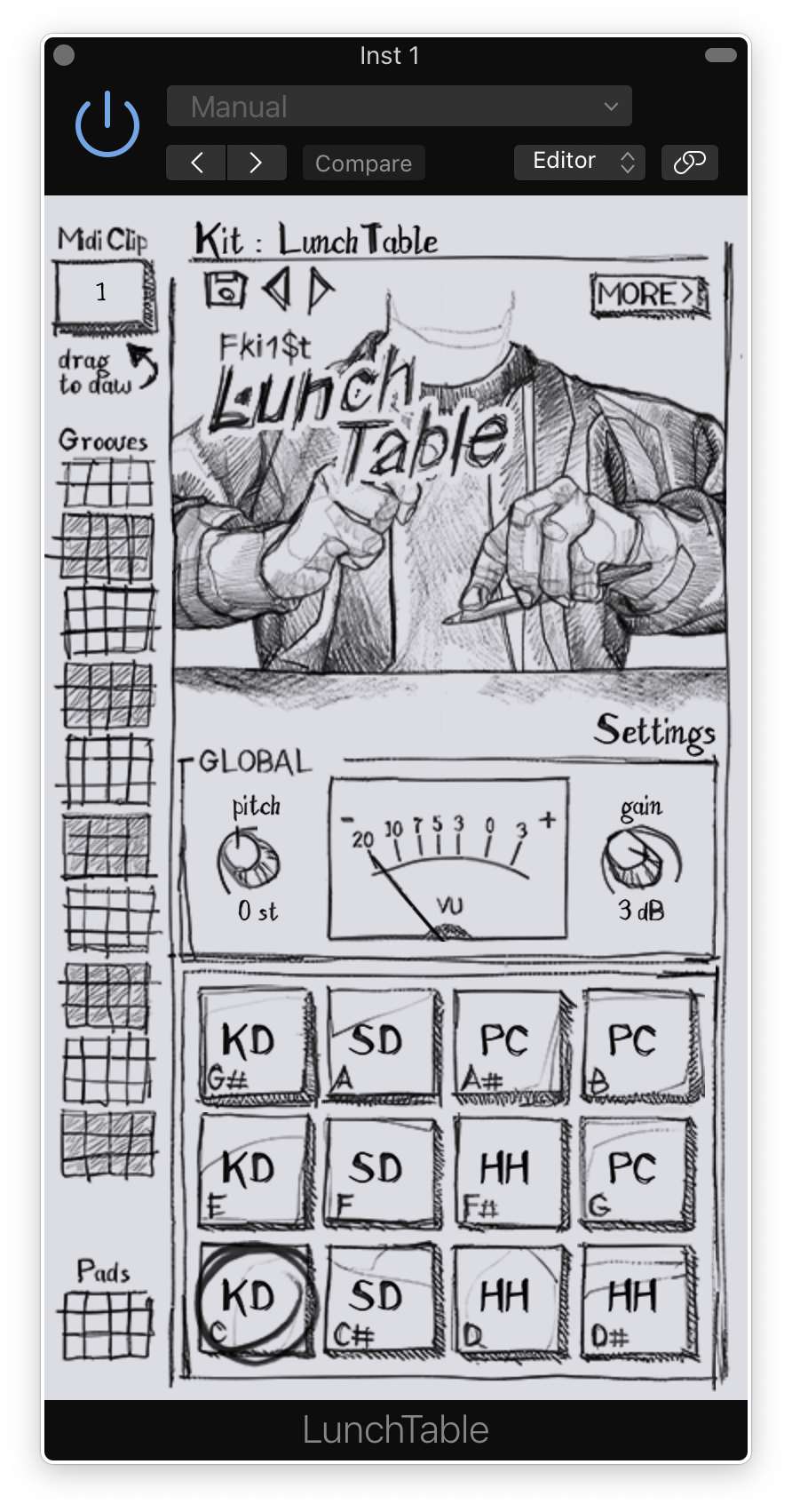
Compatible with all major DAWs on both MacOS and Windows, LunchTable seamlessly integrates into your music production workflow. Drag and drop 100+ preloaded grooves into your daw as midi clips, or play live on the 12 one shot pads.
Features
- 4400+ samples
- Velocity-sensitive for a realistic, organic feel
- Independent velocity control for the impact and body
- Abundant sound variations for authenticity
- 116 preloaded grooves or easily import MIDI clips
- 12 one-shot pads for finger drumming with any controller
- Diverse sounds: desks, pens, coins, and many unique surfaces
- Close and room mics for customizable reverb
- Built-in EQ for sound refinement
- Extensive instrument and preset selection
- Multi-out for each sound category (Kick, Snare, HiHat, Percussion)
System Requirements
PC
- Windows 7 or later
- 2GHz Pentium IV processor or equivalent
- A host that supports 32-bit or 64-bit VST
- At least 335MB free disk space
- Formats: VST, VST3, AAX
Mac
- macOS 10.15 or later
- Intel or Apple Silicon processor
- A host application that supports 64-bit VST or AudioUnit
- at least 335MB free disk space
- Formats: AU, VST, VST3, AAX
Important note: When accessing this software via a Rent to Own plan or the Beatport Studio membership, it's installed and run through the Beatport Access portal. An internet connection is required every 30 days to validate your license.
Reviews Summary
While it aims to provide a helpful overview, it may not capture every perspective or detail. We encourage you to read individual reviews to make an informed decision.
Users praise the plugin as a fun, creative, and unconventional drum machine that delivers unique, organic sounds far removed from standard 808s and 909s. While widely enjoyed and even hailed as a favorite tool, reviewers note it is a niche instrument best suited for specific contexts rather than every track, with one user noting a desire for multi-channel audio routing.


