Log In

Free gifts available with your purchase

The Ultimate Cabinet Simulator Plugin
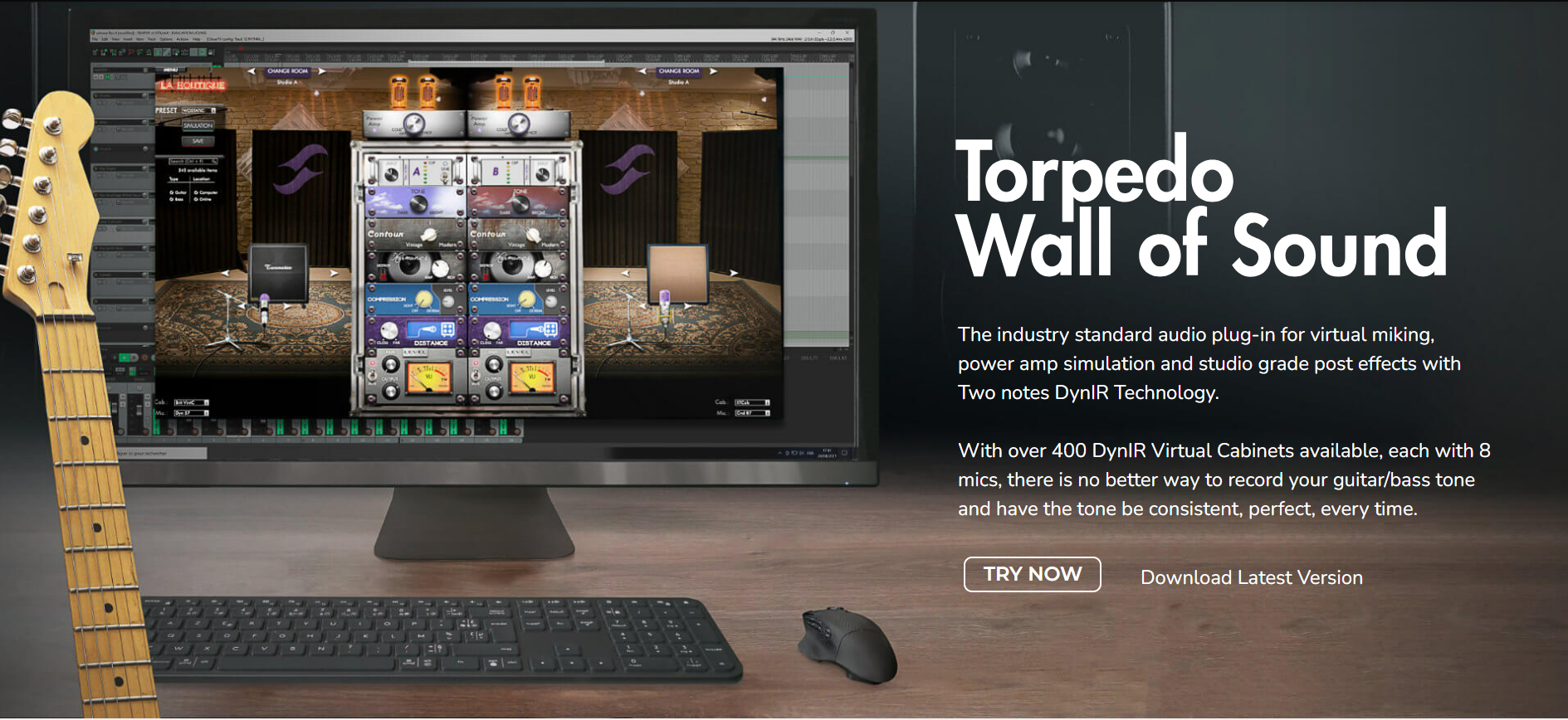
Introducing Torpedo Wall of Sound, the industry-standard audio plugin for virtual miking, power amp simulation and studio-grade post effects with Two Notes DynIR Technology. With over 600 DynIR VirtualCabinets available, each with 8 mics, there is no better way to record your guitar/bass tone and have the tone be consistent, perfect, every time.
Discover DynIR
Conquering the dividing line between sublime authenticity and uncompromising digital emulation, DynIR represents the pinnacle in virtual guitar- and bass-cabinet technology. Harnessing power equivalent to 160,000 studio-grade IR files, each Two notes DynIR can be shaped to the needs of even the most discerning tone chaser. With 8 mics per cabinet, dual mic-ing and 10K mic positions (front & back), unleashing your tone and finding your signature sound has never been simpler.
Limitless Tonal Possibilities
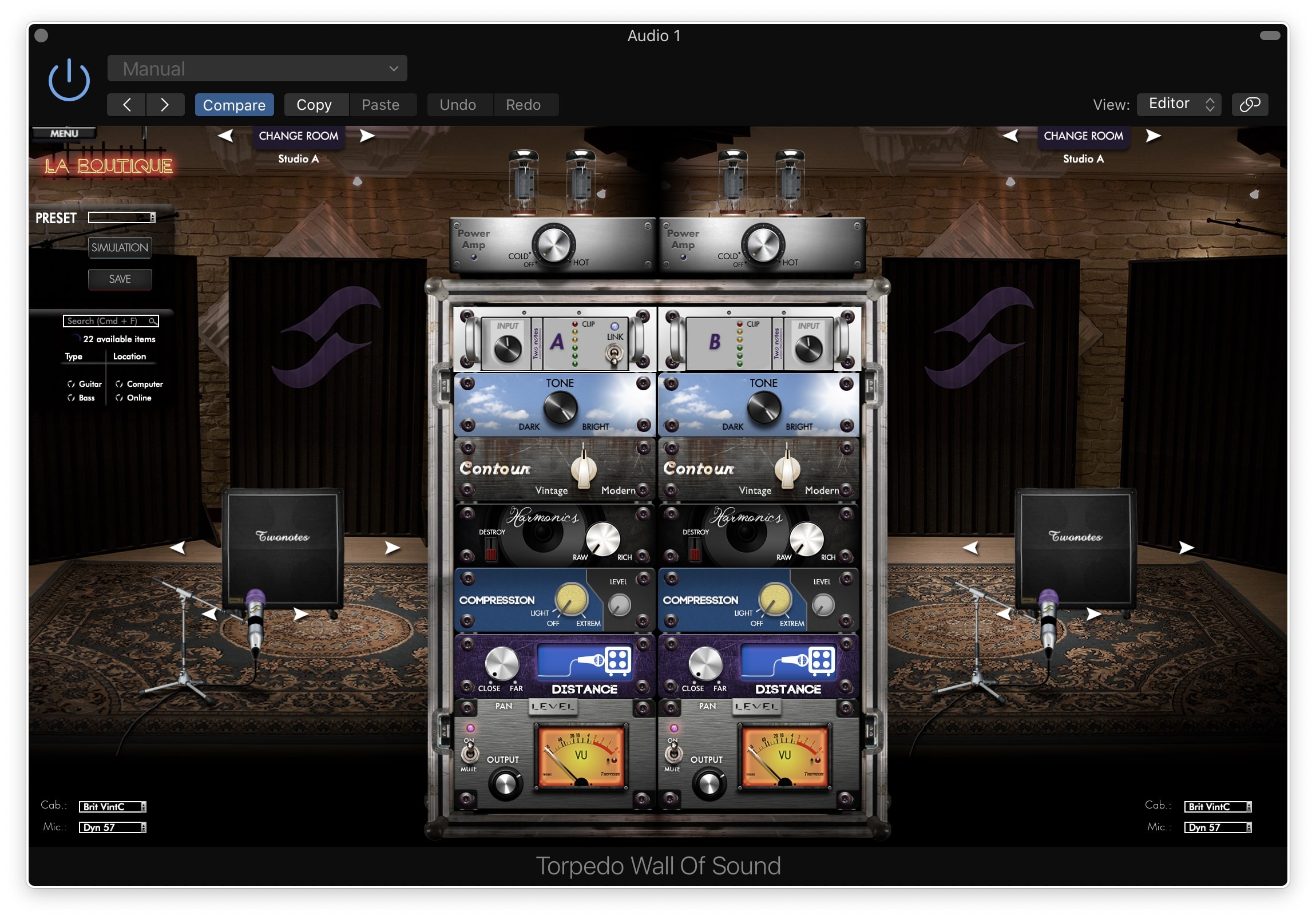
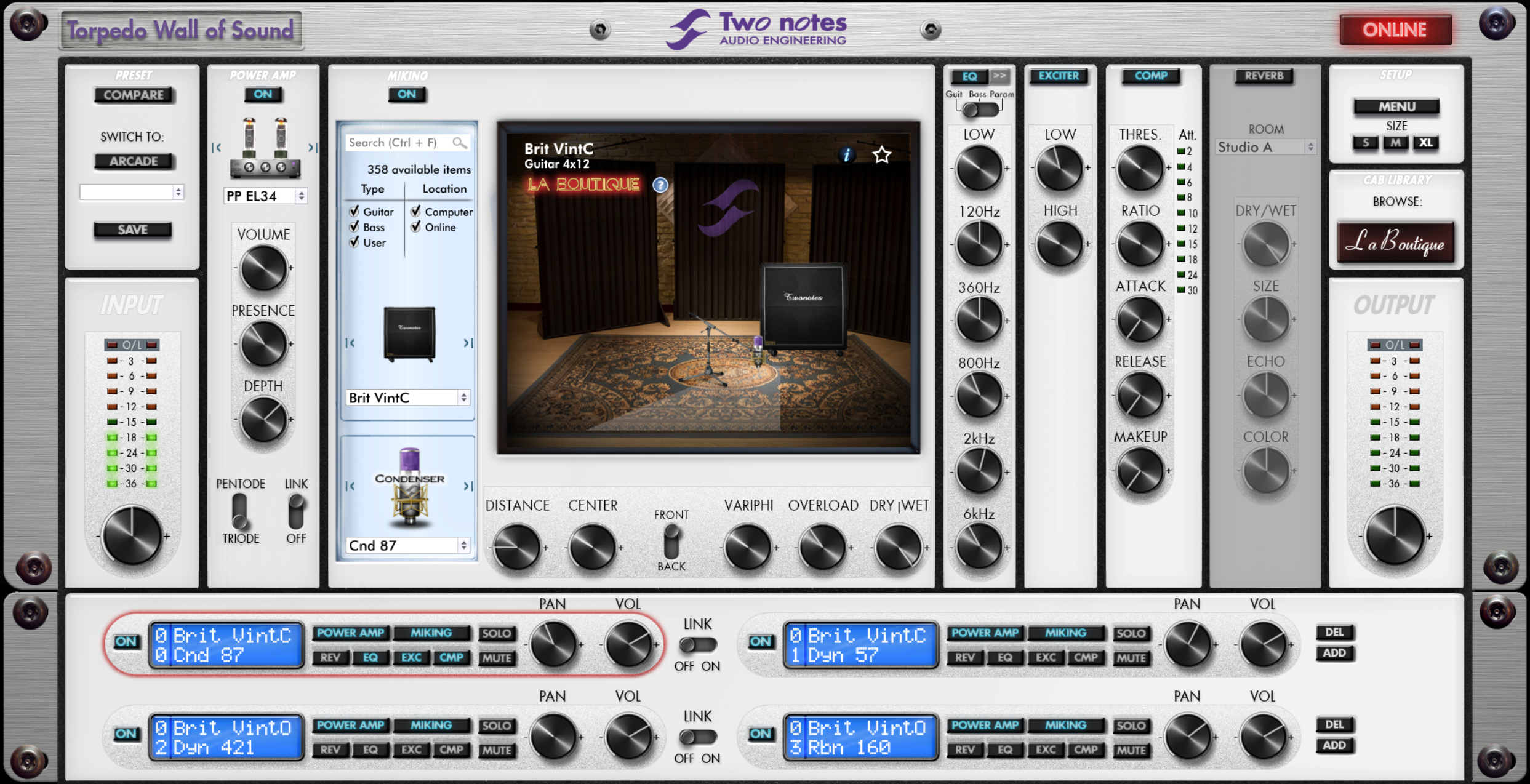
Torpedo Wall of Sound lets you stack up to 20 DynIR Cabinet channels, in stereo. Each channel comes with a perfectly modelled tube power amp emulation, 8 room acoustics and a wide variety of studio-grade effects (including a 6-band EQ, a 2-band exciter, a studio compressor and a tweakable reverb) specifically tailored for shaping guitar tones to studio standards. Whether you are re-amping, using modelling, or going straight into your DAW from a preamp, Torpedo Wall of Sound is the final word.
What's included?
- Jazz 120 - Inspired by a Roland® Jazz Chorus JC-120 Guitar cabinet loaded with Roland® 12" 60w speakers.
- Deluxe - Inspired by a Fender® Blues Deluxe 1×12 Guitar cabinet loaded with Eminence® 12" Special Design speakers.
- Voice 65 - Inspired by a Vox® AC30/6 TB Combo Guitar cabinet loaded with Vox®, Celestion® 12" Silver Bell Alnico speakers.
- Angl 60C - Inspired by an Engl® E412SS Guitar cabinet loaded with Celestion® 12" V12-60 speakers.
- Silver77 - Inspired by a Fender® Twin Reverb Guitar cabinet loaded with JBL® 12" D120F Orange Frame speakers.
- Calif StdO - Inspired by a Mesa Engineering® Rectifier 4×12 Standard Guitar cabinet loaded with Celestion® 12" Vintage 30 speakers.
- Brit VintO - Inspired by a Marshall® Slash Signature Guitar cabinet loaded with Celestion® 12" Vintage 30 speakers.
- Rand RD112 - Inspired by a Randall® RD112 Guitar cabinet loaded with Celestion® 12" Vintage 30 speakers.
- Fridge9 - Inspired by an Ampeg® V-9 Bass cabinet loaded with Eminence® 10" Custom speakers.
- Heaven Top - Inspired by a David Eden® D410XLT Bass cabinet loaded with Eminence® 10" Custom speakers.
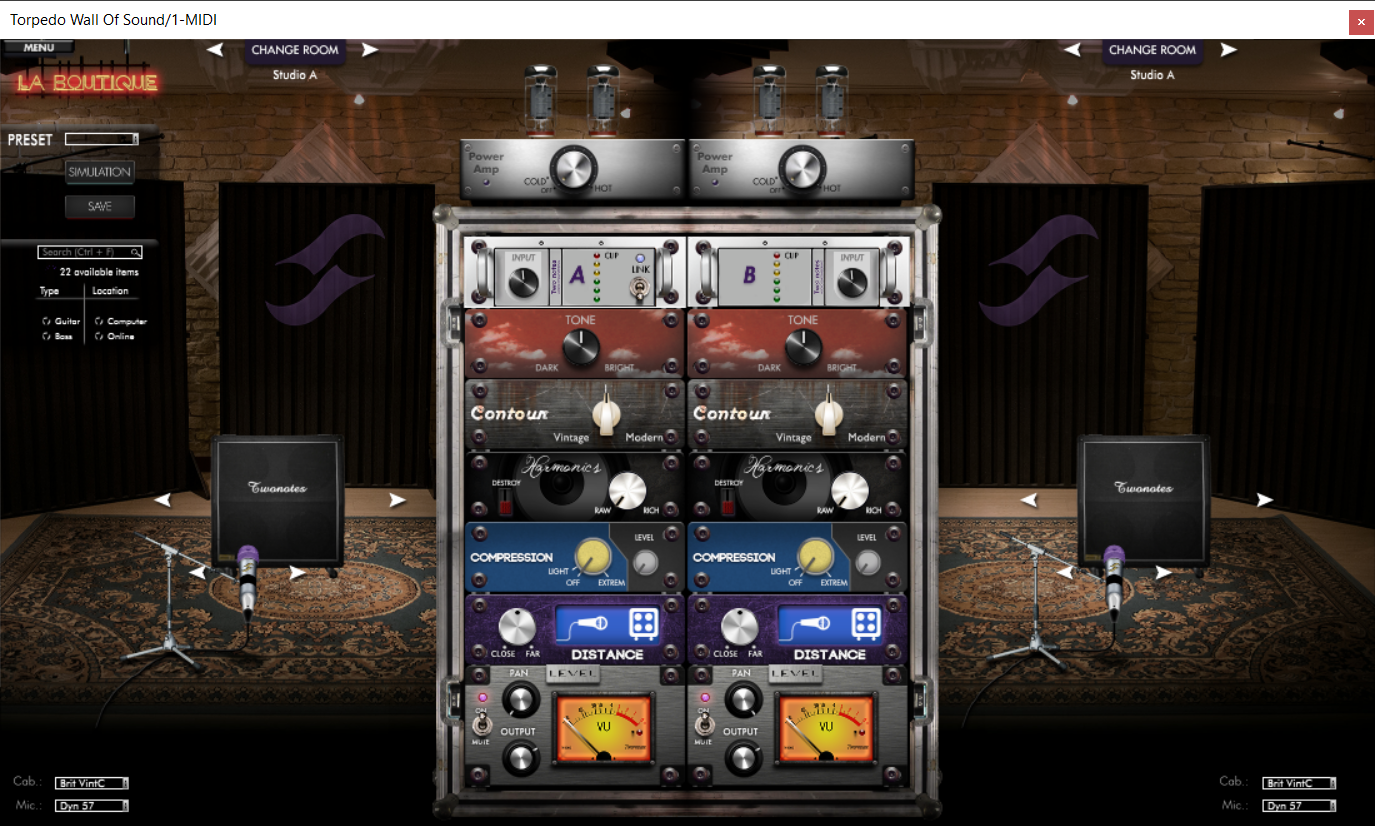
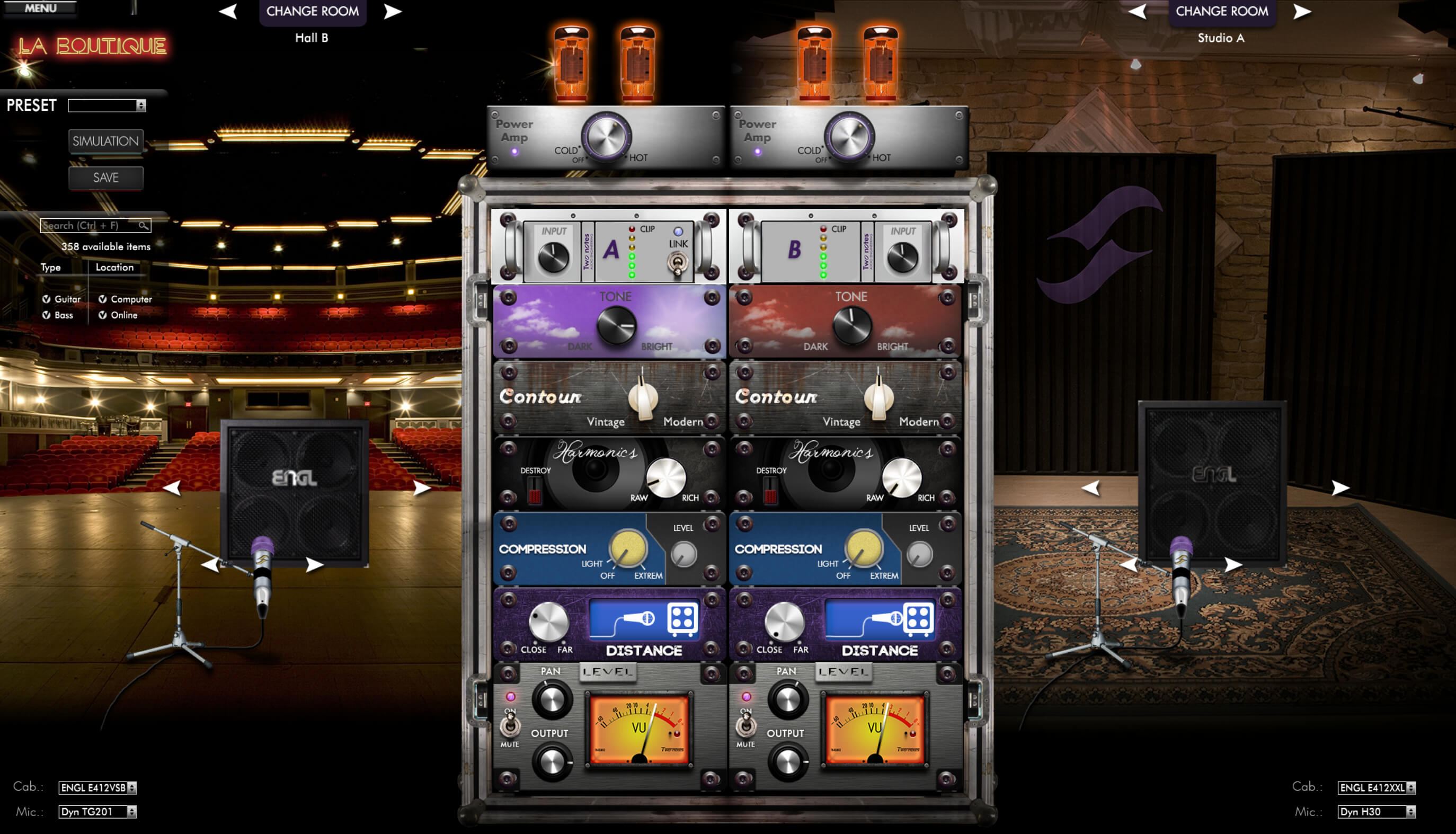
Mixing Guitar & Bass Simplified: Arcade Mode
Find your tone, quickly and easily: A familiar and comfortable layout allowing you to dial in incredible studio-grade tones within seconds. The most important controls are presented to you for an intuitive editing session. Sometimes, the simplest way is the most effective.
Deep Dive: Simulation Mode
The power user’s paradise: In simulation mode everything you could ever want is here - every control, every parameter in logical, studio-centric style. You have found a new favorite rabbit hole to fall into.
10 DynIR Cabinets Included
For immediate creative potential, Wall of Sound Plugin Boutique Edition comes with 10 primo DynIR cabinets inspired by a roster of must-have enclosures from the likes of Fender®, Vox®, Engl®, Mesa Engineering®, Marshall®, Ampeg® and more. Add to this a choice of 80 microphones - and an exquisite driver line-up - and the match is well and truly set for virtually any mixing or live performance scenario.
Expand Your Tone
Need more cabinets? With Torpedo Wall of Sound, experience direct access to over 600 guitar and bass speaker cabinets from Mesa/Boogie®, Celestion®, Victory Amplification®, ENGL® and many more. With full facilities to demo every cab in our collection, realising the tone in your head or finding your signature sound couldn’t be simpler.
Features
- Industry Standard Audio Plugin for virtual miking, power amp simulation and studio-grade post effects
- Powered by Two notes DynIR Technology: Hyper-realistic Electric Guitar and Bass Virtual Cabinets with
- 8 microphones, multiple rooms and complete control over mic positioning
- 10 expertly captured DynIR Virtual Cabinets included for immediate creative potential from the get go
- Expand your DynIR collection with over 600 guitar and bass speaker cabinets from Mesa/Boogie®,
- Celestion®, Victory Amplification®, ENGL®, Dave Friedman, Pete Thorn, Steve Stevens and many more
- Stack up to 20 stereo DynIR Cabinet channels
- Harness a comprehensive selection of studio-grade effects & processors specifically tailored for shaping guitar tones
- Find your tone quickly and easily in Arcade Mode; use Simulation Mode to fine tune and tweak your tone to perfection
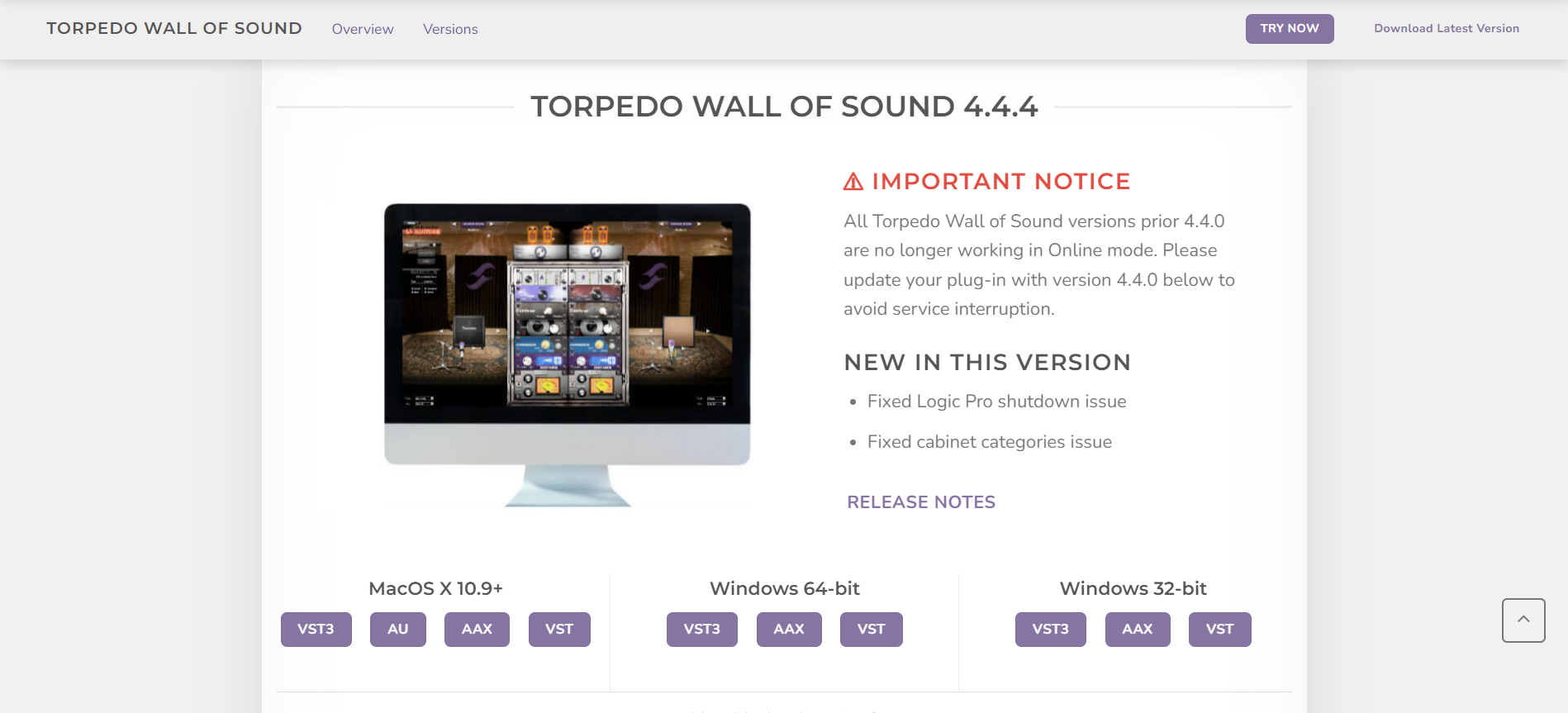
- Available for MacOS X & Windows (64- and 32-bit) operating systems in VST3, AU, AAX & VST format
System Requirements
Mac
- OSX 10.9 and later
- M1 compatible via Rosetta
- VST3, AU, AAX, VST
Windows
- Windows 10 and later
- 32- and 64-bit compatible
- AAX, VST3, VST