


Buy MMicSim, get a free gift with purchase:
Transform Your Mic Instantly
MMicSim is the ultimate microphone simulator, designed to turn the equipment you own into the gear you dream of. By converting the signal from your existing microphone into the sonic signature of high-end studio classics, MMicSim expands your recording possibilities without breaking the bank. Simply select your current model from the "Your Mic" list, choose a target from the "Desired Mic" list, and experience an immediate, authentic transformation.
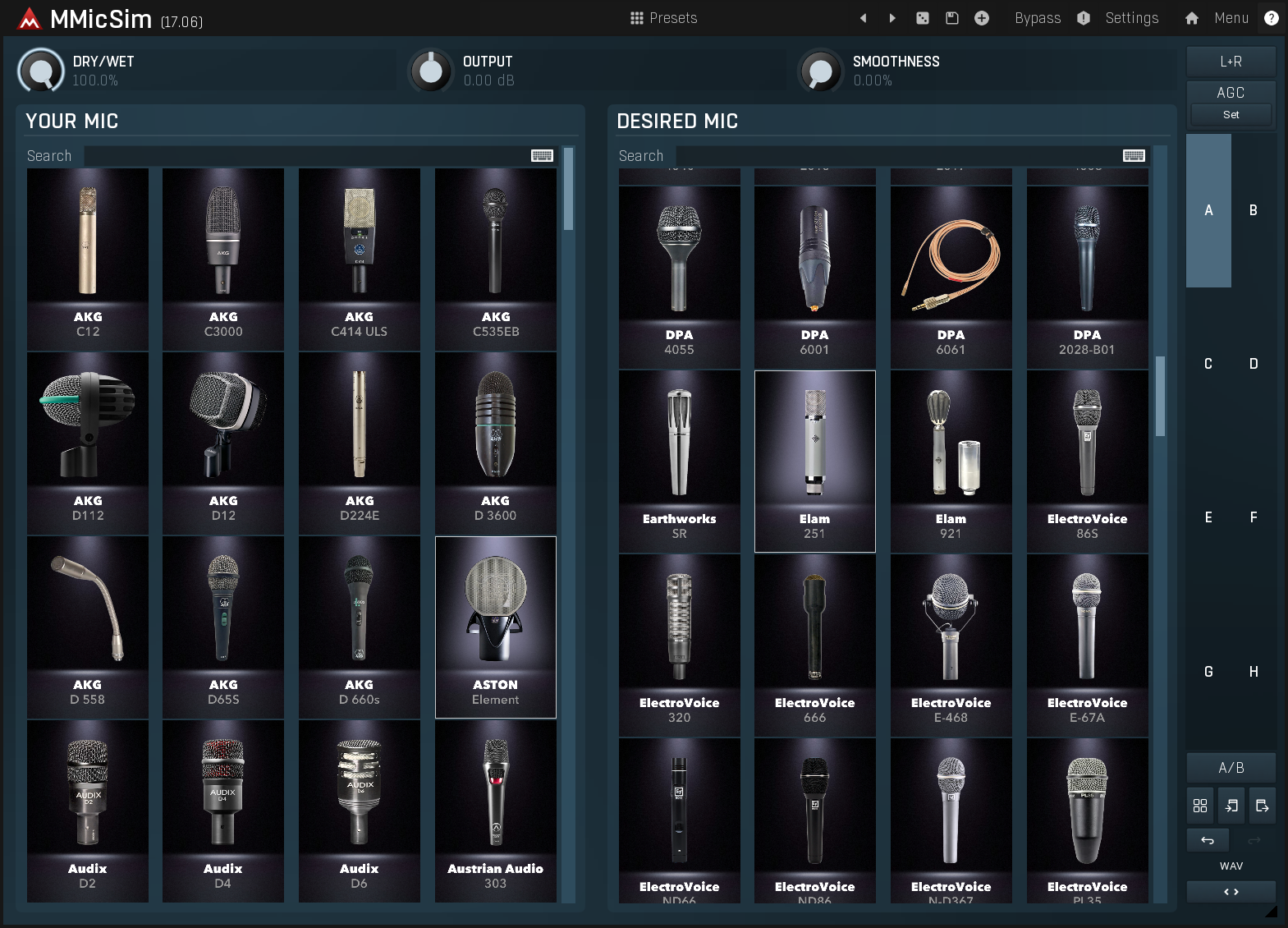
Precision Analysis in Anechoic Conditions
To ensure the highest fidelity, every microphone in the database was analysed in a professional anechoic chamber using a custom multi-dynamic sweep. This rigorous scientific approach captures exactly how the microphone reacts to different dynamics and frequencies, completely isolating the mic from room reflections. The result is a simulation that feels alive and responsive, untainted by the imperfections of standard testing environments.
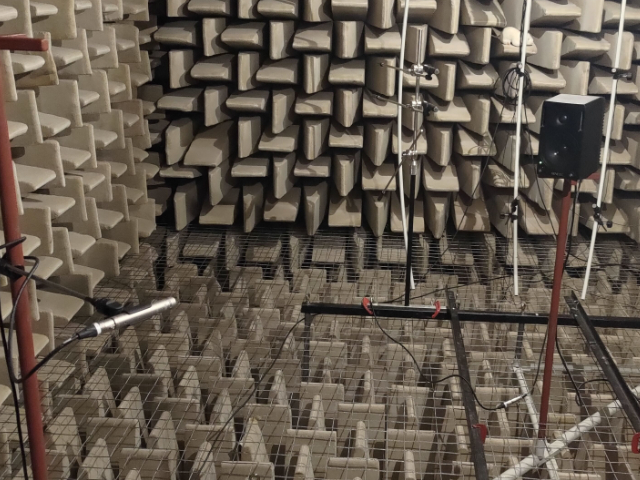
Streamlined Workflow & Control
MeldaProduction believe advanced audio science should be accessible to everyone. MMicSim features a straightforward interface designed for speed: pick your source, select your target, and you are done. For those who want to dig deeper, the Smoothness control allows you to iron out spectral inaccuracies and acoustic resonances (20% is the sweet spot!), while the unique Dry/Wet knob adjusts the intensity of the core algorithm itself, giving you precise control over how much "character" you inject into your signal.
A Huge Mic Collection
Why settle for one sound when you can have them all? MMicSim comes loaded with a massive library of over 100 microphones, ranging from industry-standard workhorses to rare vintage gems such as Telefunken ELA M251 or Neumann M49b. MeldaProduction are committed to constantly expanding this database, meaning your sonic palette will continue to grow over time. If you have a specific mic you'd like to see analysed, let the MeldaProduction team know—they are always looking to add to the collection.
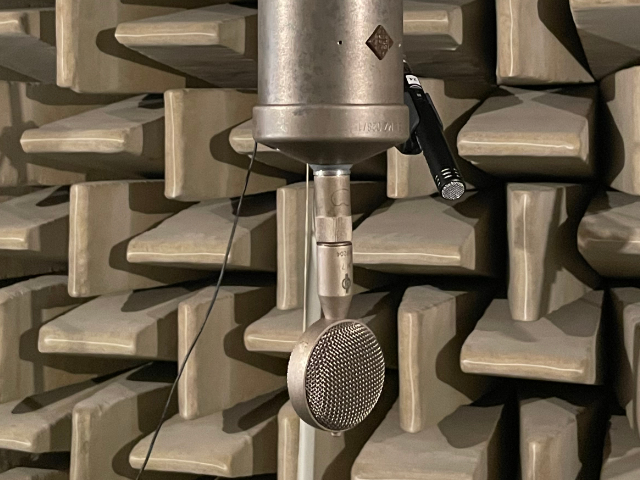
Where to Use
MMicSim is a versatile studio problem-solver. While it shines on vocals—instantly giving a rugged dynamic mic the airy detail of a premium tube condenser—it is equally powerful on instruments. Use it to virtually "re-mic" drum sessions to completely change the character of a snare or kick without having to trigger samples, or sculpt the perfect tone for guitar amps by auditing different industry-standard ribbons and dynamics on your cabinet. Whether you are correcting a recording mistake or creatively exploring new textures, MMicSim adapts to any source.

Windows
- Windows 10 / 11 (64-bit)
- VST / VST3 / AAX compatible hosts (64-bit)
- Intel/AMD processor with SSE2 support
macOS
- from macOS 10.14 Mojave and newer (64-bit)
- VST / VST3 / AU / AAX compatible hosts (64-bit)
- Intel/AMD/Apple Silicon CPU
Please Note: MPowerSynth is used as an example.
Activation
1. Click download in your Plugin Boutique User Account or go to https://www.meldaproduction.com/downloads.
2. Download the relevant installer > Complete the installation process.
3. Go to https://www.meldaproduction.com/register/ > Fill out the requested details and click 'Create Account' > Skip to step 4 if you already have an account.

4. Open the MPluginManager > Click 'Sign in' in the top right corner.

5. Enter your MeldaProduction details > Click 'Ok'.

6. Navigate to the 'LICENCES & ACTIVATION' tab > Click 'Redeem serial code from a reseller'.

7. Enter the serial found in your Plugin Boutique User Account > Click 'Ok'.

8. Navigate back to the 'PLUGINS' tab, locate your plugin and click on it > Once highlighted, click 'INSTALL / CHANGE' to install the plugin.

Your plugin is now activated and ready to be used within your DAW!



