/ Stereo Width / Magic Stereo
Singomakers

Magic Stereo

4.5 (455 Reviews)
$15.60 $39.00

60% off until Dec 31

Magic Stereo - User Interface
Magic Stereo Video Demonstration by Re-Zone gallery thumbnail
Magic Stereo (used by Hardwell, W&W, Dannic and more) gallery thumbnail
Review: Magic Stereo by Singomakers gallery thumbnail
Buy Now
Product information

Best-selling Sound Design label Singomakers and REZONE (artist of Ultra Music, Mixmash, Big & Dirty, Skint, Toolroom) are very proud to present their first VST/AU plugin Magic Stereo.

Expand the stereo image of elements in your track with this professional stereo imaging tool. With it's simple intuitive controls Magic Stereo offers wide to super wide spatial widening without losing anything within the mono signal.

Presets designed for Bass, Leads and Drums offer instant results but these can be easily tailored to get the perfect width to your sound. Check out the audio demos in the player above and give the free demo trial a go.

Already championed by A-list producers including Hardwell, W&W, Dannic, Swanky Tunes, Joachim Garraud, Futuristic Polar Bears, D.O.D, Arston, Maddix, Paris & Simo, Patrick Hagenaar and a lot more! Magic Stereo is a fine and affordable addition to your plugin collection.

System Requirements

Mac

  • OS X 10.11 and later
  • Apple Silicon Macs supported via Rosetta

Formats:

  • Audio Units (AU)
  • VST

Windows

  • Windows 7 and later

Format:

  • VST
Testimonials

Hardwell

"Using it".

Futuristic Polar Bears

"Love Magic Stereo and have been using it on all our new tracks - Awesome piece of kit!!"

Dannic

"It's amazing. It really works without phasing. Hardwell uses it too now."

Installation Instructions

Mac

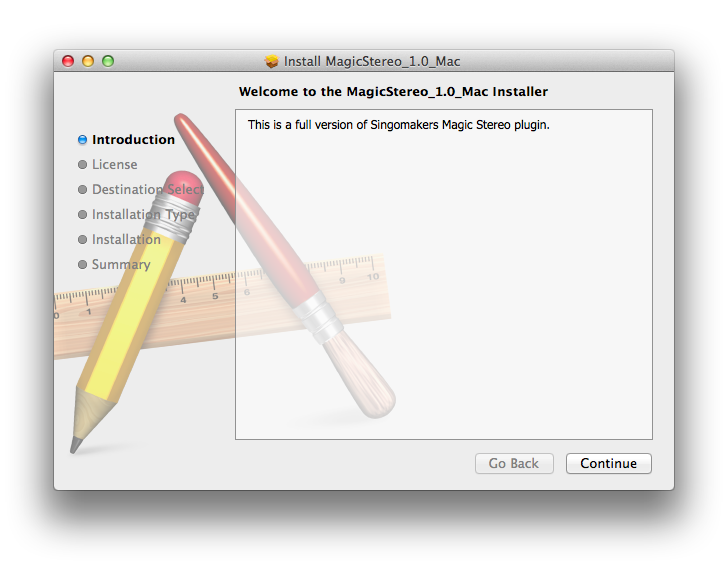
1. Download the .zip folder from your User Account and double-click it to open and reveal the installer file.

2. Double-click the extracted software file to begin the installation process > click ‘Continue’.

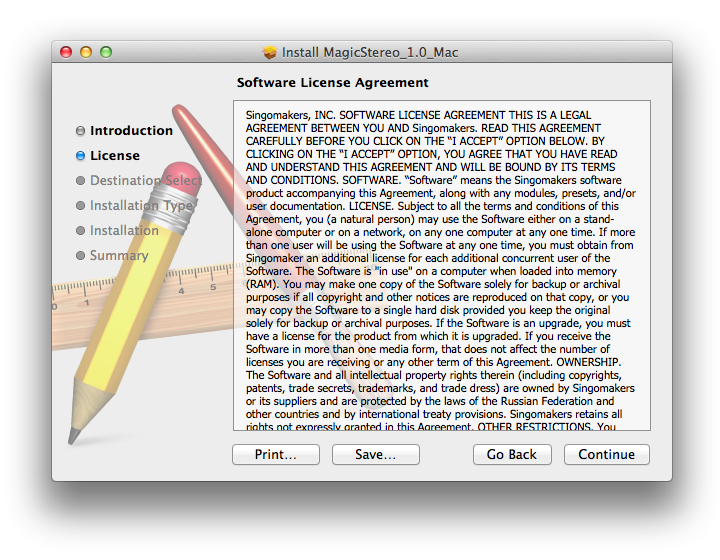
3. Read the Software License Agreement > click ‘Continue’.

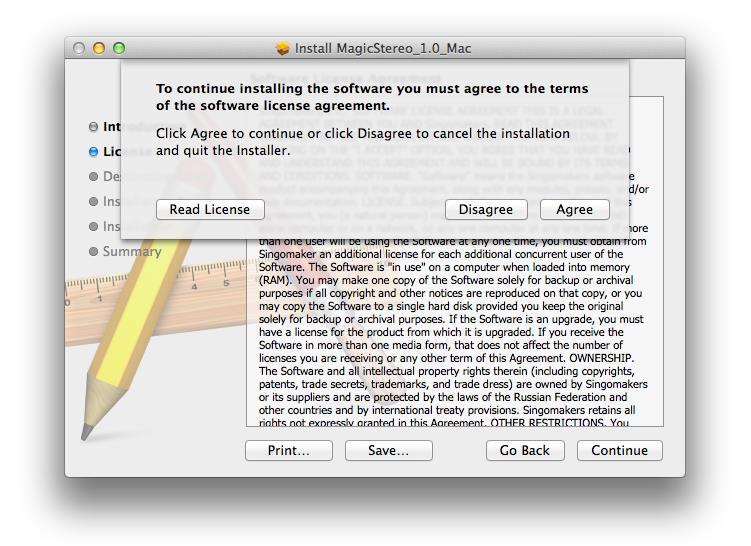
4. Click ‘Agree’.

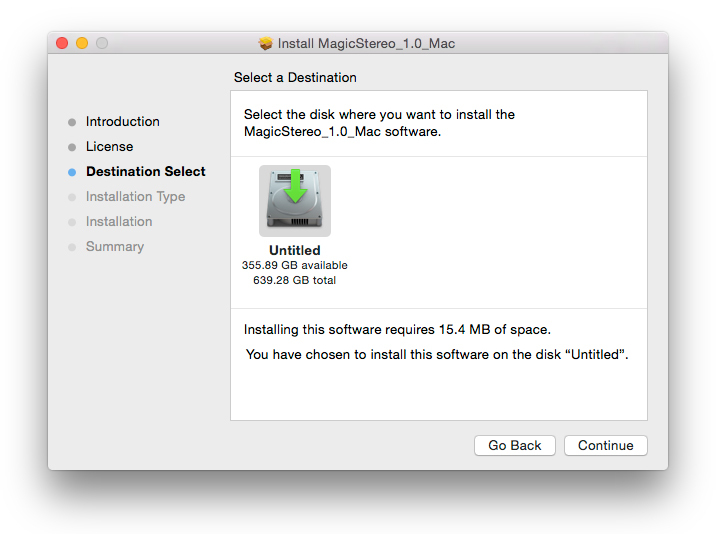
5. Review the installation and click ‘Install’.

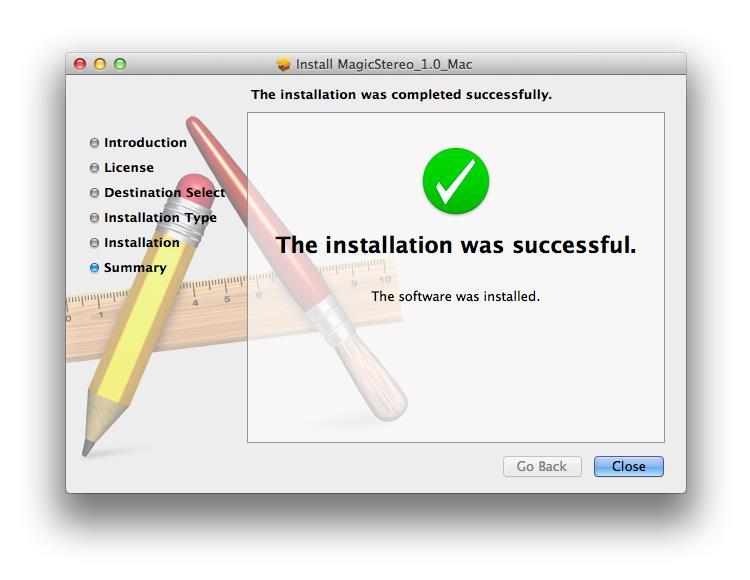
6. The installation of your software has successfully completed > click ‘Close’.

7. Locate and open the software within your DAW.

Note: Restart your DAW, and rescan the plug-in selection to show the new installation (in the event it fails to appear).

The Software is now Ready for Use Within Your DAW!

Windows

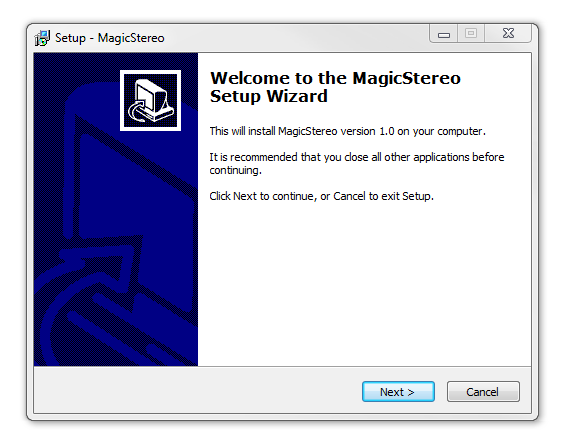
1. Download the .zip folder from your User Account and double-click it to open and reveal the installer files.

2. Double-click the relevant extracted .exe (32 or 64-bit) file to begin the installation process > click ‘Next’.

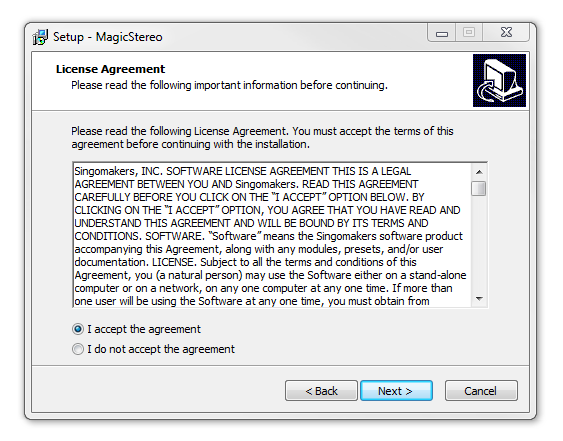
3. Read through the license agreement and click ‘I accept the agreement’ > click ‘Next’. 

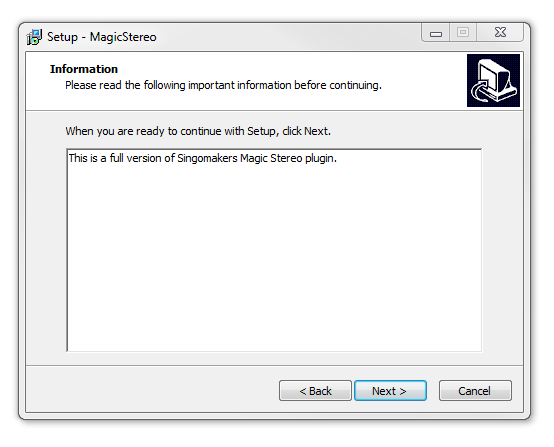
4. Read through the information > click ‘Next’.

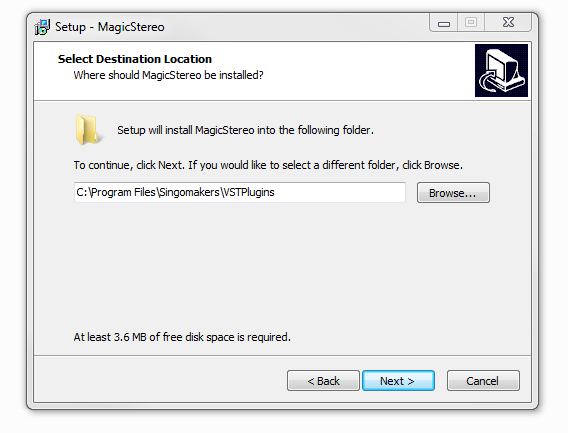
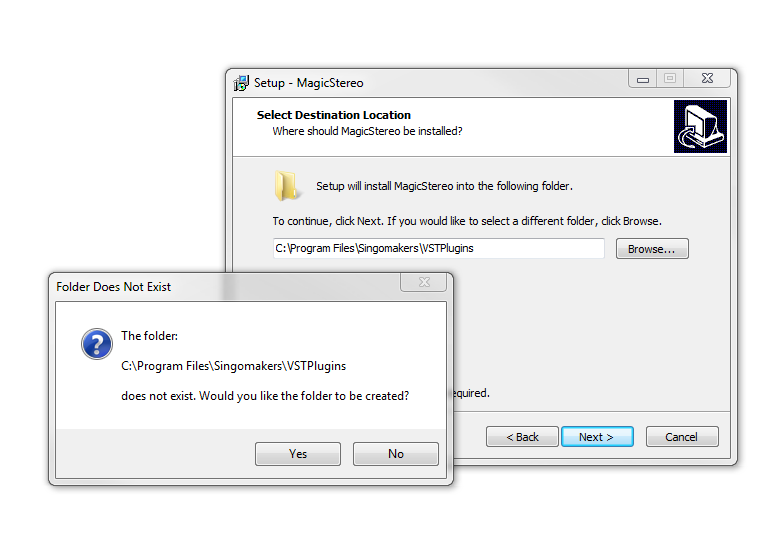
64-Bit Installation:

  • Choose and confirm the plug-in (64-Bit VST) directory in which to save your software to > click ‘Next’.

  • Select ‘Yes’ if prompted with the window below.

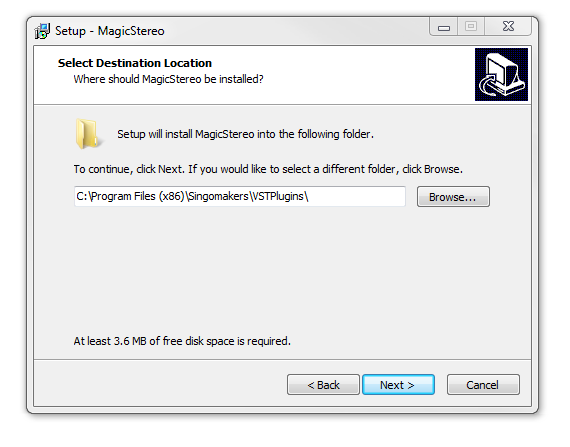
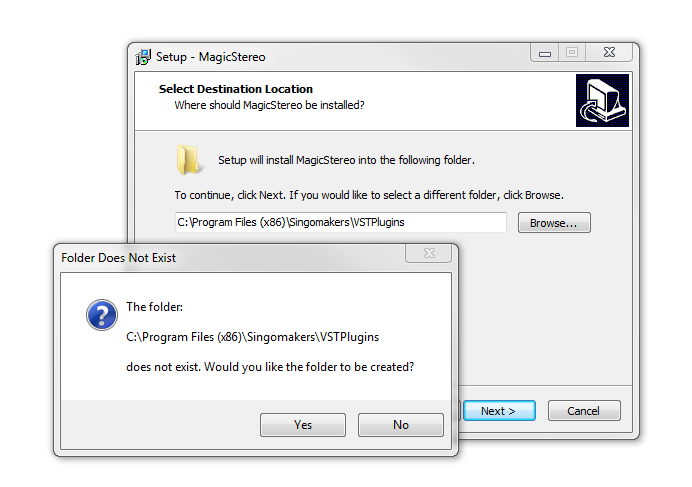
32-Bit Installation:

  • Choose and confirm the plug-in (32-Bit VST) directory in which to save your software to > click ‘Next’.

  • Select ‘Yes’ if prompted with the window below.

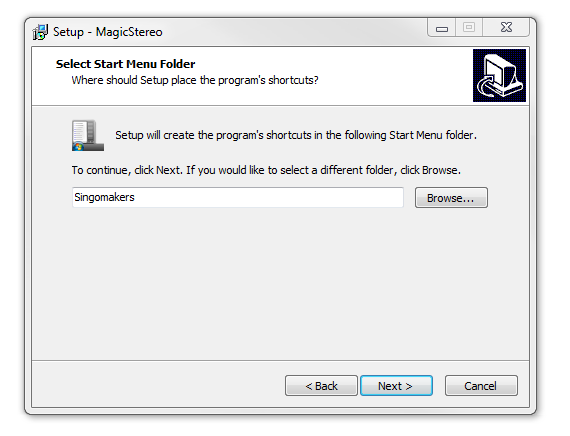
5. Create/select a folder in which to setup a shortcut path for your new installation.

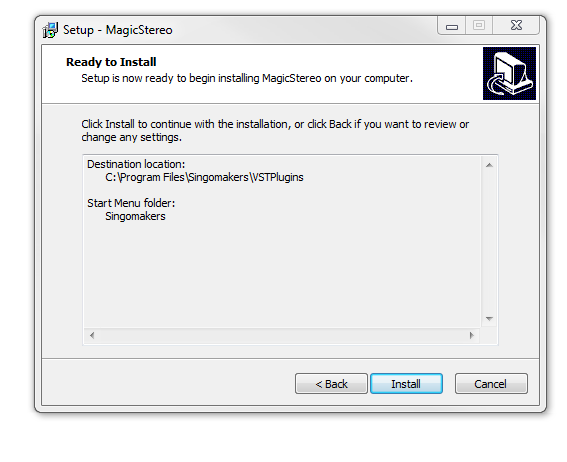
6. Review the installation and click ‘Install’.

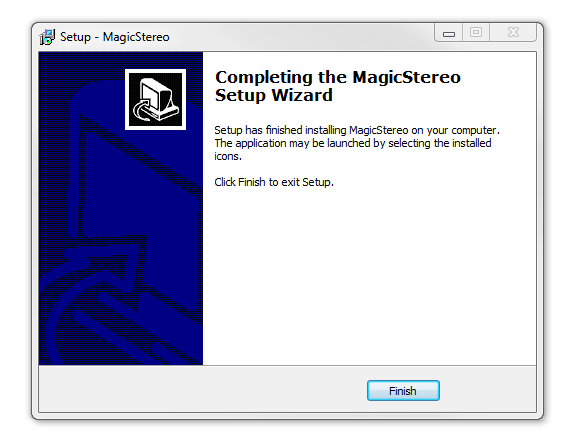
7. The installation of the software has successfully completed > click ‘Finish’.

8. Locate and open the software within your DAW.

Note: Restart your DAW, and rescan the plug-in selection to show the new installation (in the event it fails to appear).

The Software is now Ready for Use Within Your DAW!

Bundle & Save

Singomakers Plugin Bundle
$51.60
$129.00 (60% off)

Plugin Boutique Rewards

Discover the most rewarding loyalty programme among all plugin retailers.

  • Free Loopmasters Samplepacks
  • Discounts on products and courses
  • Extra Virtual Cash claimed immediately at checkout
Find out more

Follow us:

X (Twitter) Facebook YouTube Instagram
Logo Logo

Plugin Boutique Limited, Part of the Beatport Group LLC.

Copyright © 2011-2025 Plugin Boutique. All rights reserved