


 Log In

Free gifts available with your purchase
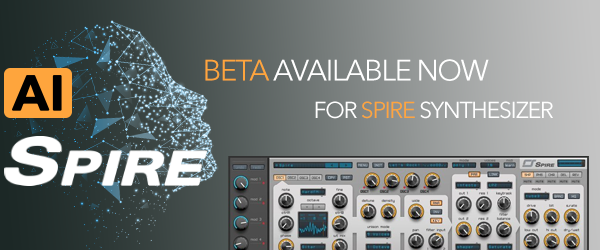
Introducing RS AI, a new addition to Spire that enhances your sound creation process. This neural network generates presets in just a few clicks, allowing you to easily explore a variety of sounds. Choose a timbre, click submit, and RS AI will create unique presets in minutes. Simple and fast, RS AI brings new creative possibilities to your music production.

Analog / Digital Superiority
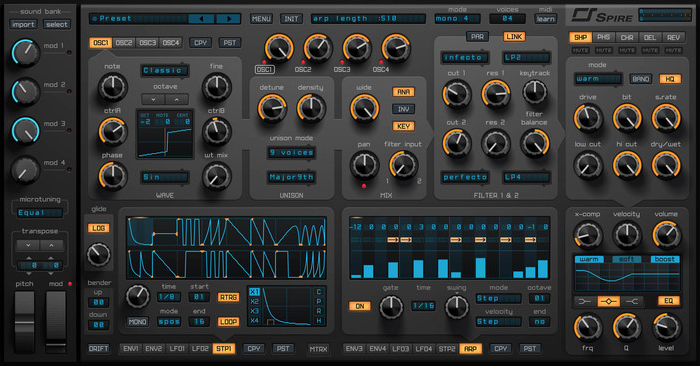
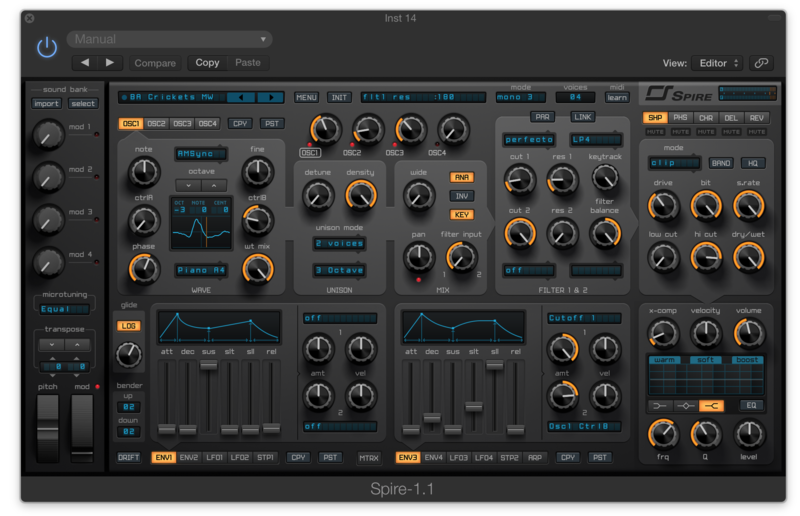
Spire is a polyphonic software synthesizer that combines powerful sound engine modulation and flexible architecture, and a graphical interface provides unparalleled usability. Spire is the embodiment of the best opportunities, within software and hardware synthesizers.
Versatile Oscillators
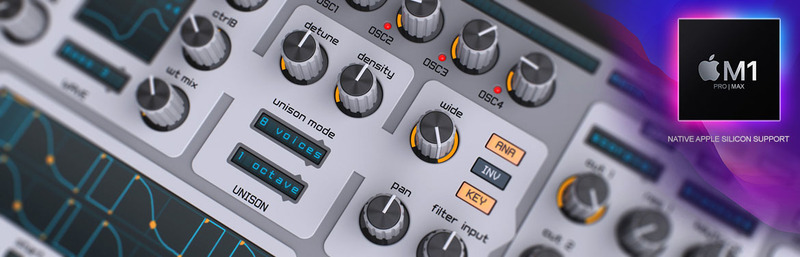
- 4x multimode polymorphing oscillators
- Classic, Noise, FM, AMSync, SawPWM, HardFM, Vowel
Unique Unison Engine
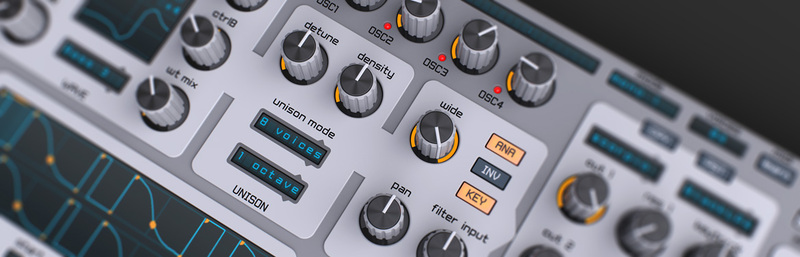
- 9x unison voices on each oscillator
- Spread unison voices by chords and octaves
- Capable of imitating different types of unisons like supersaw, hypersaw
Superb Sounding Filters
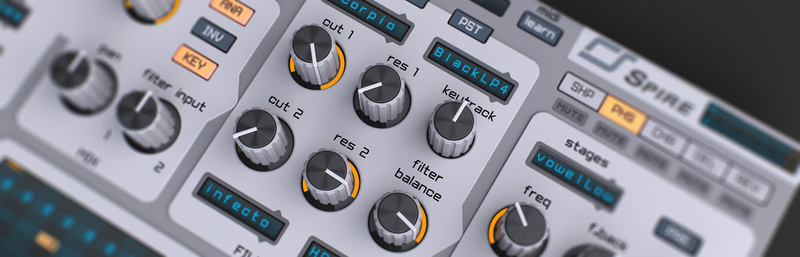
- 2x multimode filters with analogue and digital types of filtering
- Perfecto, Infecto, Acido, Scorpio, Combo, Shaper
High-Quality Built-In FX Processor
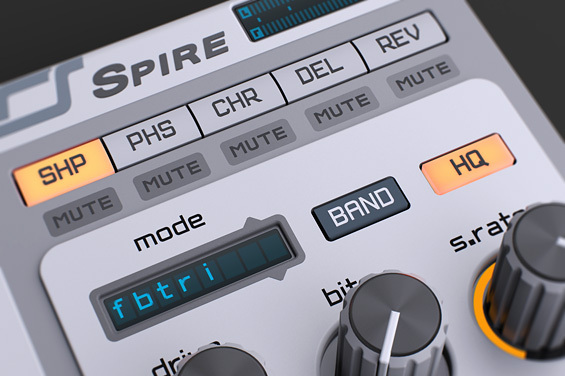
- Shaper / Decimator
- Phaser / Vowel
- Chorus / Flanger
- Delay
- Reverb
Incredibly Flexible Modulation Architecture
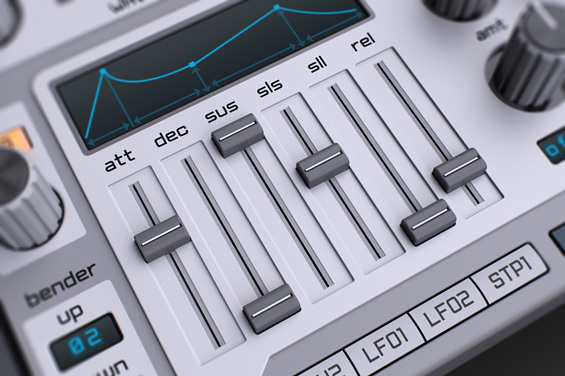
4x Macros, 4x Envelopes, 4x LFOs with morphing shapes,
15x Matrix slots each equipped with 2x sources and 4x targets
2x Steppers, Arpeggiator
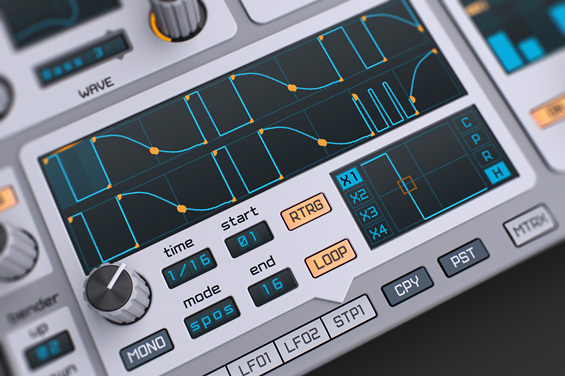
Surprisingly user-friendly and fun to use!
Make Your Sounds Fatter

X-Comp (Multiband Compressor) and 3-band EQ
Stunning Presets
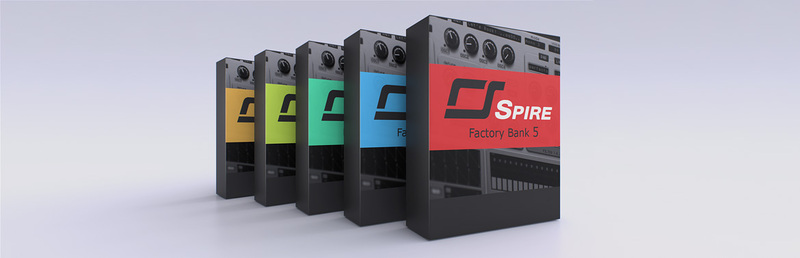
Over 1000 factory presets including complex arpeggios and bass sequences, a versatile assortment of leads, exhilarating pads, plucks, drums and FXs
Looks Great on Retina Devices - UI Scaling 100%, 150%, 200% for Greater Comfort
Themes
Original Theme
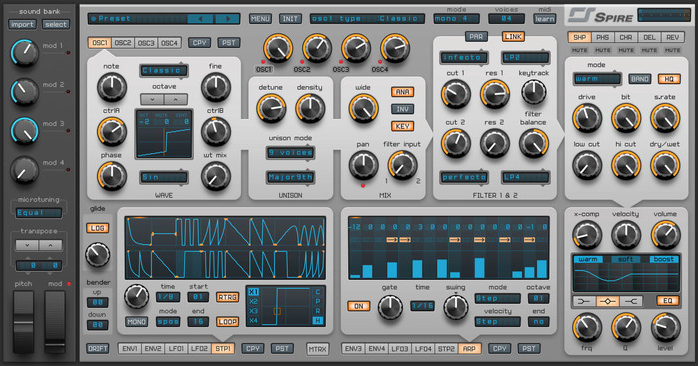
Legacy Theme
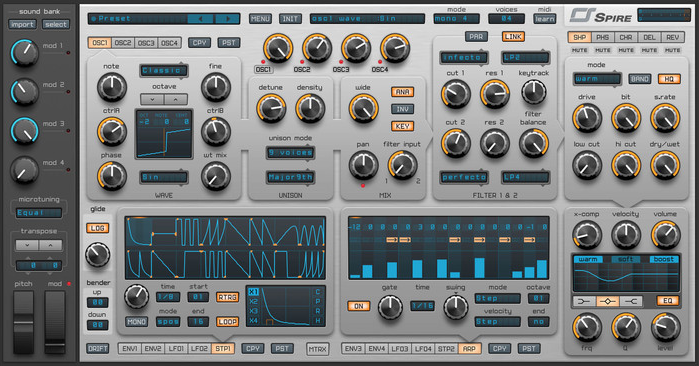
Light Grey Theme
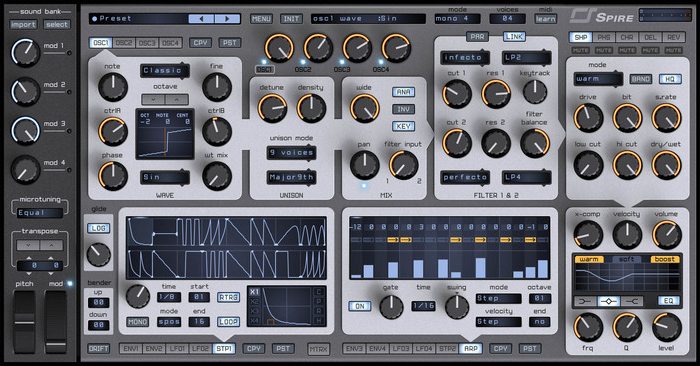
Navy Grey Theme
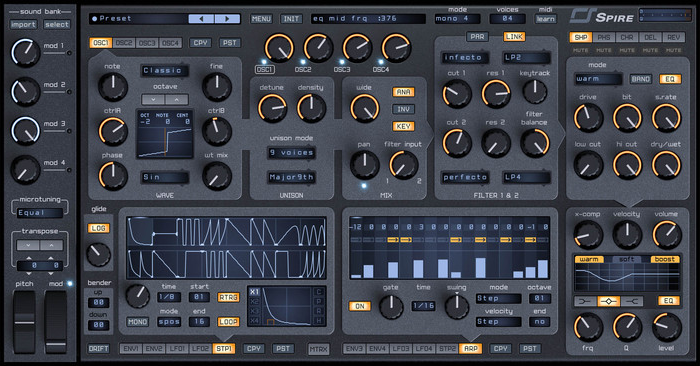
Dark Theme
Mac
- macOS 10.8 or higher required (Intel / M1 Apple Silicon supported) (64-bit only)
- Modern Intel, M1 or AMD processors required
- AU, VST, AAX
Please Note: AAX format is only compatible up to macOS 10.15 Catalina.
PC
- Windows 7 - Windows 11 (32 / 64-bit)
- Modern Intel or AMD processors required
- VST, AAX
Compatible host software (DAW):
- Ableton Live
- Bitwig
- Cubase
- Logic Pro
- Pro Tools
- Reaper
- Studio One
Please Note: Reveal Sound recommends using the 64-bit version of Spire (a 32-bit version is also provided for Windows systems).



Reviews Summary
While it aims to provide a helpful overview, it may not capture every perspective or detail. We encourage you to read individual reviews to make an informed decision.
Users overwhelmingly praise Spire as a versatile, powerful, and intuitive synthesizer plugin that serves as a go-to workhorse for electronic music, EDM, and trance production. Reviewers consistently highlight its exceptional sound quality for plucks, punchy leads, aggressive basslines, and lush pads, complemented by warm filters and quality built-in effects. The workflow is frequently commended for being fast, easy to program, and light on CPU. While a few reviewers noted minor limitations in dynamic range or niche sound specificity compared to specialized synths like Diva or Avenger, the general consensus is that Spire is a timeless, high-value staple in modern sound design.


